How to Edit Instagram Reels on Canva
TL;DR
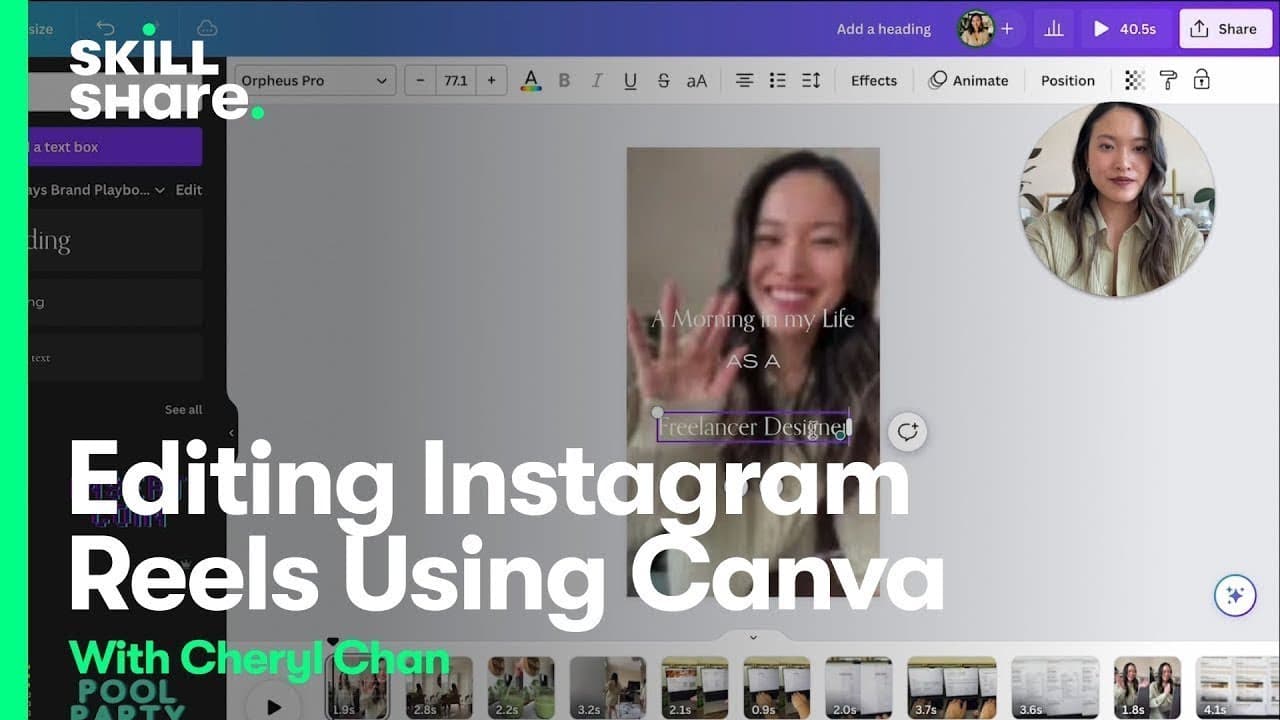
Learn how to easily edit videos using Canva's video editor and create engaging content for your business.
Transcript
hello hello I'm Cheryl here I run a brand and website design business and a YouTube channel called made on Sundays there is no denying that creating video content has become one of the most important ways for Freelancers and entrepreneurs to grow Their audience to Market their services and ultimately get booked out so in this class I really want to... Read More
Key Insights
- 🎯 Video content has become a crucial tool for freelancers and entrepreneurs to reach and engage their target audience.
- 🎮 Canva's video editor provides a user-friendly platform to simplify the video editing process for beginners.
- 🎮 Editing videos involves steps like uploading, arranging, trimming, and customizing footage, adding text and animations, and exporting the final video.
- 👀 Canva's editing features, such as text effects and animations, help create professional-looking videos that stand out on various platforms.
- 🎮 Personalizing videos with voiceovers, music, and unique branding elements can enhance engagement and attract potential clients.
- 🎮 Video editing involves balancing visual elements, such as positioning text and clips, to ensure the video's focus remains clear.
- 🫵 Canva's video editor offers flexibility in adjusting audio levels and adding background music to create a more immersive viewing experience.
Install to Summarize YouTube Videos and Get Transcripts
Explore YouTube Video Summarizer or Get YouTube Transcript Extractor
Questions & Answers
Q: Why is video content important for freelancers and entrepreneurs?
Video content is essential for attracting and engaging audiences, promoting services, and increasing bookings. It allows for a more personal and visually appealing way to showcase work and connect with potential clients.
Q: How does Canva's video editor simplify the editing process?
Canva's video editor provides an intuitive interface with easy-to-use features. Users can upload footage, add voiceover and music, trim and split clips, customize text and animations, and export the final video seamlessly.
Q: What are some key steps in editing a video using Canva?
The key steps include uploading all footage and audio, arranging clips in the desired sequence, adjusting volume levels, adding text and animations, and ensuring the video fits the desired platform's requirements.
Q: How can Canva's video editor help in creating professional-looking videos?
Canva offers a range of editing tools, including text effects, animations, and customization options for clips and audio. These features allow users to enhance the visual appeal and professionalism of their videos.
Summary & Key Takeaways
-
Cheryl, a freelancer and entrepreneur, discusses the importance of video content for growing an audience and marketing services.
-
She demonstrates how to use Canva's video editor to edit an Instagram reel, starting with uploading footage and adding voiceover and music.
-
Cheryl shares her editing process, including trimming and customizing clips, adding text and animations, and exporting the final video.
Read in Other Languages (beta)
Share This Summary 📚
Summarize YouTube Videos and Get Video Transcripts with 1-Click
Try YouTube Summary with ChatGPT & Claude or YouTube Transcript Generator
Explore More Summaries from Skillshare 📚





Summarize YouTube Videos and Get Video Transcripts with 1-Click
Try YouTube Summary with ChatGPT & Claude or YouTube Transcript Generator