BEST iPhone Tricks For Older iPhones! (iOS 13 / iOS 12)
TL;DR
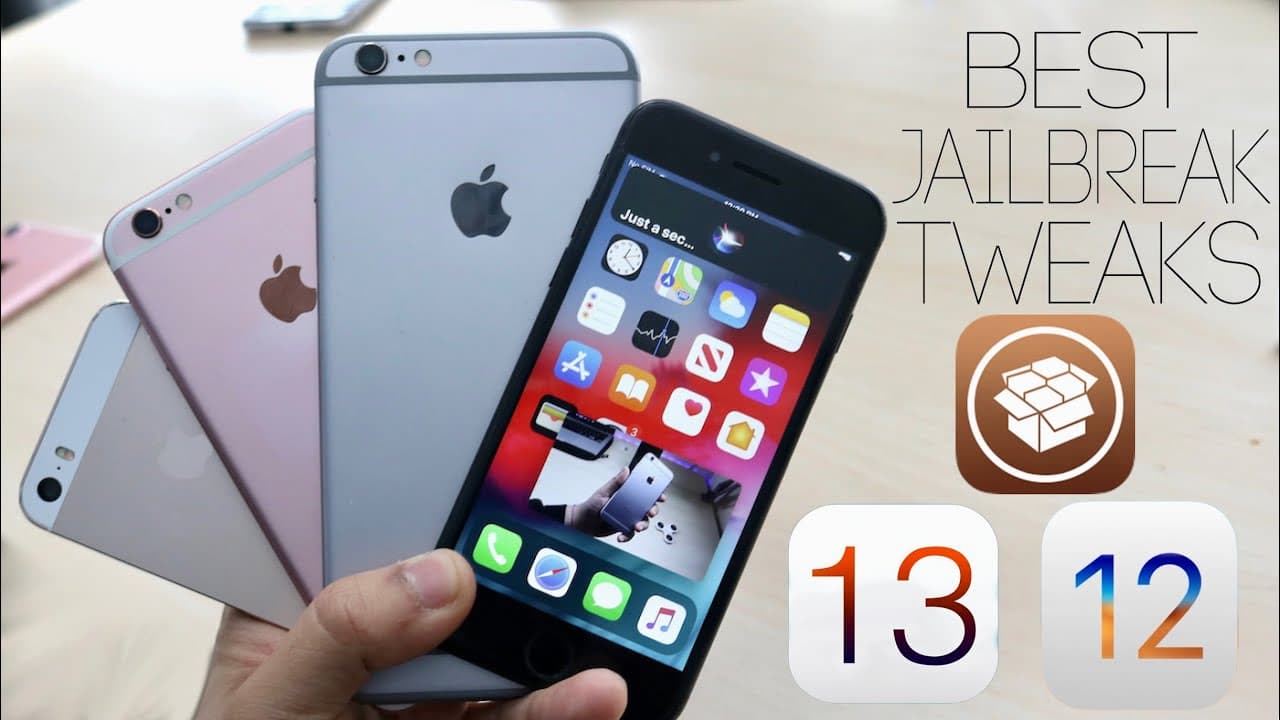
A new jailbreak offers exciting tweaks for older iPhones, enhancing user experience with new features.
Transcript
what's up everyone welcome back to the channel so yesterday a jailbreak came out actually two days ago jailbreak came out called check-rein crazy crazy cool jailbreak a lot of devices were supported including the older ones and yesterday I did a video talking about most of them awesome job Rick tweets that a lot of people already know but those are... Read More
Key Insights
- 🥶 Checkra1n jailbreak revitalizes older devices by offering modern features and tweaks typically reserved for newer models.
- 🥶 The jailbreak community continues to thrive, with developers creating useful tweaks that enhance the functionality of older devices.
- 🤟 Significant tweaks such as Gestures 13, which mimics newer gestures, and Camera Mode 10 provide a more contemporary user experience.
- 🥶 Multitasking features like Force in Picture elevate the usability of older iPhones, making them feel more relevant in a rapidly advancing tech landscape.
- 🥶 The lineage of older iPhones is preserved through the ability to customize with jailbreak tweaks, allowing users to prolong the lifespan of their devices.
- 🥺 Enhancements provided by these tweaks lead to the perception that jailbroken devices can outperform stock flagship models in various functionalities.
- 💀 The flexibility of customization available through jailbreaks keeps the community vibrant and engaged, contrary to opinions that suggest jailbreaking is dead.
Install to Summarize YouTube Videos and Get Transcripts
Explore YouTube Video Summarizer or Get YouTube Transcript Extractor
Questions & Answers
Q: What is the Checkra1n jailbreak, and which devices does it support?
Checkra1n is a jailbreak tool released for various iPhone models, particularly supporting older devices like the iPhone 5s, 6, 7, and SE, but excluding newer models like the iPhone 11 Pro. It allows users to unlock their devices for customization and tweak installation, making their older devices feel like more modern counterparts.
Q: How does the Gestures 13 tweak enhance older iPhones?
Gestures 13 enables older iPhones, such as the iPhone 7, to use iPhone X and later swipe gestures for navigation. This tweak mimics the newer iPhone functionalities, allowing users to swipe for multitasking or notifications, thereby improving the overall user interface experience on older models.
Q: What features does Camera Mode 10 bring to older devices like the iPhone 7?
Camera Mode 10 allows older iPhones, such as the iPhone 7, to access a portrait mode effect, which was previously unavailable on these devices. Although the feature can be a bit finicky, it enhances photography capabilities by providing an appealing depth-of-field effect similar to that found on newer iPhone models.
Q: Why is the tweak "Force in Picture" considered significant for older iPhones?
The Force in Picture tweak allows users to watch videos while multitasking on their older iPhones, such as the iPhone 7. This feature enhances usability by enabling video streaming in a smaller window, resembling a feature typically available on iPads and Macs, thereby improving the device's functionality significantly.
Q: How does the Modern Dock tweak enhance the home screen experience?
The Modern Dock tweak transforms the dock layout on older iPhones to resemble more modern iPhone designs, similar to those found on iPhone X and later. This aesthetic enhancement not only modernizes the look but also improves the usability of the dock, making it more visually appealing and functional.
Q: What is the purpose of Real CC, and how does it benefit battery life?
Real CC restores full toggles for essential functions like Wi-Fi and Bluetooth in the Control Center, allowing users to disable these features completely. This can help save battery life on older devices, as users can turn off functionalities without navigating through multiple menus, promoting better energy management.
Summary & Key Takeaways
-
The recent Checkra1n jailbreak supports many older iPhones, including models like the iPhone 5s to iPhone 7, providing access to various tweaks.
-
Users can enjoy new functionalities such as iPhone X gestures, portrait mode for older camera models, and enhanced multitasking features like picture-in-picture.
-
Several jailbreak tweaks discussed include Camera Mode 10, Modern Dock, and Force in Picture, making older devices more efficient and user-friendly.
Read in Other Languages (beta)
Share This Summary 📚
Summarize YouTube Videos and Get Video Transcripts with 1-Click
Try YouTube Summary with ChatGPT & Claude or YouTube Transcript Generator
Explore More Summaries from Simple Alpaca 📚






Summarize YouTube Videos and Get Video Transcripts with 1-Click
Try YouTube Summary with ChatGPT & Claude or YouTube Transcript Generator