How to Use Raw Depth Data for 3D Point Clouds
TL;DR
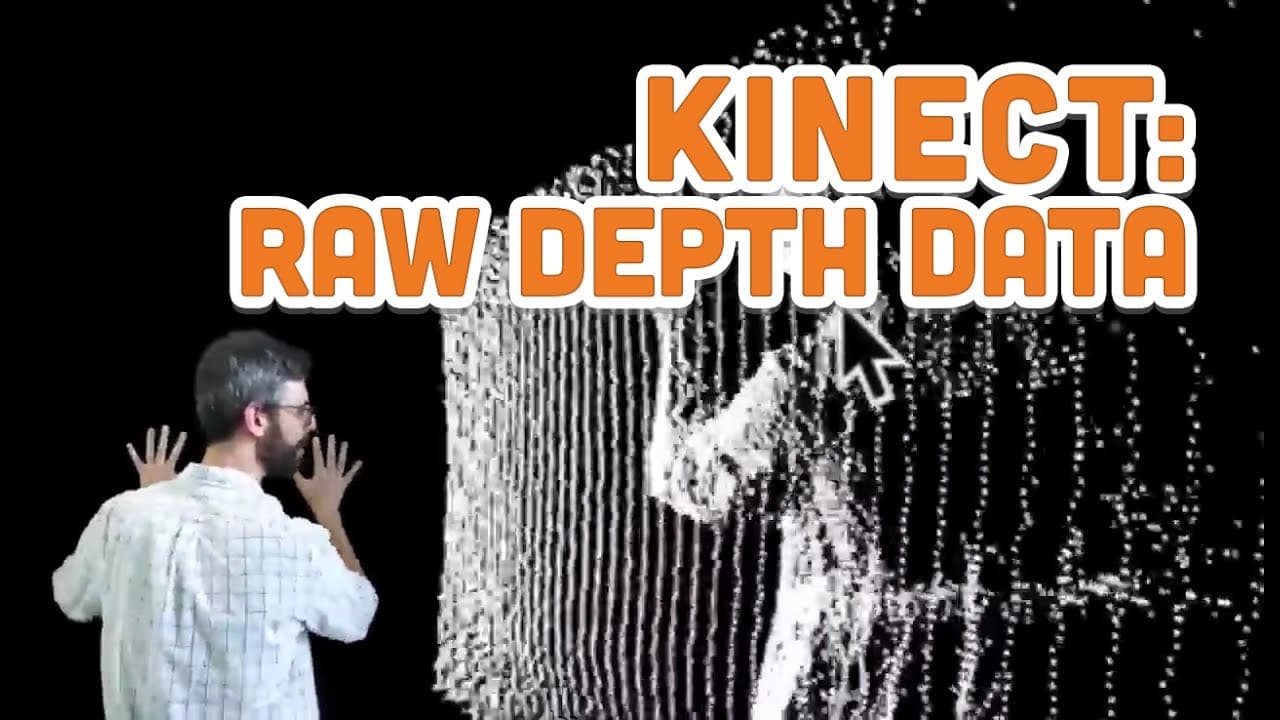
Raw depth data from the Kinect can be utilized to create 3D point clouds by mapping depth values into physical space. By applying minimum and maximum thresholds, you can filter specific objects, enhancing visualization and interaction. This technique is essential for projects involving gesture recognition or 3D modeling.
Transcript
hello in this video I plan and hope and I'm excited to look at the raw depth data meaning not the depth image not the depth values converted to a grayscale image but actually the raw depth data that's coming out of the Kinect itself so again with the version to connect you're getting numbers between 0 and 4500 with the version 1 Kinect you're getti... Read More
Key Insights
- 💁 Raw depth data provides precise information about the distance between objects and the Kinect.
- 😶🌫️ Converting raw depth data into a point cloud enables the creation of a 3D model of the captured space.
- 👻 Manipulating raw depth data through threshold values allows for the visualization of specific objects or areas.
- 🤗 The use of raw depth data opens up possibilities for various applications, such as gesture recognition or object tracking.
- 🍓 Understanding the hardware calibration parameters of the Kinect is crucial for accurately converting raw depth values into physical measurements.
- 🤟 Raw depth data can be utilized to track body movements and gestures, providing opportunities for interactive installations or virtual reality experiences.
- 👻 Calibrating minimum and maximum threshold values allows for the filtering of unwanted objects or areas in the raw depth data.
Install to Summarize YouTube Videos and Get Transcripts
Explore YouTube Video Summarizer or Get YouTube Transcript Extractor
Questions & Answers
Q: What is raw depth data from the Kinect?
Raw depth data refers to the numerical values that represent the distance between the Kinect and objects in its view. It provides accurate spatial information about the physical 3D space.
Q: How can raw depth data be used to create a point cloud?
By mapping the raw depth data onto a 3D grid, each point corresponds to a specific location in the physical space captured by the Kinect. These points form a point cloud, enabling the creation of a 3D model of the environment.
Q: What is the key difference between pixel-based depth images and raw depth data?
Pixel-based depth images use a grayscale image to represent the depth information, while raw depth data is a numerical representation of the distance values. Raw depth data has a wider range of values and provides more accurate distance information.
Q: How can the raw depth data be manipulated to visualize specific objects or areas?
By applying threshold values to the raw depth data, it is possible to filter out specific distances and focus on certain objects or areas. This allows for the isolation and visualization of selected parts of the captured environment.
Summary & Key Takeaways
-
The video explores the raw depth data from the Kinect, which provides information about the distance between the Kinect and the objects in its field of view.
-
By converting the raw depth data into a point cloud, it becomes possible to visualize the physical 3D space captured by the Kinect.
-
The video demonstrates how to work with the raw depth data and manipulate it to create visualizations in a programming environment.
Read in Other Languages (beta)
Share This Summary 📚
Summarize YouTube Videos and Get Video Transcripts with 1-Click
Try YouTube Summary with ChatGPT & Claude or YouTube Transcript Generator
Explore More Summaries from The Coding Train 📚






Summarize YouTube Videos and Get Video Transcripts with 1-Click
Try YouTube Summary with ChatGPT & Claude or YouTube Transcript Generator