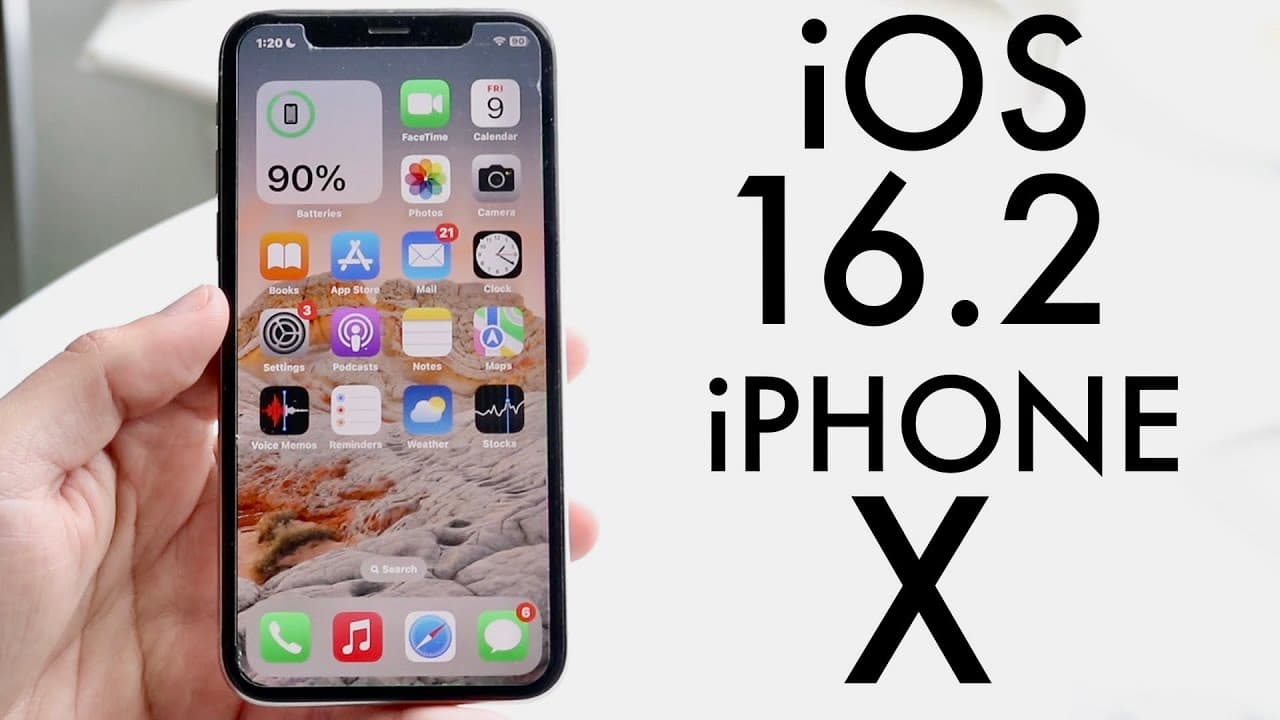
iOS 16.2 On iPhone X! (Review)
TL;DR
iOS 16.2 introduces new features and improvements, making it a worthy update.
Transcript
hello everyone iOS 16.2 has officially came out so let's go and take a look at it on the iPhone 10. now this update coming from at least the betas I was coming from is going to be a fairly big update so you can see for me 4.68 update for this one although that isn't even 100 accurate I will tell you though I've been rocking the betas on this one fo... Read More
Key Insights
- 👤 iOS 16.2 marks a substantial upgrade for iPhone 10 users, enhancing both functionality and user experience.
- 😀 The Freeform app embodies Apple's focus on collaboration and creativity, offering users a versatile tool for artistic expression.
- 👤 Privacy enhancements in iOS 16.2 showcase Apple's ongoing dedication to protecting user data from potential threats.
- 🤳 New customizable lock screen widgets provide users with immediate access to important health insights, encouraging better self-management.
- 💯 The introduction of live activities for sports scores via Apple TV promotes real-time engagement and entertainment directly on the device.
- 🥶 Users on older versions of iOS are strongly encouraged to back up their data before upgrading to iOS 16.2 for a stable experience.
- 🥶 The update's stable performance suggests that it is suitable for users wary of switching from older systems, particularly iOS 15.
Install to Summarize YouTube Videos and Get Transcripts
Explore YouTube Video Summarizer or Get YouTube Transcript Extractor
Questions & Answers
Q: What is the Freeform application introduced in iOS 16.2?
Freeform is a collaborative app designed for users to create and share a drawing canvas. It allows individuals to draw, jot down notes, and collaborate with others in real-time, making it particularly useful for brainstorming sessions or group projects. Its inclusion enriches the iPhone's suite of creative tools, enhancing productivity and creativity.
Q: How does end-to-end encryption work in the new iOS update?
End-to-end encryption ensures that only the sender and receiver of information can access the data, preventing unauthorized access from external sources. With iOS 16.2, services like iCloud, iMessage, and Notes now have enhanced encryption, safeguarding users' personal data against potential breaches. This update emphasizes Apple's commitment to user privacy and security.
Q: What enhancements have been made to the lock screen in iOS 16.2?
The iOS 16.2 update introduces two new customizable widgets for the lock screen: Medications and Sleep. These widgets allow users to quickly access vital health-related information directly from their lock screen, aiming to enhance user engagement and health tracking. This improvement makes the lock screen more functional and tailored to individual preferences.
Q: Has AirDrop been updated in iOS 16.2?
Yes, the AirDrop feature has seen a significant change in iOS 16.2, limiting the "Everyone" option to a period of 10 minutes. This adjustment aims to enhance security by preventing indefinite sharing options, thus reducing the risk of unwanted file transfers. Users can still share files, but they must do so within the specified time frame to maintain privacy.
Summary & Key Takeaways
-
iOS 16.2 enhances the iPhone experience with new applications like Freeform, which allows collaborative work and creativity.
-
The update includes advanced data protection for iCloud services, providing end-to-end encryption for enhanced user privacy and security.
-
Users can expect improvements to the lock screen, including customizable widgets and enhanced features for live sports activities presented through Apple TV.
Read in Other Languages (beta)
Share This Summary 📚
Summarize YouTube Videos and Get Video Transcripts with 1-Click
Try YouTube Summary with ChatGPT & Claude or YouTube Transcript Generator
Explore More Summaries from Simple Alpaca 📚






Summarize YouTube Videos and Get Video Transcripts with 1-Click
Try YouTube Summary with ChatGPT & Claude or YouTube Transcript Generator