5 Ai Tools that have saved me 100+ hours
TL;DR
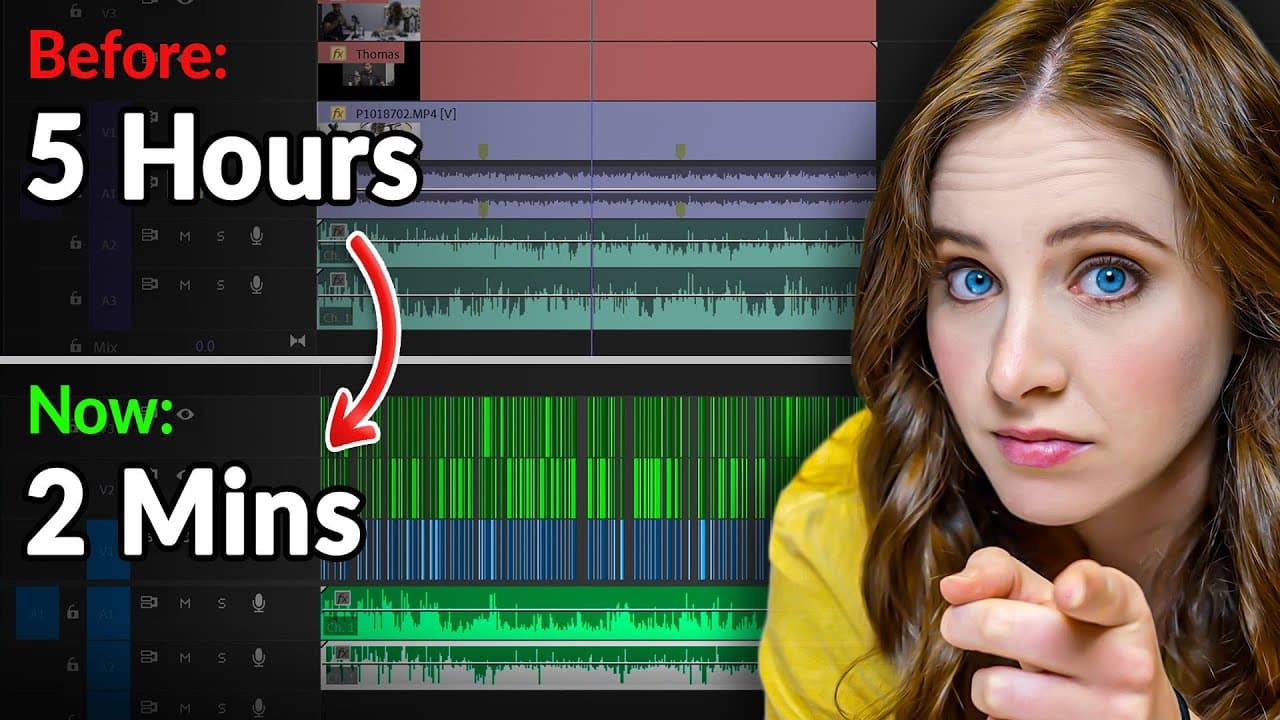
Learn how AI tools like DaVinci Resolve and Premiere are revolutionizing creative workflows, from automatic subtitles and text-based editing to efficient video editing and copywriting.
Transcript
this video is sponsored by Nvidia hello all Sarah Dietrich rhymes with peachy here over the past few months you've probably seen a lot of videos about how to get rich using AI text tests sound effect fire emojis and honestly um these videos have been very engaging fantastic video editing but it tends to leave you entertained but not exactly informe... Read More
Key Insights
- 🌉 AI tools like automatic subtitles and text-based editing are bridging the gap between non-technical creatives and professional video editors.
- ⌛ The integration of AI features within existing programs like DaVinci Resolve and Premiere saves time and improves efficiency in video editing workflows.
- ✊ AI-powered copywriting tools are enhancing the quality and speed of content creation for websites and marketing materials.
- 🚚 Nvidia's RTX 4070 GPU delivers exceptional performance for 3D rendering and gaming on portable devices.
Install to Summarize YouTube Videos and Get Transcripts
Explore YouTube Video Summarizer or Get YouTube Transcript Extractor
Questions & Answers
Q: How does AI improve video editing workflows?
AI-powered tools like automatic subtitles and text-based editing make video editing more efficient by saving time and allowing for easy navigation and cutting based on transcriptions.
Q: How does AI benefit non-technical creatives in video editing?
AI tools in programs like DaVinci Resolve and Premiere enable non-technical creatives to make a first cut using the text-based editing feature, which can then be handed over to a more technical video editor for fine-tuning and final editing.
Q: What are the advantages of using AI in copywriting?
AI tools like ChatGPT and Notion AI are changing the game for copywriting by generating content and ideas that can be easily edited and personalized by writers. This saves time and improves the quality of written copy.
Q: How is AI used in 3D rendering and gaming?
A dedicated Nvidia GPU, like the RTX 4070, is essential for 3D rendering on the go. AI-powered features like ray tracing enhance the realism of virtual worlds in gaming.
Summary & Key Takeaways
-
The video explores practical examples of how AI is used in creative workflows, focusing on tools like DaVinci Resolve and Premiere.
-
Features like automatic subtitles and text-based editing make video editing more efficient.
-
The AI-powered tools in these programs allow for faster editing and collaboration between non-technical creatives and video editors.
-
AI is also used in other creative applications like 3D rendering and gaming.
Read in Other Languages (beta)
Share This Summary 📚
Summarize YouTube Videos and Get Video Transcripts with 1-Click
Try YouTube Summary with ChatGPT & Claude or YouTube Transcript Generator
Explore More Summaries from Sara Dietschy 📚
Summarize YouTube Videos and Get Video Transcripts with 1-Click
Try YouTube Summary with ChatGPT & Claude or YouTube Transcript Generator