Instagram Filter Hacks: How to Tap Into Hidden Filters and More
TL;DR
Learn to organize and customize Instagram filters effectively.
Transcript
- Are you tired of scrolling through all the Instagram filters to find the one you wanna use? We're going to show you some time saving tips in this video to help you organize your Instagram filters for the Feed, Stories, and Reels to keep your Feed looking fresh and on-brand. (percussive music) (leaves rustling) Instagram filters are pretty much wh... Read More
Key Insights
- Instagram filters remain a vital tool for creating a cohesive brand style and tone across posts and stories.
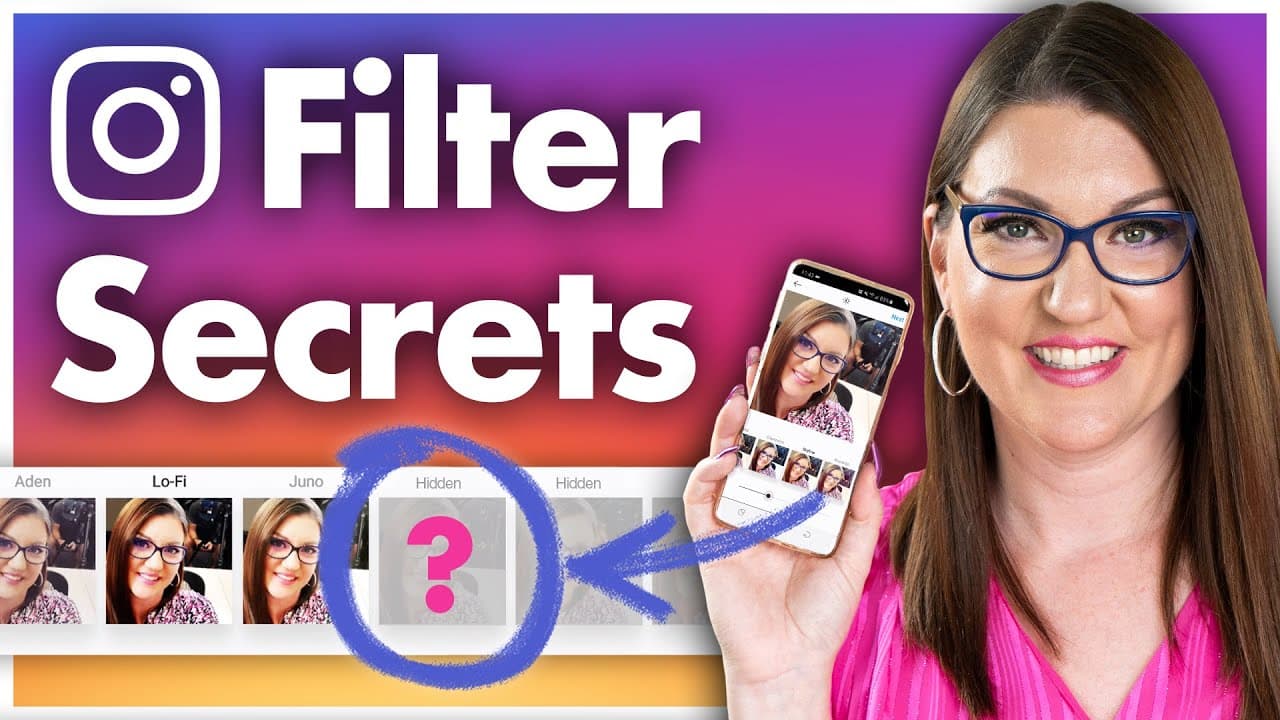
- Users can manage and organize their Instagram feed filters by selecting or deselecting them and rearranging their order.
- Carousel posts allow users to apply a single filter to all images or choose different filters for each image individually.
- Story filters cannot be organized; users must scroll through to find the desired filter.
- Reels offer two types of filters: pre-filming effects and post-filming filters similar to Stories.
- Choosing filters that align with brand tone and style helps maintain a cohesive and recognizable visual identity.
- Limiting the number of filters used to two or three can prevent disjointed content and reinforce brand identity.
- Adjusting filter intensity allows for subtle enhancements without overpowering the original image or video.
Install to Summarize YouTube Videos and Get Transcripts
Explore YouTube Video Summarizer or Get YouTube Transcript Extractor
Questions & Answers
Q: How can users organize their Instagram feed filters?
Users can organize their Instagram feed filters by scrolling to the right of the filter list and tapping 'manage.' This reveals all available filters, allowing users to select or deselect filters and rearrange their order. This customization helps streamline the editing process and keeps frequently used filters easily accessible.
Q: What is the process for applying filters to carousel posts?
For carousel posts, users can apply a single filter to all images by selecting it before editing individual photos. Alternatively, users can choose different filters for each image by selecting the image, applying the desired filter, and making additional edits like saturation and brightness adjustments, ensuring each image aligns with the overall post aesthetic.
Q: How do Reels filters differ from Feed and Stories filters?
Reels filters include two types: pre-filming effects and post-filming filters. Before filming each clip, users can select effects from the navigation menu. After filming, users can apply post-filming filters similar to those available in Stories, providing flexibility in enhancing the overall look of the Reel.
Q: Why is it important to choose filters that align with your brand?
Choosing filters that align with your brand is crucial for maintaining a cohesive and recognizable visual identity. Filters can enhance the tone and style of your posts, making them instantly recognizable to your audience and reinforcing your brand message. Consistency in filter use strengthens brand association and recall.
Q: What are the benefits of limiting the number of filters used?
Limiting the number of filters used to two or three helps maintain a cohesive look across your Instagram profile. It prevents content from appearing disjointed and reinforces brand identity. Consistent filter use creates a subconscious connection with your brand, making your posts more recognizable to your audience.
Q: How can users adjust the intensity of Instagram filters?
Users can adjust the intensity of Instagram filters by tapping the filter again after selection to access the intensity slider. This slider ranges from 0 to 100, allowing users to decrease the filter's intensity for a subtler effect. This customization ensures the filter enhances the image without overpowering it.
Q: What should brands consider when selecting filters for their content?
Brands should consider filters that complement their content and enhance their brand's tone and style. For example, a vintage brand might use filters with a yellow tint, while a modern brand might prefer blue undertones. The right filter can accentuate content, making it more visually appealing and aligned with brand messaging.
Q: What is the role of filters in maintaining a brand's Instagram presence?
Filters play a crucial role in maintaining a brand's Instagram presence by ensuring visual consistency and enhancing content appeal. They help establish a cohesive aesthetic that aligns with the brand's identity, making posts easily recognizable to the audience and reinforcing brand messaging through consistent visual elements.
Summary & Key Takeaways
-
Instagram filters are crucial for maintaining a consistent brand image. Users can organize feed filters by selecting, deselecting, and rearranging them for easier access. Story filters require scrolling, while Reels offer pre-filming and post-filming filter options.
-
Selecting filters that match brand tone and style enhances visual cohesion. Limiting filter choices to two or three prevents disjointed content and reinforces brand identity. Adjusting filter intensity provides subtle enhancements without altering the original content drastically.
-
Carousel posts allow users to apply one filter across all images or different filters for each. Managing filters strategically can save time and maintain a cohesive Instagram presence, crucial for effective branding and audience recognition.
Read in Other Languages (beta)
Share This Summary 📚
Summarize YouTube Videos and Get Video Transcripts with 1-Click
Try YouTube Summary with ChatGPT & Claude or YouTube Transcript Generator
Explore More Summaries from Social Media Examiner 📚



Summarize YouTube Videos and Get Video Transcripts with 1-Click
Try YouTube Summary with ChatGPT & Claude or YouTube Transcript Generator