How Can You Check Who's Tracking You Online?
TL;DR
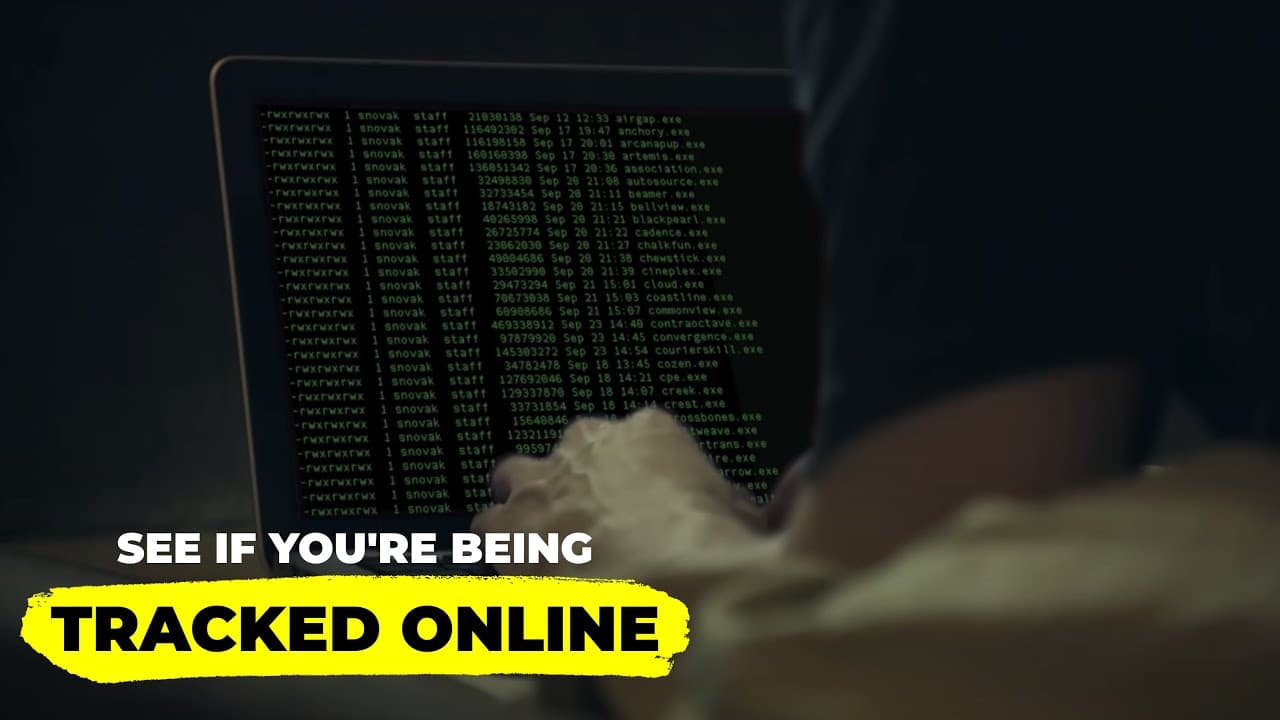
To see who’s tracking you online, use the command prompt to run 'netstat' and identify outgoing connections from your device. Additionally, cover your webcam to prevent unauthorized access and log out of social media accounts to reduce tracking risk. Taking these steps can significantly enhance your online privacy and security.
Transcript
even if you don't think you're being tracked online you are your internet service provider can see everything you do while there probably isn't a guy sitting in a corner office watching your every move many isps do compile anonymous browsing logs and sometimes sell them to advertising news briefs bombard television sets and computer screens around ... Read More
Key Insights
- 🤨 Online tracking by ISPs and advertising companies has become a common practice, raising serious privacy concerns for users globally.
- 🪡 The ability of hackers to remotely activate webcams poses real threats to personal privacy, emphasizing the need for physical security measures like webcam coverings.
- 👤 The repeal of net neutrality regulations has made user data more vulnerable to exploitation, increasing the importance of individual privacy protections.
- 👤 Users should be proactive about their online security, as nothing is entirely foolproof against cyber threats and tracking methods.
- 🏃 Running a command prompt check using "netstat" can unveil unusual network activities and help defend against potential breaches.
- 👻 Frequent logouts from social media accounts are crucial in minimizing tracking by those platforms, as remaining logged in allows continuous monitoring.
- 🍔 Enhanced cybersecurity practices can significantly reduce the risk of personal data misuse, urging individuals to take responsibility for their online privacy.
Install to Summarize YouTube Videos and Get Transcripts
Explore YouTube Video Summarizer or Get YouTube Transcript Extractor
Questions & Answers
Q: Why are ISPs allowed to sell users' browsing history?
In 2017, the U.S. Senate voted to allow ISPs to sell customers' browsing data without their approval. This decision was influenced by shifting regulatory priorities, particularly the repeal of Obama-era net neutrality regulations, which expanded ISPs' control over user data and reduced consumer privacy protections.
Q: How can I check what information my computer is sending out?
To monitor outgoing data transmissions, you can use the "netstat" command in the Command Prompt on Windows. By typing "cmd" in the start button search, launching the Command Prompt, and then entering "netstat," you will receive a list of IP addresses that your computer is communicating with, allowing you to investigate potential unauthorized data transmission.
Q: What precautionary steps can I take to protect my privacy online?
Simple but effective privacy strategies include covering your webcam with tape to prevent unauthorized access, frequently logging out of social media accounts, using Virtual Private Networks (VPNs) to mask your browsing activity, and checking your task manager for any suspicious processes that may indicate malware.
Q: How does the government access users' internet activity?
Government authorities can obtain access to users' browsing history through legal requests such as subpoenas or warrants. If requested, ISPs are required by law to provide this data, making it crucial for users to adopt privacy measures to protect their online activities.
Summary & Key Takeaways
-
Users are frequently tracked online by ISPs and other entities who may sell browsing data without consent, highlighting the importance of privacy awareness.
-
Simple protective measures, such as covering webcams and logging out of social media accounts, can significantly enhance personal cybersecurity.
-
Recent changes in laws, like the repeal of net neutrality, have increased the vulnerability of personal data, making privacy management essential.
Read in Other Languages (beta)
Share This Summary 📚
Summarize YouTube Videos and Get Video Transcripts with 1-Click
Try YouTube Summary with ChatGPT & Claude or YouTube Transcript Generator
Explore More Summaries from Video Advice 📚



Summarize YouTube Videos and Get Video Transcripts with 1-Click
Try YouTube Summary with ChatGPT & Claude or YouTube Transcript Generator