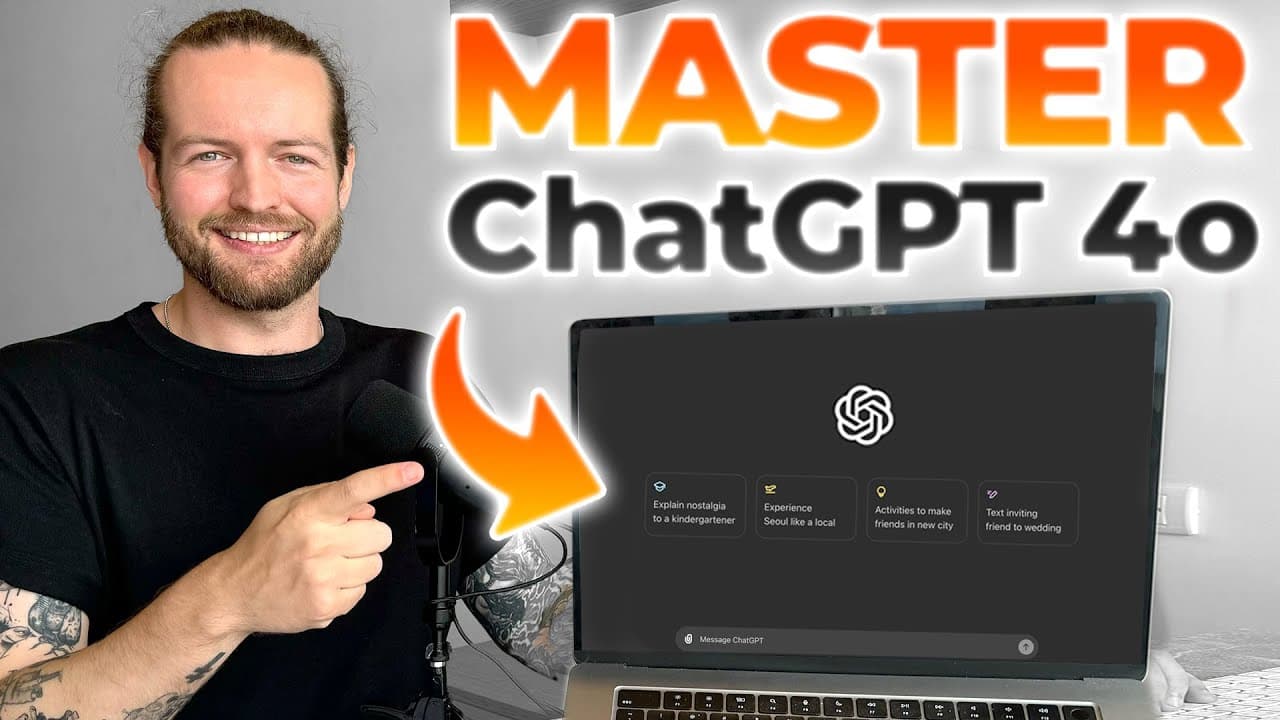
How To Use ChatGPT 4o - Easy Prompts to Get The Best Results
TL;DR
Learn how to effectively use ChatGPT 4 for various applications in minutes.
Transcript
using the newest and free version of chat GPT will make weeks worth of work done in minutes imagine just having an AI that can understand and respond to text voice the capital of France is Paris images and even videos in real time I'll show you how to use chbd from basic uses to Advanced features practical uses for developers Educators and tips and... Read More
Key Insights
- 👤 ChatGPT 4's multimodal interaction capabilities revolutionize how users engage with AI, facilitating a variety of tasks beyond mere text communication.
- 😫 The platform's ability to analyze and visualize data sets provides businesses and developers with profound insights that streamline operations and decision-making.
- ❓ Educators benefit significantly from ChatGPT 4, using it to create personalized learning experiences, assist with language translation, and summarize complex academic topics.
- ❓ It is vital to establish distinct and coherent prompts to maximize the potential of ChatGPT 4, ensuring clarity and relevance in the responses.
- 💨 Race identification, language learning aids, and lesson planning are just a few ways educators can utilize ChatGPT to enhance both teaching and learning experiences.
- 🥶 The distinction between free and Plus versions highlights the broader capabilities available to users willing to invest in advanced features for enhanced productivity.
- 👤 Users need to foster critical evaluation skills regarding AI outputs, ensuring their reliability and accuracy to maintain credibility and trustworthiness.
Install to Summarize YouTube Videos and Get Transcripts
Explore YouTube Video Summarizer or Get YouTube Transcript Extractor
Questions & Answers
Q: What are some key features of ChatGPT 4?
ChatGPT 4 offers multimodal capabilities, allowing users to interact using text, voice, images, and file uploads. This versatility makes it suitable for a wide range of tasks, from answering factual questions to facilitating more complex activities like data analysis and creative writing. Users can also take advantage of specific modes such as voice mode for natural language conversations and image mode for understanding visual content.
Q: How can ChatGPT 4 assist in data analysis?
ChatGPT 4 excels in data analysis by allowing users to upload data sets and ask for insights, trends, and visualizations. For instance, users can prompt it to summarize data, filter specific criteria, and generate charts or graphs. This capability saves time and enhances decision-making processes by presenting data in easily digestible formats, allowing users to focus on interpretation rather than manual analysis.
Q: What are some practical applications for educators using ChatGPT 4?
Educators can use ChatGPT 4 to create engaging lesson plans, translate materials, and facilitate complex topic explanations tailored to different learning levels. By leveraging its ability to break down concepts like photosynthesis or Greek mythology, educators can enhance instructional materials while saving time in lesson preparation and ensuring students comprehend the subject matter effectively.
Q: How does ChatGPT 4 improve productivity for businesses?
Businesses can utilize ChatGPT 4 for automating customer service responses, summarizing meeting transcripts, and providing action items from discussions. By streamlining repetitive tasks through AI automation, companies can improve efficiency, allow their teams to focus on strategic initiatives, and enhance overall customer satisfaction with quick and relevant answers to inquiries.
Q: What are the differences between the free and Plus versions of ChatGPT 4?
The Plus version provides additional features, such as access to more advanced capabilities like image generation and creating custom GPTs tailored to specific business needs. In contrast, the free version offers a limited subset of functionalities, primarily focusing on text-based interaction without enhanced image processing or other premium features, making it crucial for power users to consider the subscription.
Q: What is the significance of prompt chaining in using ChatGPT 4?
Prompt chaining establishes a structured approach to interacting with ChatGPT 4 by breaking down tasks into specific, manageable prompts. This method enhances the quality of responses, as each "agent" focuses on a single task, allowing for more coherent and relevant output. This layered technique is vital for complex tasks to achieve better alignment with user expectations.
Q: What are the hazards of blindly trusting ChatGPT 4's responses?
It’s essential to critically evaluate ChatGPT 4's outputs because it can generate inaccurate or fabricated information known as "hallucinations." For educators and content creators, relying solely on AI-generated responses can damage credibility. Users should always verify facts and make informed decisions, establishing a reliable content creation process free from misinformation.
Q: How can ChatGPT 4 be used for creative writing and brainstorming?
ChatGPT 4 aids in creative writing by generating story plots, helping brainstorm ideas, or drafting emails and articles. Its ability to suggest plot ideas for novels or write structured outlines enables writers to overcome creative blocks and enhances productivity. By engaging consistently, writers can refine their projects using collaborative prompts, fostering creativity.
Summary & Key Takeaways
-
This content provides a comprehensive introduction to using ChatGPT 4, highlighting both basic and advanced features, which can significantly enhance productivity and creativity across various fields.
-
The video covers practical applications for developers, educators, and business professionals, demonstrating how to implement ChatGPT 4 in tasks like data analysis, image interpretation, and automation of responses.
-
Attention is given to potential pitfalls while using the tool, including the importance of verifying outputs to maintain trust and accuracy when utilizing ChatGPT 4 in content creation.
Read in Other Languages (beta)
Share This Summary 📚
Summarize YouTube Videos and Get Video Transcripts with 1-Click
Try YouTube Summary with ChatGPT & Claude or YouTube Transcript Generator
Explore More Summaries from AI Andy 📚
![AutoGPTs Just Created HUGE PROBLEMS for Google [RED ALERT] thumbnail](/_next/image?url=https%3A%2F%2Fi.ytimg.com%2Fvi%2F84avs0uc-zU%2Fhqdefault.jpg&w=750&q=75)




Summarize YouTube Videos and Get Video Transcripts with 1-Click
Try YouTube Summary with ChatGPT & Claude or YouTube Transcript Generator