Best VSCode extensions in 2023
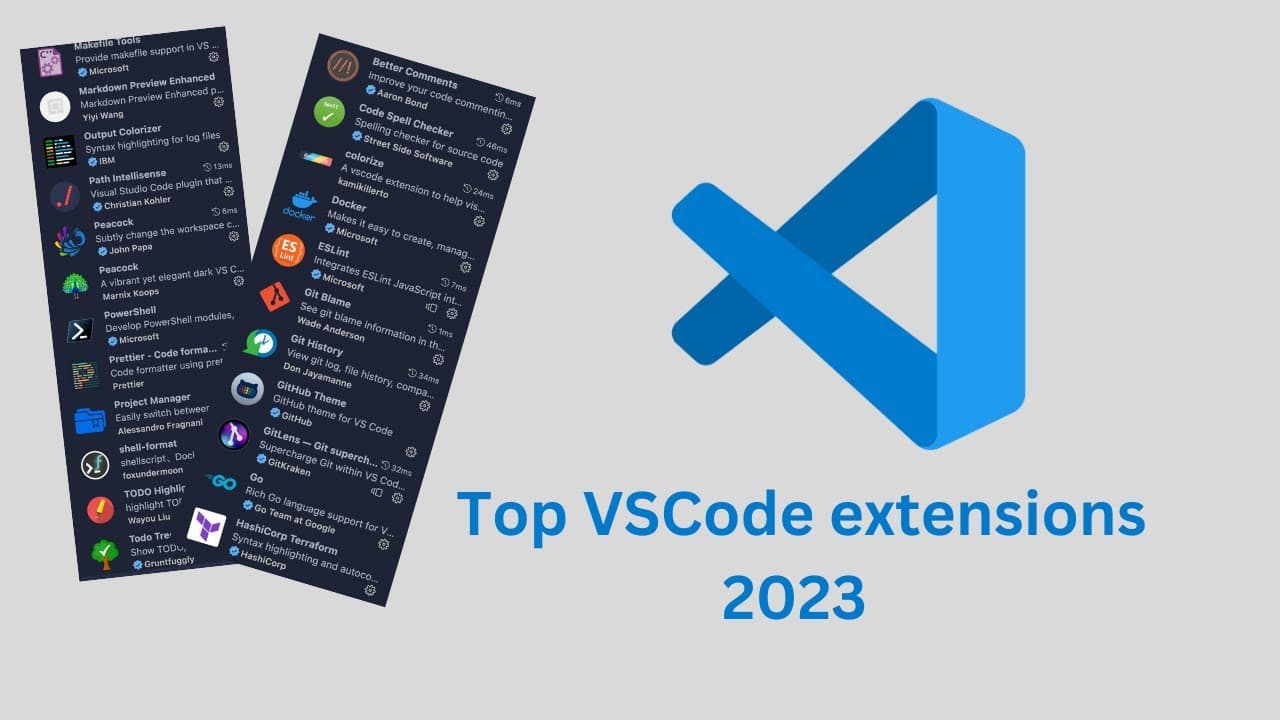
TL;DR
This video showcases the most popular VS Code extensions and tools in 2023 that can significantly enhance coding productivity.
Transcript
hi everyone in this video I'm going to talk about the most popular IDE in 2023 vs code and I'm going to just show you what extension and tooling I'm using in vs code that make my life much easier so let's just dive in and talk about all those extensions so I also have a file open here and this file is just to just demonstrate some of the things tha... Read More
Key Insights
- 🧩 The most popular IDE in 2023 is VS Code, which offers various extensions and tools to enhance productivity and ease of use.
- 💡 Auto Open Markdown extension automatically opens a preview of Markdown files, making it convenient for users who frequently need to view the Markdown preview.
- 📝 Better Comment extension provides visualized comments in code with different colors based on comment markers, helping improve code readability and understanding.
- 📧 Code Spell Checker identifies spelling errors in code, allowing developers to maintain tidy and error-free code before committing changes.
- 🌈 Colorize extension automatically displays the color of CSS values in the CSS code, eliminating the need for manual checking and enhancing the development experience.
- 🐳 Docker for Visual Studio Code simplifies working with Docker containers by providing error detection and helpful features, optimizing the development process.
- 🚦 ESLint, with its extensive usage and over 24 million downloads, is a must-have extension for linting projects, ensuring code quality and consistency.
- 🔍 Explorer Exclude allows users to hide specific files or folders in the VS Code explorer, offering a cleaner and more focused workspace by minimizing distractions from unnecessary files or directories.
Install to Summarize YouTube Videos and Get Transcripts
Explore YouTube Video Summarizer or Get YouTube Transcript Extractor
Questions & Answers
Q: What are some popular VS Code extensions for improving coding productivity?
Some popular VS Code extensions for improving coding productivity include Auto Open Markdown, Better Comment, Code Spell Checker, Colorize, Git Blame, Git History, ESLint, Explorer Exclude, and many more. These extensions provide various features such as opening Markdown previews, visualized comments, spelling error detection, code colorization, Git blame and history, linting support, file exclusion in the Explorer, and more.
Q: How can Auto Open Markdown extension simplify working with Markdown files in VS Code?
The Auto Open Markdown extension automatically opens the preview of a Markdown file as soon as it is opened in VS Code. This feature eliminates the need to manually open the preview, making it more convenient and efficient to work with Markdown files.
Q: What is the purpose of the Better Comment extension in VS Code?
The Better Comment extension enhances the visual representation of comments in code. It assigns different colors to different types of comment annotations, such as exclamation marks, question marks, TODOs, and parameters. This makes it easier to understand and navigate through comments in a codebase, improving code readability and comprehension.
Q: How does the Code Spell Checker extension help in maintaining correct spelling in code?
The Code Spell Checker extension scans code for spelling errors and highlights them, helping developers identify and correct any misspelled words. It ensures that code is tidy and accurately spelled before committing it, improving code quality and professionalism.
Q: What is the purpose of the Colorize extension in VS Code?
The Colorize extension automatically detects and highlights color values in CSS code, making it easier to visualize color changes without having to manually check RGB, string, or RGBA values. This feature is particularly useful when writing or modifying extensive CSS code, allowing developers to see the colors instantly within the IDE.
Summary & Key Takeaways
-
The video highlights the must-have VS Code extensions and tools that can make coding easier and more efficient.
-
It covers various extensions such as Auto Open Markdown, Better Comment, Code Spell Checker, Colorize, Git Blame, Git History, ESLint, Explorer Exclude, and many more.
-
The extensions and tools mentioned are suitable for JavaScript, TypeScript, Go, PowerShell, YAML, and other programming languages.
Read in Other Languages (beta)
Share This Summary 📚
Summarize YouTube Videos and Get Video Transcripts with 1-Click
Try YouTube Summary with ChatGPT & Claude or YouTube Transcript Generator