3.1 Angles and Rotation - Nature of Code
TL;DR
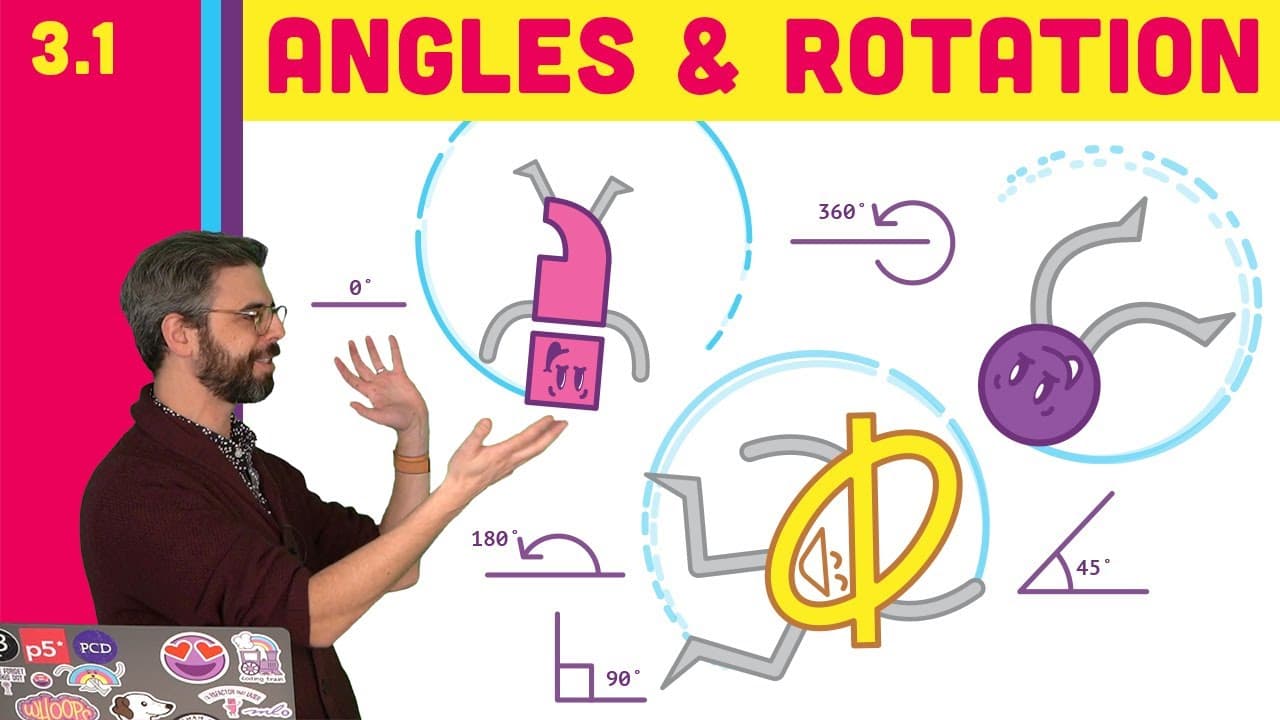
This video introduces the concept of oscillating motion and explores the use of angles, trigonometry, and radians in modeling and visualizing waveforms in coding.
Transcript
Hello, and welcome to chapter 3 of the nature of code. The title of this chapter is Oscillating Motion. And that's where I want to get to. What does it mean to model a swinging pendulum to the plucking of a guitar string, waveforms? How do we model and visualize all of those in code in p5.js? But before I can get to those examples, I need to build ... Read More
Key Insights
- 🔺 Angles are essential in trigonometry for measuring and evaluating right triangles and circle measurements.
- 💻 Radians are a unit of measurement commonly used in computer graphics systems.
- 👻 p5.js allows for both degree and radian measurement, but using radians can offer conveniences and benefits in certain applications.
- 🔺 The translate and rotate functions in p5.js are used to rotate shapes, with the origin point and angle specified.
Install to Summarize YouTube Videos and Get Transcripts
Explore YouTube Video Summarizer or Get YouTube Transcript Extractor
Questions & Answers
Q: Why are angles important in trigonometry and circle measurements?
Angles are fundamental in trigonometry as they help describe the path, perimeter, and circumference of a circle. In trigonometry, they are often found in right triangles and used to evaluate specific angles for various purposes.
Q: What is the difference between degrees and radians for measuring angles?
Degrees are the most common unit of measurement for angles, with a full rotation being 360 degrees. Radians, on the other hand, are a unit of measurement used in most computer graphics systems. One full rotation in radians is equal to 2π (approximately 6.28) radians.
Q: How can angles be used to rotate shapes in p5.js?
To rotate a shape in p5.js, the translate function is used to specify the point of origin for the rotation. The rotate function is then used to rotate the shape by a given angle, which can be specified in either degrees or radians depending on the chosen angle mode in p5.js.
Q: Why does the rectangle in the example rotate clockwise instead of counterclockwise?
The direction of rotation in p5.js is based on the traditional computer graphics convention, where the positive direction is down. Therefore, a positive angle in p5.js will result in a clockwise rotation.
Summary & Key Takeaways
-
The video explains the importance of angles in trigonometry and how they can be found in right triangles and circle measurements.
-
It introduces the concept of radians and their relationship to degrees in measuring angles.
-
The video demonstrates how to use degrees and radians in p5.js to rotate shapes and animations.
Read in Other Languages (beta)
Share This Summary 📚
Summarize YouTube Videos and Get Video Transcripts with 1-Click
Try YouTube Summary with ChatGPT & Claude or YouTube Transcript Generator
Explore More Summaries from The Coding Train 📚






Summarize YouTube Videos and Get Video Transcripts with 1-Click
Try YouTube Summary with ChatGPT & Claude or YouTube Transcript Generator