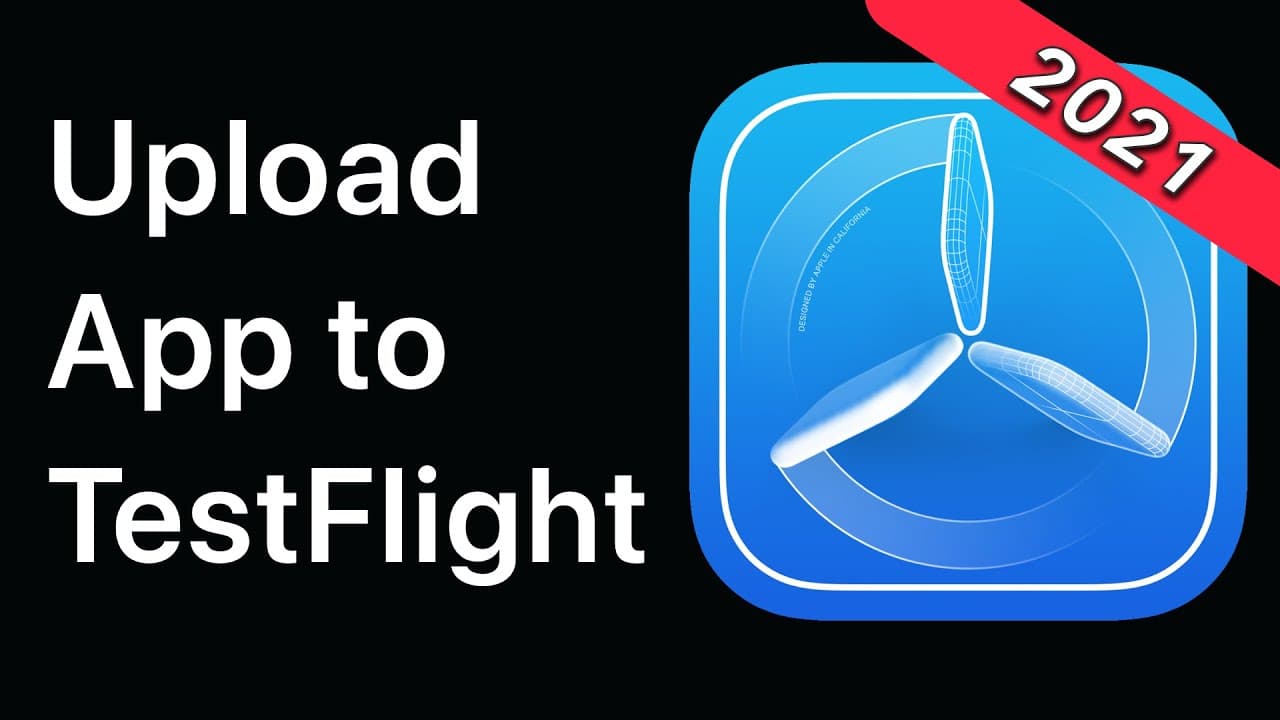
TestFlight - How to Upload and Distribute Your App | App Store 2021
TL;DR
Learn how to upload your iOS app to TestFlight to beta test your app before launching it to the public.
Transcript
today i'm going to walk you through how to upload your ios app to testflight so you can beta test your app with outside users right you can send them a link send them an email just start getting users testing your app before you launch and if you're far enough into development to where you're thinking about beta testing your app you should probably... Read More
Key Insights
- 📱 Beta testing your app before launch is crucial to gather feedback and make necessary improvements.
- 🌐 Consider creating a website or landing page for your app to showcase it and generate interest.
- 🔐 Ensure you have an Apple ID and an Apple Developer account before beginning the app upload process.
- 💻 Start by accessing the Developer page on the Apple website and creating an app ID for your project.
- 📝 Make sure to have a unique bundle ID that matches your website domain to identify your app.
- 🚀 TestFlight is the platform to use for beta testing, allowing you to distribute your app to external testers.
- 🔑 Enable public links to share your app with users or add specific testers to your testing group.
- ️ Build uploads may take some time to process and get reviewed, so be patient during the review period.
Install to Summarize YouTube Videos and Get Transcripts
Explore YouTube Video Summarizer or Get YouTube Transcript Extractor
Questions & Answers
Q: What are the two assumptions made in the tutorial?
The tutorial assumes that the user has an Apple ID and an Apple Developer account. These are necessary for beta testing an iOS app.
Q: Why is it important to have a website for your app?
Having a website for your app allows you to showcase your app, provide information to potential users, and create a professional online presence for your app.
Q: What is TestFlight and how does it work?
TestFlight is a platform provided by Apple that allows developers to distribute beta versions of their iOS apps to external testers. Testers can download the app and provide feedback on its functionality.
Q: What happens after uploading an app to TestFlight?
Once an app is uploaded to TestFlight, it goes through a review process by Apple. If approved, the app is made available for beta testing by external testers. Testers can install the app on their devices and provide feedback to the developer.
Q: Why is it necessary to have an Apple distribution certificate?
The Apple distribution certificate is required to distribute an app through the App Store or TestFlight. It ensures that the app is properly signed and authenticated by Apple.
Q: How long does it take for an app to be reviewed on TestFlight?
The review process on TestFlight can take anywhere from a few hours to a couple of days. It is important to account for this time when planning the beta testing phase of your app.
Q: Can external testers access the app without a TestFlight invitation?
Yes, if the developer enables a public link for the app on TestFlight, anyone with the link can download and install the app on their device. This is useful for wider public beta testing.
Q: How long do TestFlight builds last?
TestFlight builds have a validity period of 90 days. If a new build is not uploaded within that timeframe, the beta version of the app will expire and testers will no longer be able to access it.
Summary & Key Takeaways
-
This tutorial guides users through the process of uploading an iOS app to TestFlight for beta testing.
-
Users need to have an Apple ID and an Apple Developer account to follow the tutorial.
-
The tutorial covers creating an app ID, navigating to App Store Connect, archiving the app, and submitting it for review.
Read in Other Languages (beta)
Share This Summary 📚
Summarize YouTube Videos and Get Video Transcripts with 1-Click
Try YouTube Summary with ChatGPT & Claude or YouTube Transcript Generator
Explore More Summaries from Sean Allen 📚
Summarize YouTube Videos and Get Video Transcripts with 1-Click
Try YouTube Summary with ChatGPT & Claude or YouTube Transcript Generator