How to Generate a Maze Using Recursive Backtracking
TL;DR
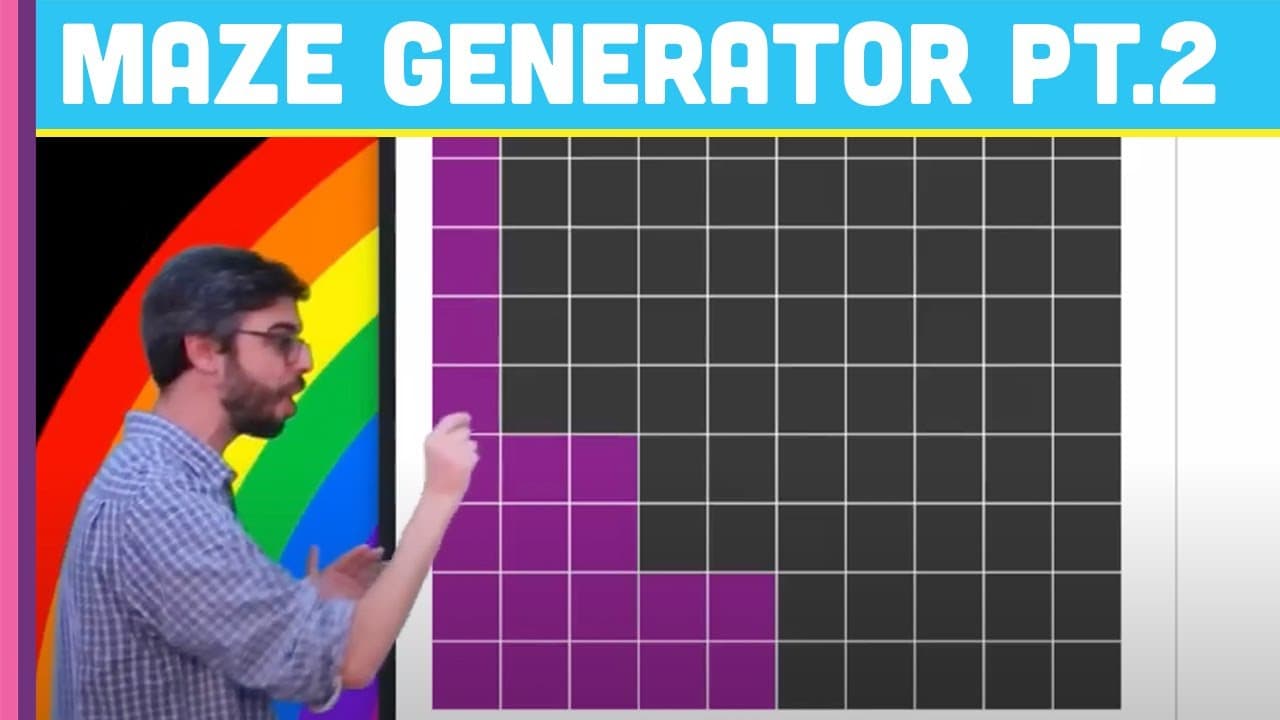
To generate a maze using a recursive backtracking algorithm with p5.js, start by creating a grid of cells and mark the current cell as visited. Use a function to check for unvisited neighboring cells, and randomly select one to continue. The process repeats until all cells are visited and walls are removed to form the maze's paths.
Transcript
part two of my depth first search recursive backtracker maze generation demonstration algorithm thing here we are so all I did so far this is what I'm trying to build this thing that's going to take some time and eventually generate this beautiful uh hopefully will beautiful although mine won't be so beautiful you'll take my code and make something... Read More
Key Insights
- 😲 The maze generation algorithm uses a depth-first search approach to construct the maze.
- 👣 Keeping track of visited cells is essential to prevent revisiting cells.
- ❓ The check_neighbors function identifies unvisited neighboring cells.
- ❓ The algorithm will proceed until there are no unvisited neighbors.
- 🎮 The removal of walls to create paths will be covered in a future part of the video series.
- 😫 The current cell is set as the initial cell, and its position dictates the neighbors to be checked.
- ❓ The algorithm progresses by selecting randomly from available unvisited neighbors.
Install to Summarize YouTube Videos and Get Transcripts
Explore YouTube Video Summarizer or Get YouTube Transcript Extractor
Questions & Answers
Q: What is the purpose of marking a cell as visited in the maze generation algorithm?
Marking a cell as visited ensures that the program does not revisit a cell that it has already been to while traversing the maze. This is an important aspect of the algorithm's functionality.
Q: How is the current cell determined in the maze generation algorithm?
The current cell is set as the initial cell in the setup function. In the provided code, it is set as the cell at grid index 0, but it can be set to any cell depending on where the maze is intended to begin and end.
Q: How does the check_neighbors function work in the maze generation algorithm?
The check_neighbors function checks whether the current cell has any unvisited neighboring cells. It determines the neighbors' coordinates based on the current cell's position and the grid's dimensions, and then checks if they have been visited or not.
Q: How are the walls of the maze removed in the maze generation algorithm?
The provided code does not demonstrate the removal of walls, but it is mentioned that it will be covered in the next part of the video series. This step involves removing walls between connected cells to create paths in the maze.
Summary & Key Takeaways
-
The video demonstrates the construction of a grid and cell objects in the code for maze generation.
-
The importance of keeping track of whether a cell has been visited or not is emphasized.
-
The algorithm is explained, starting with making the initial cell the current cell and marking it as visited.
Read in Other Languages (beta)
Share This Summary 📚
Summarize YouTube Videos and Get Video Transcripts with 1-Click
Try YouTube Summary with ChatGPT & Claude or YouTube Transcript Generator
Explore More Summaries from The Coding Train 📚






Summarize YouTube Videos and Get Video Transcripts with 1-Click
Try YouTube Summary with ChatGPT & Claude or YouTube Transcript Generator