Awesome Apple Maps Tricks & Tips!
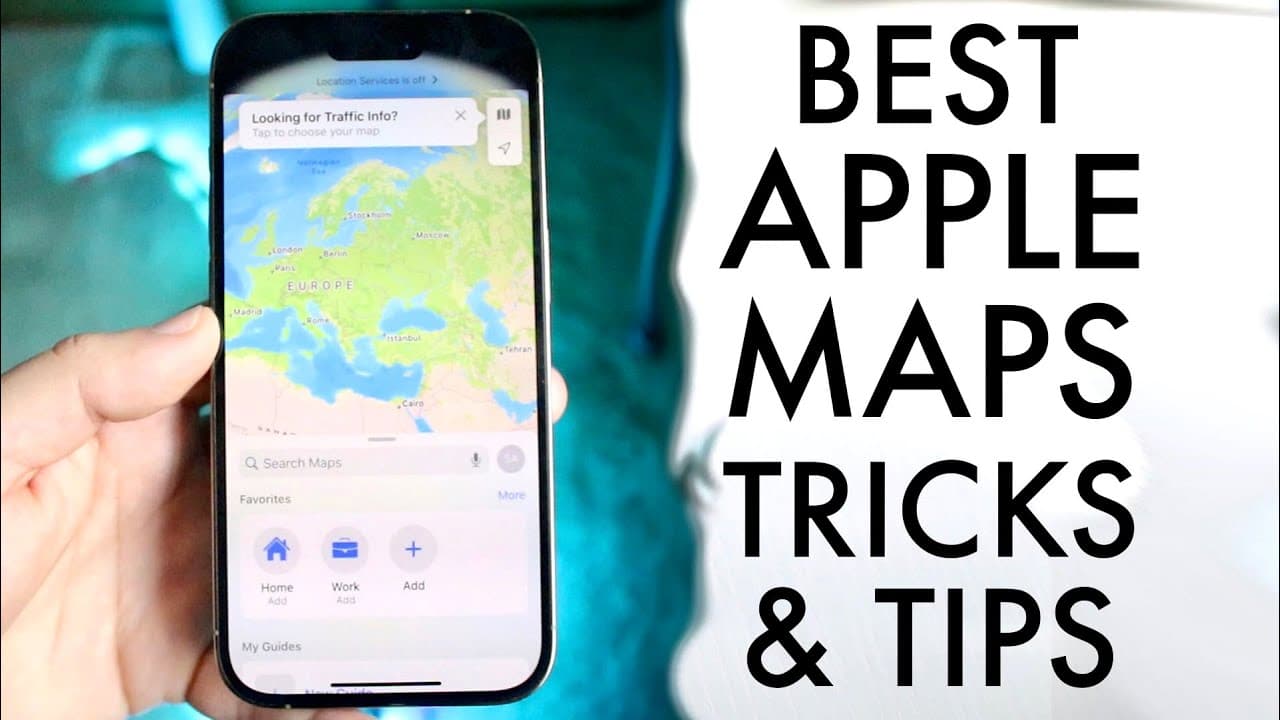
TL;DR
Explore essential techniques to optimize your experience with Apple Maps.
Transcript
hello everyone Apple Maps is probably one of the most used map applications out there for sure so I want to go and break down some of my favorite tricks and tips that you should go ahead and start utilizing within your specific application now this is a very very easy application to understand there's not really too much craziness going on but ther... Read More
Key Insights
- 😀 Apple Maps includes two key areas: the main app and the settings, where users can customize their navigation preferences.
- 🫵 Users can easily manipulate terrain views to optimize data usage, making it an efficient tool for navigating.
- 🦮 Options to create favorites and guides streamline access to frequently visited locations or curated places of interest.
- 👻 Sharing location features foster connectivity, allowing users to keep others informed of their whereabouts.
- 👻 Reporting issues helps improve Apple Maps by allowing users to provide feedback on road conditions and navigation challenges.
- 🚶 Preferences for navigation, such as walking or driving directions, can be adjusted based on user habits, enhancing customization.
- 🎼 Utilizing spoken directions or managing audio preferences ensures a seamless navigation experience without sacrificing enjoyment of music or podcasts.
Install to Summarize YouTube Videos and Get Transcripts
Explore YouTube Video Summarizer or Get YouTube Transcript Extractor
Questions & Answers
Q: What are the two main sections of Apple Maps mentioned in the video?
The video outlines that Apple Maps consists of two main sections: the primary Maps application, which users interact with for navigation, and the settings panel, which allows users to modify preferences and improve their experience with various toggles and options.
Q: How can users switch between 2D and 3D views in Apple Maps?
Users can switch between 2D and 3D views by utilizing a two-finger swipe gesture. Swiping up on the map allows them to change the perspective, helping to visualize their location better and adjust the terrain for a more immersive navigation experience.
Q: What options do users have for sharing their location in Apple Maps?
Apple Maps offers the feature to share your current location with others directly within the app. By clicking on the share my location option, users can easily send their whereabouts via various platforms, making it convenient to keep friends or family informed.
Q: How does Apple Maps help improve its services by allowing users to report issues?
Users can report various issues such as route problems, missing streets, or obstacles encountered during navigation. These reports contribute to enhancing the accuracy and reliability of Apple Maps, ensuring a better experience for all users by promptly addressing system inaccuracies.
Summary & Key Takeaways
-
The video provides valuable tips on using Apple Maps, highlighting its two main sections: the application itself and settings that enhance user experience.
-
Users can modify terrain views and utilize gesture controls to switch between 2D and 3D views, optimizing data usage while navigating.
-
Features such as favorites, sharing locations, and reporting issues contribute to improving the functionality of Apple Maps and enhancing user convenience.
Read in Other Languages (beta)
Share This Summary 📚
Summarize YouTube Videos and Get Video Transcripts with 1-Click
Try YouTube Summary with ChatGPT & Claude or YouTube Transcript Generator
Explore More Summaries from Simple Alpaca 📚






Summarize YouTube Videos and Get Video Transcripts with 1-Click
Try YouTube Summary with ChatGPT & Claude or YouTube Transcript Generator