How to Use Your Smartphone as a Webcam for Video Calls?
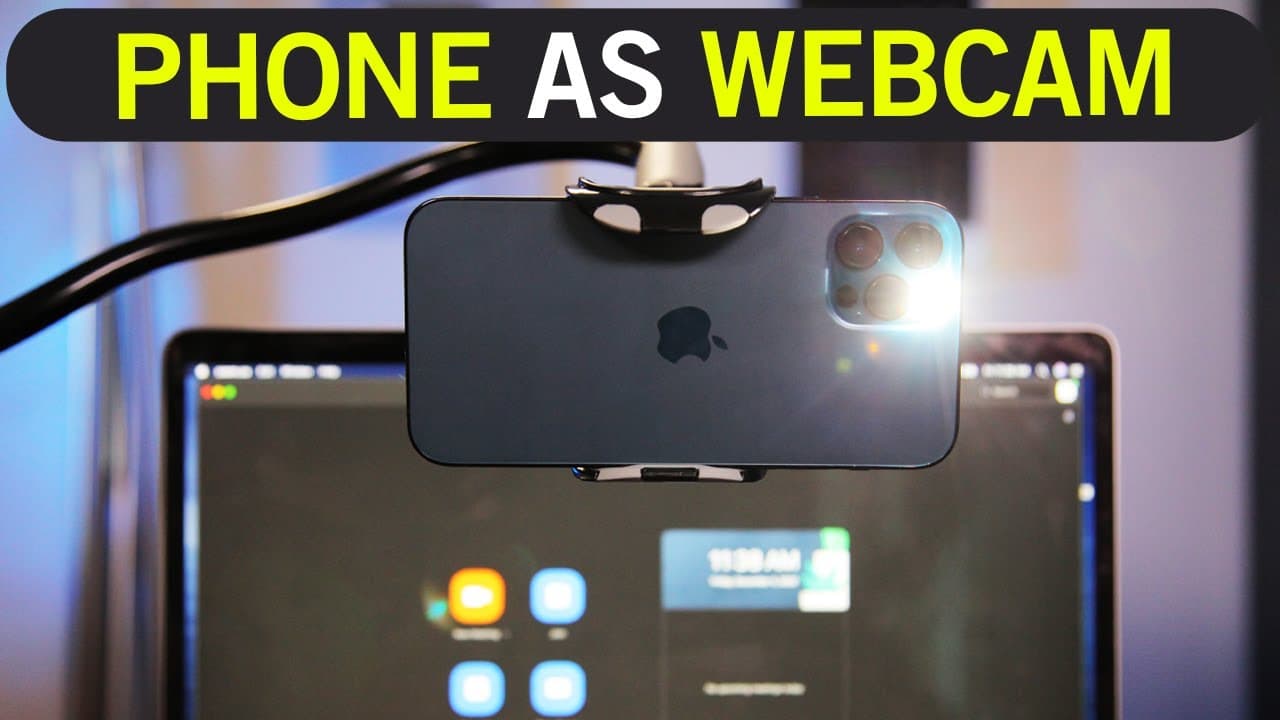
TL;DR
To use your smartphone as a webcam, download the iRium Webcam app on your phone and install the corresponding software on your computer. Position your phone using a clamp for optimal framing and connect to your video conferencing platform like Zoom or Microsoft Teams. This setup offers significantly better video quality than built-in webcams.
Transcript
hey everyone in today's video i want to show you how to use your phone here as your webcam on your mac and pc and it doesn't matter what phone you have let me set this down here it actually works with every type of phone i tested it with an android phone bigger iphone smaller iphone and it works the same way so two things you got to do in order to ... Read More
Key Insights
- 🎮 Using your phone as a webcam can significantly improve the video quality of your video conferences.
- 😀 The iRium Webcam app is a reliable option for both Android and iPhone users.
- 🧘 Positioning your phone with a clamp can help you achieve the desired angle and framing.
- 🎮 The method shown in the video works with various video conferencing platforms, including Zoom, Webex, and Microsoft Teams.
- 🙂 Using a front light can enhance the overall appearance of your video.
- 👏 The iRium Webcam app allows you to use your phone's flash for additional lighting options.
- 😀 Accessory recommendations and app links can be found in the video description.
Install to Summarize YouTube Videos and Get Transcripts
Explore YouTube Video Summarizer or Get YouTube Transcript Extractor
Questions & Answers
Q: Can I use any type of phone as a webcam?
Yes, the method shown in the video works with any type of phone, whether it's an Android or iPhone.
Q: Why is it better to use a phone as a webcam?
Phones often have higher quality cameras than built-in webcams on computers, with some phones even offering 4k resolution.
Q: Do I need to purchase a clamp to use my phone as a webcam?
While not necessary, using a clamp can help you position your phone as a webcam exactly where you want it.
Q: Can I use the iRium Webcam app on both Mac and PC?
Yes, the iRium Webcam app is compatible with both Mac and PC, making it accessible to users on any platform.
Summary & Key Takeaways
-
Use a clamp to position your phone as a webcam, as it provides better quality than built-in webcams.
-
Download the iRium Webcam app on your Android or iPhone for use on both Mac and PC.
-
Connect your phone and computer using the iRium Webcam app and use it as your webcam on video conferencing platforms like Zoom, Webex, and Microsoft Teams.
Read in Other Languages (beta)
Share This Summary 📚
Summarize YouTube Videos and Get Video Transcripts with 1-Click
Try YouTube Summary with ChatGPT & Claude or YouTube Transcript Generator
Explore More Summaries from Howfinity 📚






Summarize YouTube Videos and Get Video Transcripts with 1-Click
Try YouTube Summary with ChatGPT & Claude or YouTube Transcript Generator