How to Get Started with Reverse Engineering Malware
TL;DR
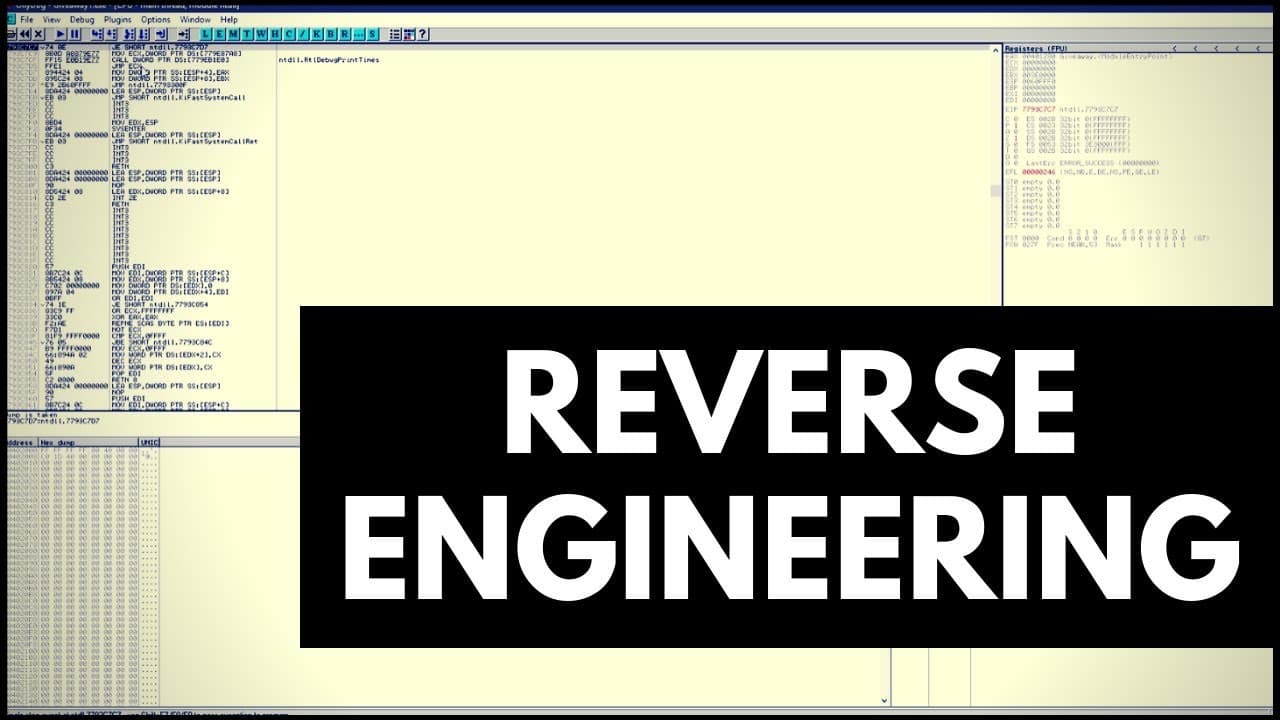
To start reverse engineering malware, begin by analyzing executable files using tools like Notepad and PE Studio to uncover readable strings and file properties. Then, employ a debugger like OllyDbg to dissect the program's functionality step by step, which is essential for understanding threats and developing security measures.
Transcript
hello and welcome to the PC security channel this is going to be an introduction to reverse engineering kind of a behind the scenes of doing malware analysis how we discover new threats analyze them write signature so on this video is brought to you by the TPS see discord and the steam giveaways we have on it if you ever wanted to participate in th... Read More
Key Insights
- 🍳 Reverse engineering is the process of dissecting and understanding software or systems by breaking them down.
- 📁 Analyzing executable files in tools like PE Studio can provide valuable information about the file's structure, compiler, and related software used.
- 👻 Debuggers like OllyDbg or IDA Pro enable deeper analysis of executable code, allowing step-by-step examination and tracking of program behavior.
- ◀️ Reverse engineering is crucial in malware analysis, as it helps identify the threat's methods, vulnerabilities, and potential countermeasures.
- 💁 Plain text strings within executable code can reveal important information about a program's functions, passwords, or debugging details.
- 🌍 Reverse engineering challenges, like the one demonstrated in the video, can help develop skills and techniques required for real-world malware analysis.
- 💁 Decoding techniques, such as base64, can be used to uncover hidden information within encoded strings.
Install to Summarize YouTube Videos and Get Transcripts
Explore YouTube Video Summarizer or Get YouTube Transcript Extractor
Questions & Answers
Q: What is reverse engineering?
Reverse engineering is the process of breaking down and analyzing a software or system to understand its structure, functions, and operation.
Q: How can reverse engineering be helpful in analyzing malware?
Reverse engineering allows analysts to identify and understand the inner workings of malware, enabling them to develop strategies for detection, prevention, and removal.
Q: What tools can be used to analyze executable files?
Tools like Notepad, PE Studio, and debuggers such as OllyDbg or IDA Pro can be used to analyze executable files and gain insights into their properties and behavior.
Q: How can strings within executable code reveal information?
Executable code often contains strings that can be directly readable as plain text. These strings may provide hints about the program's functions, passwords, debugging information, or other relevant details.
Summary & Key Takeaways
-
The video introduces the concept of reverse engineering by using a simple challenge involving a password-protected file.
-
By opening the file in Notepad, the presenter demonstrates how executable code can still contain readable strings, which might reveal important information.
-
The video then explores using tools like PE Studio and a debugger to gain further insight into the executable file's properties and functionality.
Read in Other Languages (beta)
Share This Summary 📚
Summarize YouTube Videos and Get Video Transcripts with 1-Click
Try YouTube Summary with ChatGPT & Claude or YouTube Transcript Generator
Explore More Summaries from The PC Security Channel 📚






Summarize YouTube Videos and Get Video Transcripts with 1-Click
Try YouTube Summary with ChatGPT & Claude or YouTube Transcript Generator