What Are the Basics of Drawing with p5.js?
TL;DR
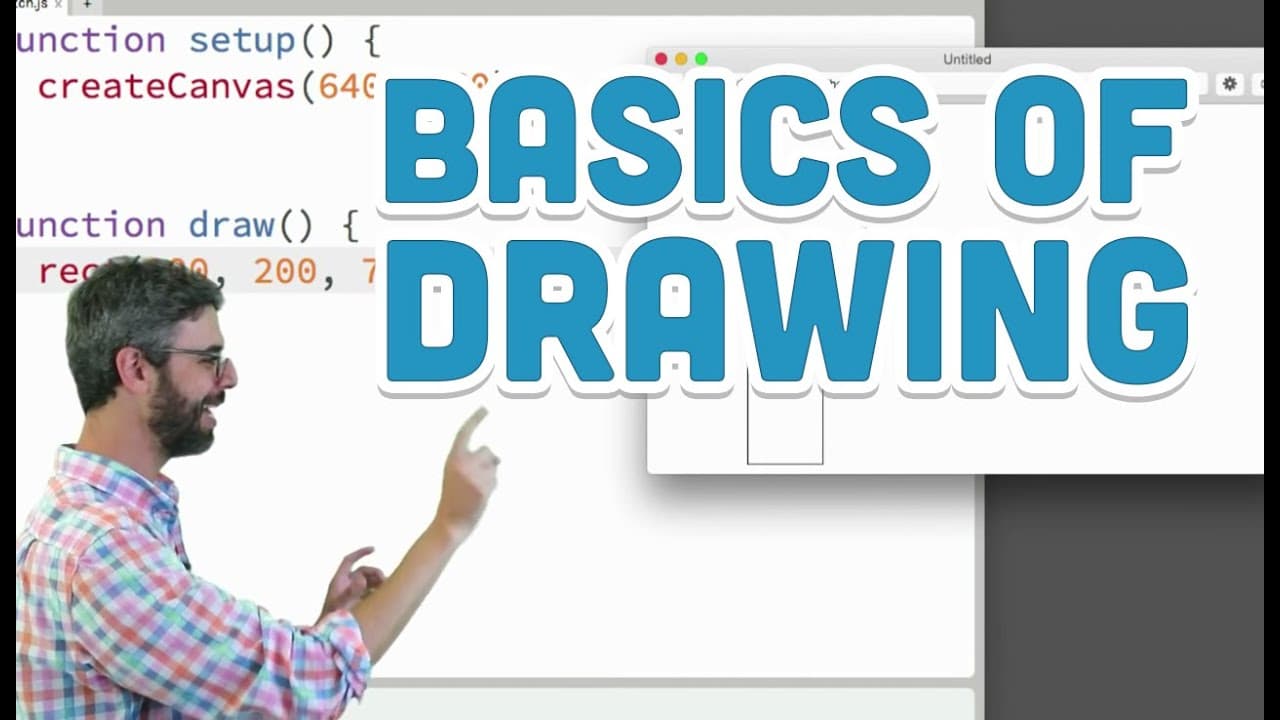
The basics of drawing with p5.js involve understanding the coordinate system and utilizing functions like 'rect()' to create shapes on a canvas. To draw, you need to specify the shape's position using x and y coordinates, along with dimensions like width and height. Familiarity with syntax and experimentation with different shape functions are essential for beginners.
Transcript
Hello, so this video is an introductory video, this is a beginner video, for those of you who haven't learned anything about programming before. We're going to look at p5.js, I've discussed what p5.js is in the previous video. In this video, the only topic here, and this is hopefully a pretty easy one, is coordinate system and shapes. What does t... Read More
Key Insights
- 👾 Programming has various applications beyond drawing, such as game development, data analysis, and web interactions.
- 🥺 Syntax plays a crucial role in programming, as even minor errors can lead to code not functioning properly.
- ❣️ The x and y coordinates determine the position of shapes on the canvas, and understanding the coordinate system is vital for accurate placement.
- 🧡 p5.js offers a range of shape functions to draw different elements, and the reference section provides detailed information on their usage.
- 🛟 The "setup()" and "draw()" functions in p5.js serve as the primary locations for initializing the program and executing drawing actions.
- 🤩 Experimenting and practicing with different shapes and their arguments is a key learning approach in p5.js.
- 📚 The p5.js library provides a beginner-friendly environment for visual designers or individuals interested in starting with creative coding.
Install to Summarize YouTube Videos and Get Transcripts
Explore YouTube Video Summarizer or Get YouTube Transcript Extractor
Questions & Answers
Q: What is p5.js and why is it useful for beginner programmers?
p5.js is a JavaScript library that allows for creative coding and easy visualization. It is useful for beginners because it provides a simplified way to learn programming concepts through drawing and animations.
Q: What is the significance of the coordinate system in programming?
The coordinate system determines where shapes or objects are placed on the canvas. Understanding the coordinate system helps programmers accurately position and manipulate elements in their code.
Q: What is the purpose of using functions in programming?
Functions are essential in programming as they allow programmers to give instructions and commands to the computer. In p5.js, functions like "rect()" or "line()" are used to draw specific shapes on the canvas.
Q: How can we learn about the different shapes and their arguments in p5.js?
The p5.js website provides a reference section that lists all the available functions for drawing shapes, along with their required arguments. It is a useful resource for exploring and experimenting with different shapes.
Summary & Key Takeaways
-
The video is an introduction to programming for beginners using p5.js, a JavaScript library for creative coding.
-
The focus of this video is on understanding the coordinate system, learning how to draw shapes on a canvas, and the importance of syntax in programming.
-
The video suggests that drawing is a good starting point for visual designers or those interested in learning the basics of programming.
Read in Other Languages (beta)
Share This Summary 📚
Summarize YouTube Videos and Get Video Transcripts with 1-Click
Try YouTube Summary with ChatGPT & Claude or YouTube Transcript Generator
Explore More Summaries from The Coding Train 📚






Summarize YouTube Videos and Get Video Transcripts with 1-Click
Try YouTube Summary with ChatGPT & Claude or YouTube Transcript Generator