How to Use Google Gemini for Daily Tasks Effectively?
TL;DR
To use Google Gemini effectively, leverage its capabilities for writing, email creation, research, and image processing by starting with clear, detailed prompts. The free version covers most tasks, while the paid Gemini Advanced offers enhanced features. Remember to utilize its chat history and various extensions for improved functionality and seamless integration with other Google services.
Transcript
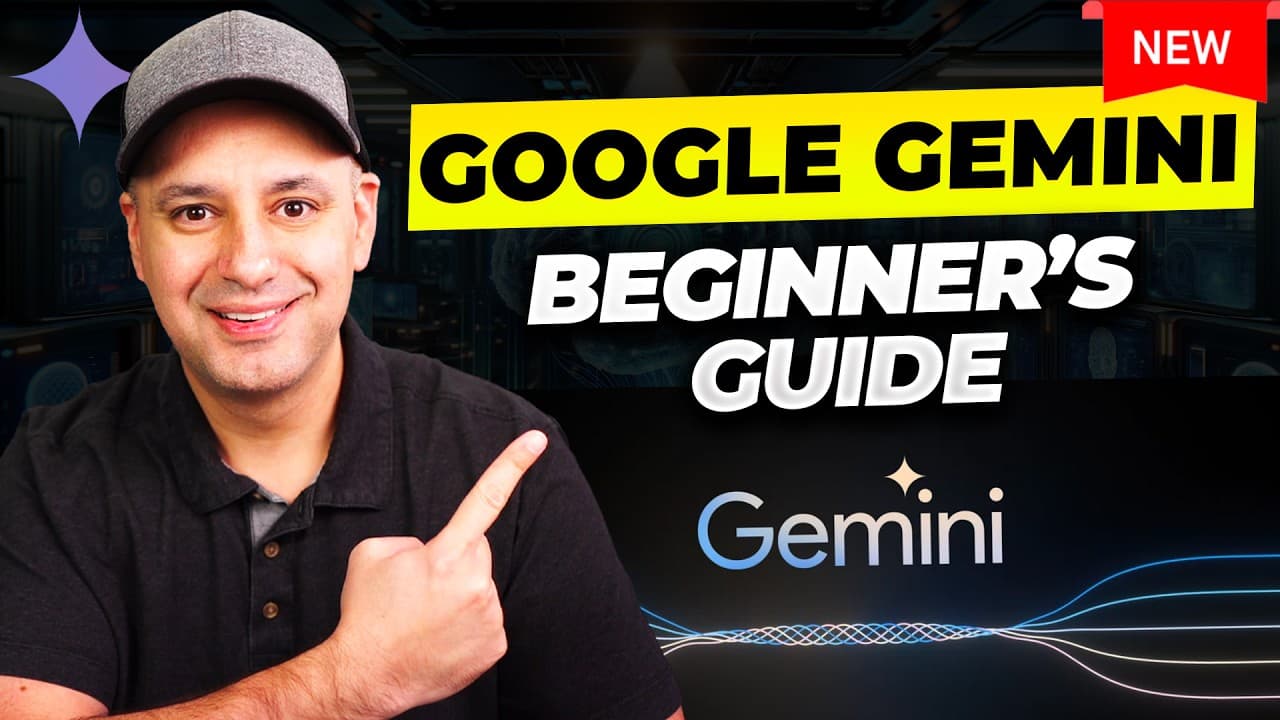
in this video I want to introduce you to Google Gemini that's Google's AI chatbot and it's available to use completely for free and this is the direct competitor at Google rollouts back in 2023 to compete with chat GPT and Microsoft co-pilot now to access it you just go to the website gemini.com and here just click sign in and use your Google email... Read More
Key Insights
- 🥶 Google Gemini is a free AI chatbot designed to compete with chat GPT and Microsoft co-pilot.
- ♊ Gemini has two versions: the free version powered by Gemini Pro AI and the paid Gemini Advanced version that uses the more advanced Gemini Ultra AI.
- 💌 Gemini has multiple useful functions, including writing assistance, email composition, research, image detection, proofreading, and travel planning.
- ♊ Prompt engineering is crucial for obtaining accurate and helpful responses from Gemini.
- 👻 The Gemini chat history feature allows users to revisit and continue previous conversations.
- ♊ Gemini's extensions, such as Google Workspace, Google Lens, and YouTube, enhance its functionality in various areas.
- 💌 Gemini can be leveraged for writing blog posts, composing emails, and generating research reports.
Install to Summarize YouTube Videos and Get Transcripts
Explore YouTube Video Summarizer or Get YouTube Transcript Extractor
Questions & Answers
Q: What is the difference between Google Gemini and Gemini Advanced?
Google Gemini is the free version of the AI chatbot, powered by the Gemini Pro AI engine. Gemini Advanced is a paid subscription that uses the more capable Gemini Ultra AI.
Q: Can Gemini be used for writing and content creation?
Yes, Gemini can assist with writing tasks by summarizing sources, helping create outlines for blog posts, providing drafts for emails, and even proofreading content.
Q: Can Gemini be used for research?
Absolutely! Gemini can find and summarize relevant articles and industry reports based on a given topic, making it a helpful research tool.
Q: What additional features does Gemini offer, besides chat and writing assistance?
Gemini has various extensions, such as Google Workspace, Google Lens, and YouTube, which allow users to access and utilize respective services within Gemini for tasks like email management, image detection, proofreading, and YouTube video summarization.
Summary & Key Takeaways
-
Google Gemini is an AI chatbot that is available for free, with advanced features offered through a paid subscription.
-
Gemini has two versions: Gemini, powered by Gemini Pro AI engine, and Gemini Advanced, which uses the more capable Gemini Ultra AI.
-
Gemini can be used for various tasks, such as writing, email composition, research, image detection, proofreading, and travel planning.
Read in Other Languages (beta)
Share This Summary 📚
Summarize YouTube Videos and Get Video Transcripts with 1-Click
Try YouTube Summary with ChatGPT & Claude or YouTube Transcript Generator
Explore More Summaries from Howfinity 📚






Summarize YouTube Videos and Get Video Transcripts with 1-Click
Try YouTube Summary with ChatGPT & Claude or YouTube Transcript Generator