Atari Gamestation Pro SUPER SD EXPANSION! | Add Console & Arcade Games!
TL;DR
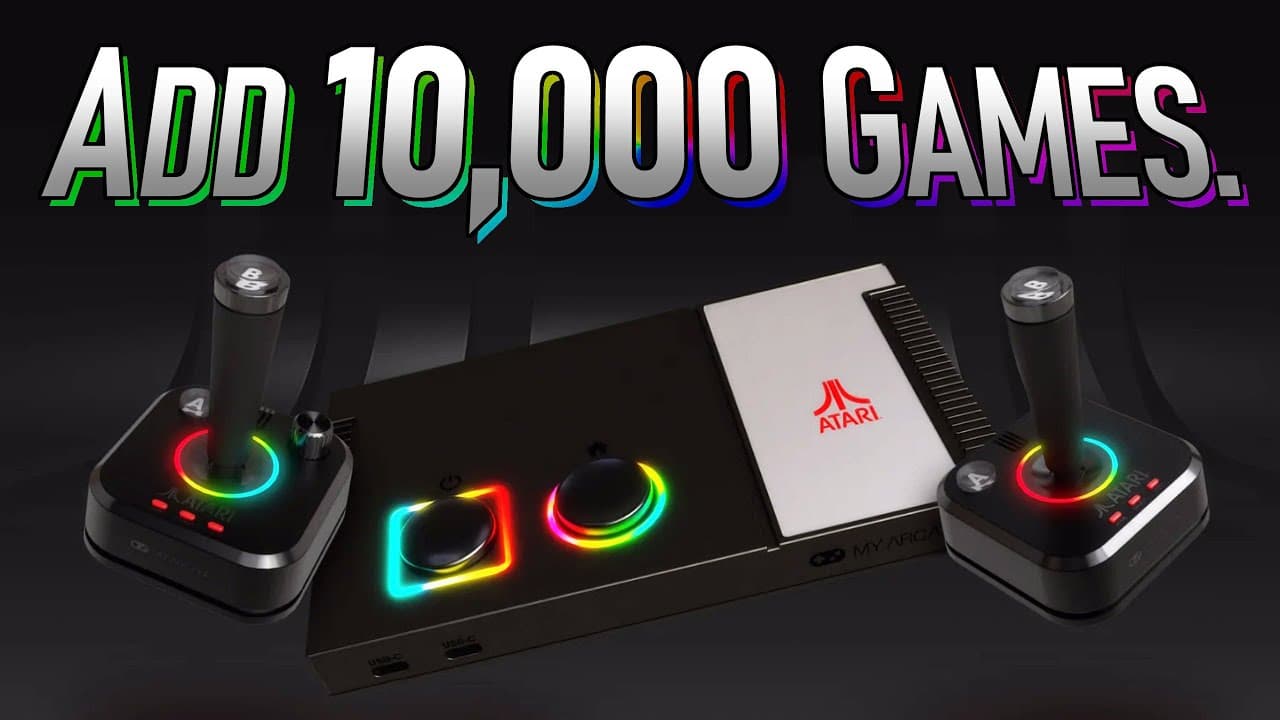
Learn how to add over 10,000 games to the Atari Gamestation Pro.
Transcript
a gaming company listening to The Gaming Community to see what it wants and reacting that's refreshing you'll remember that between CES and the release of the Atari gam station Pro my arcade heard a request and added an SD card slot and during my review I discovered that yes indeed you can add your own games to this and in fact in t... Read More
Key Insights
- The Atari Gamestation Pro can be expanded beyond its 200 built-in games using a micro SD card, allowing for the addition of over 10,000 new games.
- The process of adding games involves using ROM files and organizing them on a micro SD card, which is inserted into the Gamestation Pro.
- The video provides a detailed walkthrough of sourcing and preparing ROM files for various platforms, including Atari 2600, 5200, 7800, NES, and more.
- The Gamestation Pro supports game saves for expanded ROMs, but does not support features like subfolders or search functionalities.
- Certain limitations exist, such as the inability to remap controls and the potential for some games to not work due to hardware constraints.
- The tutorial emphasizes trial and error in the expansion process, encouraging users to experiment and improve upon the methods shared.
- The video highlights the potential for future updates to enhance the Gamestation Pro's capabilities, such as adding folder support or additional emulators.
- The expansion process is accessible and cost-effective, requiring only a micro SD card and some basic file management skills.
Install to Summarize YouTube Videos and Get Transcripts
Explore YouTube Video Summarizer or Get YouTube Transcript Extractor
Questions & Answers
Q: How can you expand the Atari Gamestation Pro's game library?
You can expand the Atari Gamestation Pro's game library by using a micro SD card to add ROM files. The video tutorial provides a step-by-step guide on sourcing and preparing ROMs for various platforms, which are then organized on the SD card and accessed through the Gamestation Pro.
Q: What limitations are there when adding games to the Gamestation Pro?
There are several limitations when adding games to the Gamestation Pro. These include the lack of support for subfolders, search functionalities, and control remapping. Some games may not work due to hardware constraints, and there is no support for game saves on expanded ROMs.
Q: What platforms are covered in the expansion tutorial?
The expansion tutorial covers a range of platforms, including Atari 2600, 5200, 7800, NES, Sega Genesis, Game Boy, Game Boy Advance, and arcade games. The tutorial provides detailed instructions on sourcing and preparing ROM files for each platform.
Q: How does the Gamestation Pro handle game saves for expanded ROMs?
The Gamestation Pro supports game saves for expanded ROMs, allowing players to save and resume their progress. However, this feature may not be available for all platforms, and game saves are stored on the micro SD card alongside the ROM files.
Q: What are the potential future improvements for the Gamestation Pro?
Potential future improvements for the Gamestation Pro include the addition of folder support, search functionalities, and more emulators for different gaming platforms. Firmware updates could enhance the system's capabilities and address current limitations.
Q: What is the process for adding ROM files to the Gamestation Pro?
To add ROM files to the Gamestation Pro, you need to source the ROMs, prepare them by ensuring correct file extensions, and organize them on a micro SD card. The card is then inserted into the Gamestation Pro, and the ROMs can be accessed through the system's menu.
Q: How does the video tutorial suggest improving the expansion process?
The video tutorial encourages viewers to experiment and find ways to improve the expansion process. It suggests trying different methods, sharing improvements in the comments, and staying updated with potential changes or new firmware releases that could enhance the Gamestation Pro's functionality.
Q: What are the benefits of expanding the Gamestation Pro's game library?
Expanding the Gamestation Pro's game library allows users to access a vast array of games from different platforms, providing hours of entertainment. It enhances the system's value by offering more gaming experiences without significant additional investment, making it a versatile gaming solution.
Summary & Key Takeaways
-
The video tutorial demonstrates how to expand the Atari Gamestation Pro by adding over 10,000 games using a micro SD card. It provides detailed instructions on sourcing, preparing, and organizing ROM files for various gaming platforms.
-
The expansion process involves using a micro SD card to store ROM files, which are then accessed through the Gamestation Pro. The tutorial covers multiple platforms, including Atari consoles, NES, and Sega Genesis.
-
Limitations such as lack of control remapping and potential game incompatibilities are discussed. The video encourages experimentation and improvement while highlighting future possibilities for firmware updates to enhance functionality.
Read in Other Languages (beta)
Share This Summary 📚
Summarize YouTube Videos and Get Video Transcripts with 1-Click
Try YouTube Summary with ChatGPT & Claude or YouTube Transcript Generator