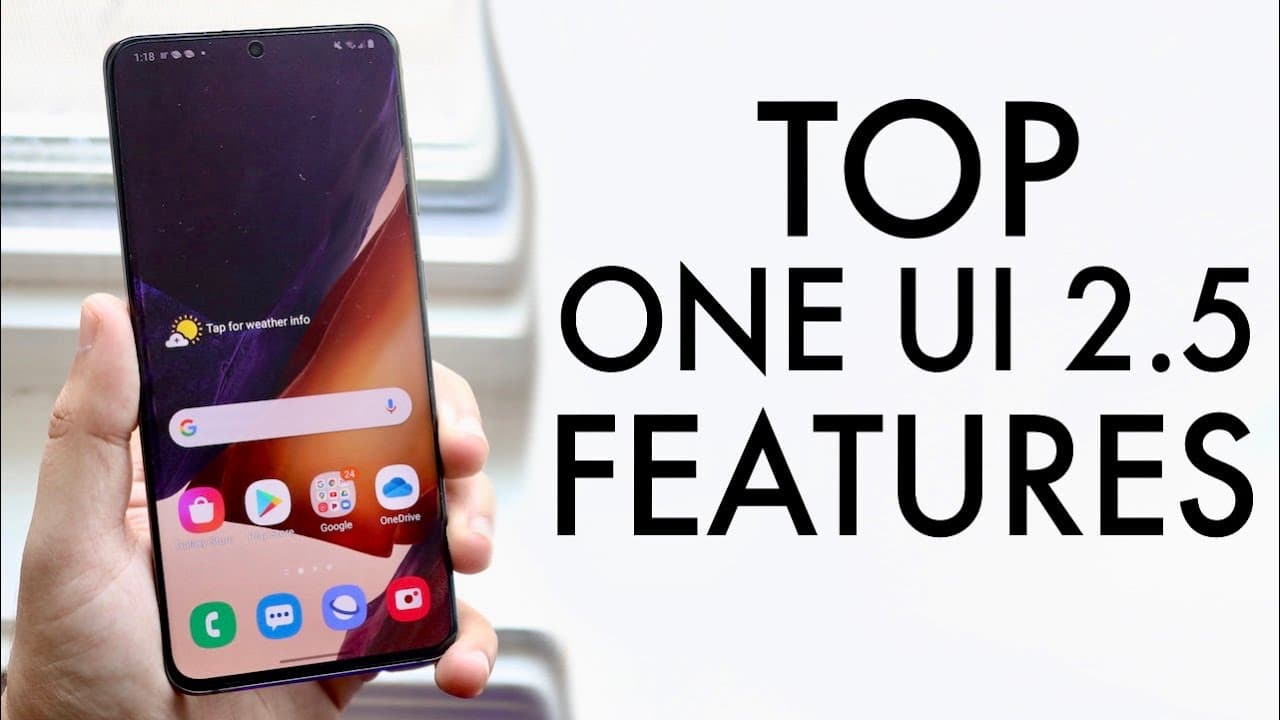
Top One UI 2.5 Features!
TL;DR
One UI 2.5 introduces exciting features like wireless DeX and improved camera capabilities.
Transcript
welcome back everyone one ui 2.5 actually just came out and there are some really really cool changes with this specific software now i will tell you not every single device is supported currently but a lot of them will eventually be getting this update which is really cool now if you have a samsung galaxy note 20 oh i'm pretty sure it's already pr... Read More
Key Insights
- 🥶 Wireless DeX functionality allows for a cable-free desktop experience, notably increasing work efficiency.
- 🎮 Advanced audio controls in the camera app enable better sound quality management, catering to video creators.
- 👨🔬 The introduction of YouTube integration within the Samsung keyboard simplifies content searching, enhancing user interaction.
- 😀 PDF management becomes easier without the need for external apps, streamlining document handling on mobile devices.
- 🥳 One UI 2.5 features custom gesture support for third-party launchers, enhancing usability for users preferring personalized interfaces.
- 💨 Quick connections to faster Wi-Fi networks can save users from frustrations associated with slow internet speeds.
- 😆 The feature to request Wi-Fi passwords from contacts simplifies networking and enhances user convenience.
Install to Summarize YouTube Videos and Get Transcripts
Explore YouTube Video Summarizer or Get YouTube Transcript Extractor
Questions & Answers
Q: What is the significance of wireless DeX in One UI 2.5?
Wireless DeX allows users to connect their Samsung devices to monitors or TVs without needing a USB cable. This feature enhances productivity by transforming a smartphone into a desktop experience, enabling users to work more efficiently. It opens up possibilities for multitasking and using larger screens, making it a standout addition for those who frequently use their devices for work or school.
Q: How does One UI 2.5 improve the camera experience?
One UI 2.5 offers significant enhancements for video recording. It introduces advanced audio control options, allowing users to select different microphone sources. This means users can choose to record audio from their device’s built-in mics or connect an external microphone, improving overall sound quality in videos. The inclusion of audio level monitoring also enables users to ensure optimal recording levels.
Q: Can you explain the new keyboard features in One UI 2.5?
The updated Samsung keyboard now includes a built-in YouTube search function. Users can search for content directly within the keyboard interface, streamlining the process of finding and incorporating multimedia into their conversations or presentations. Additionally, there's support for managing PDFs, allowing users to sign and edit documents on their mobile devices without needing third-party applications.
Q: What changes have been made to the Edge Panel in One UI 2.5?
The Edge Panel has been expanded to allow users to add more apps—for instance, increasing the number of applications displayed from a standard count to over twenty. This update makes it easier for users to access their most-used applications, thereby enhancing multitasking capabilities and improving workflow efficiency on Samsung devices.
Summary & Key Takeaways
-
One UI 2.5 introduces wireless DeX functionality, allowing users to connect their devices to monitors without cables, enhancing productivity.
-
Improved camera features include advanced audio controls and the ability to use external microphones, significantly boosting video recording quality for users.
-
New keyboard functions allow users to search and interact with YouTube directly, as well as manage PDFs seamlessly, simplifying user experience.
Read in Other Languages (beta)
Share This Summary 📚
Summarize YouTube Videos and Get Video Transcripts with 1-Click
Try YouTube Summary with ChatGPT & Claude or YouTube Transcript Generator
Explore More Summaries from Simple Alpaca 📚






Summarize YouTube Videos and Get Video Transcripts with 1-Click
Try YouTube Summary with ChatGPT & Claude or YouTube Transcript Generator