How to Enhance Article Reading with Omnivore and Logseq
TL;DR
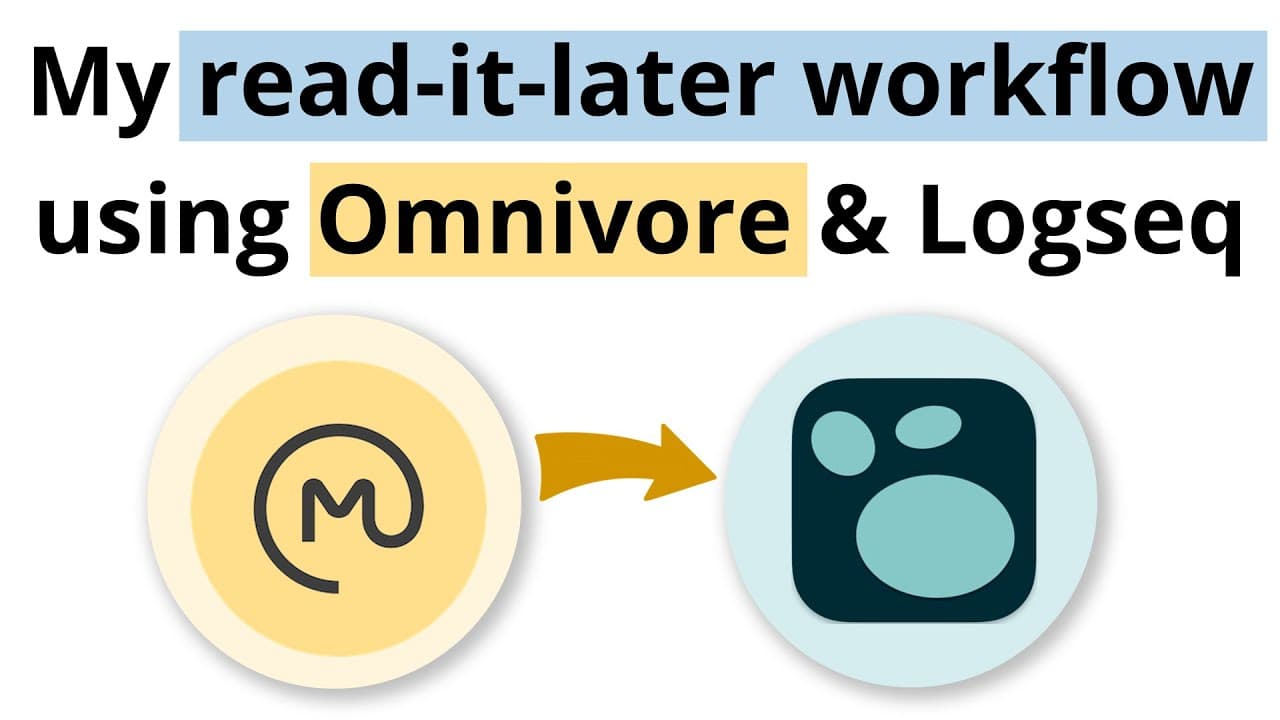
Optimize your article reading process by using the Omnivore app for seamless article management and customized reading experiences. With the ability to export notes to Logseq, you can streamline your workflow by organizing, tagging, and processing highlights within your personal knowledge management system.
Transcript
hi welcome back to the channel this is a super last minute video that I've thrown together just because I've received a lot of requests about my reading workflow and if this is part of the course and no it's not part of the course because my reading workflow looks at different applications and it's still evolving and yeah because it's different app... Read More
Key Insights
- 📱 Using different readers and apps for reading and storing articles while on holiday is a common practice. However, the export workflow of some apps may not align with individual preferences, leading to the need for alternative solutions.
- 📖 The Omnivore app, which is open source and free to use, provides a favorable solution for exporting articles as blocks rather than individual pages, improving the workflow for some users.
- 🔍 Omnivore offers a user-friendly interface for organizing articles and allows customization of appearance, such as changing fonts, margins, and line spacing, for a personalized reading experience.
- 📝 One notable feature of Omnivore is the ability to highlight and take notes while reading and then seamlessly export those notes to a database or note-taking tool like Logseq.
- 🔗 Through integration with Logseq, users can easily sync their highlights and notes from Omnivore to their database, enabling systematic processing, tagging, and linking of articles and creating a block-based workflow.
- ✉️ Omnivore also allows users to create an email address to subscribe to newsletters, which will then be directly stored in the Omnivore database for easy access.
- 📱 Users can utilize the Omnivore browser plugin to quickly send articles from websites or platforms like Twitter to their Omnivore database for reading and organization.
- 📚 While Omnivore presents a convenient solution for reading workflow, it should be noted that it is one component of a broader framework for personal knowledge management, which includes planning, plowing, planting, propagating, and probing different types of content. A comprehensive approach is recommended to effectively manage personal knowledge.
Install to Summarize YouTube Videos and Get Transcripts
Explore YouTube Video Summarizer or Get YouTube Transcript Extractor
Questions & Answers
Q: How does the Omnivore app improve the reading workflow compared to other reader apps?
The Omnivore app improves the reading workflow by allowing users to export articles as blocks instead of individual pages, making it easier to process and organize the content in Logseq or other note-taking apps. This eliminates the need for manual formatting and ensures a smoother integration between reading and note-taking.
Q: How does the integration between Omnivore and Logseq work?
The integration between Omnivore and Logseq involves labeling articles in Omnivore as "sent to Logseq" and using Logseq's Omnivore plugin to import and process those articles. The video demonstrates how this workflow allows users to sync their highlights and notes from Omnivore to Logseq in a block-based format, making it easier to organize and reference the information.
Q: Can you highlight and take notes on articles within the Omnivore app?
Yes, the Omnivore app allows users to highlight and take notes while reading articles. Users can customize the appearance of the article, including font size, margin, and line spacing. The video shows how the highlighting and note-taking feature works within the app and how it can be exported to Logseq.
Q: Are there any additional features or benefits of using the Omnivore app?
Aside from exporting articles as blocks and integrating with Logseq, the Omnivore app offers other useful features. Users can create an email address to subscribe to newsletters and have the content automatically sent to their Omnivore database. Additionally, there are mobile apps available for both iOS and Android devices. The video briefly mentions these features and encourages further exploration of Omnivore's capabilities.
Summary & Key Takeaways
-
The video introduces the Omnivore app as an alternative to Readwise for managing and reading articles, with a focus on exporting articles as blocks instead of individual pages.
-
The presenter demonstrates how to use the Omnivore app's user interface, including the inbox view, card view, and blog view.
-
The video highlights the key feature of Omnivore, which is the ability to highlight and take notes while reading and seamlessly export those notes to Logseq for further processing.
Read in Other Languages (beta)
Share This Summary 📚
Summarize YouTube Videos and Get Video Transcripts with 1-Click
Try YouTube Summary with ChatGPT & Claude or YouTube Transcript Generator
Explore More Summaries from CombiningMinds Knowledge Management & Productivity 📚

Summarize YouTube Videos and Get Video Transcripts with 1-Click
Try YouTube Summary with ChatGPT & Claude or YouTube Transcript Generator