Kivy with Python tutorial for Mobile Application Development Part 1
TL;DR
This video is an introduction to TV (Toga Virtual), a cross-platform software development kit for creating GUI applications using Python.
Transcript
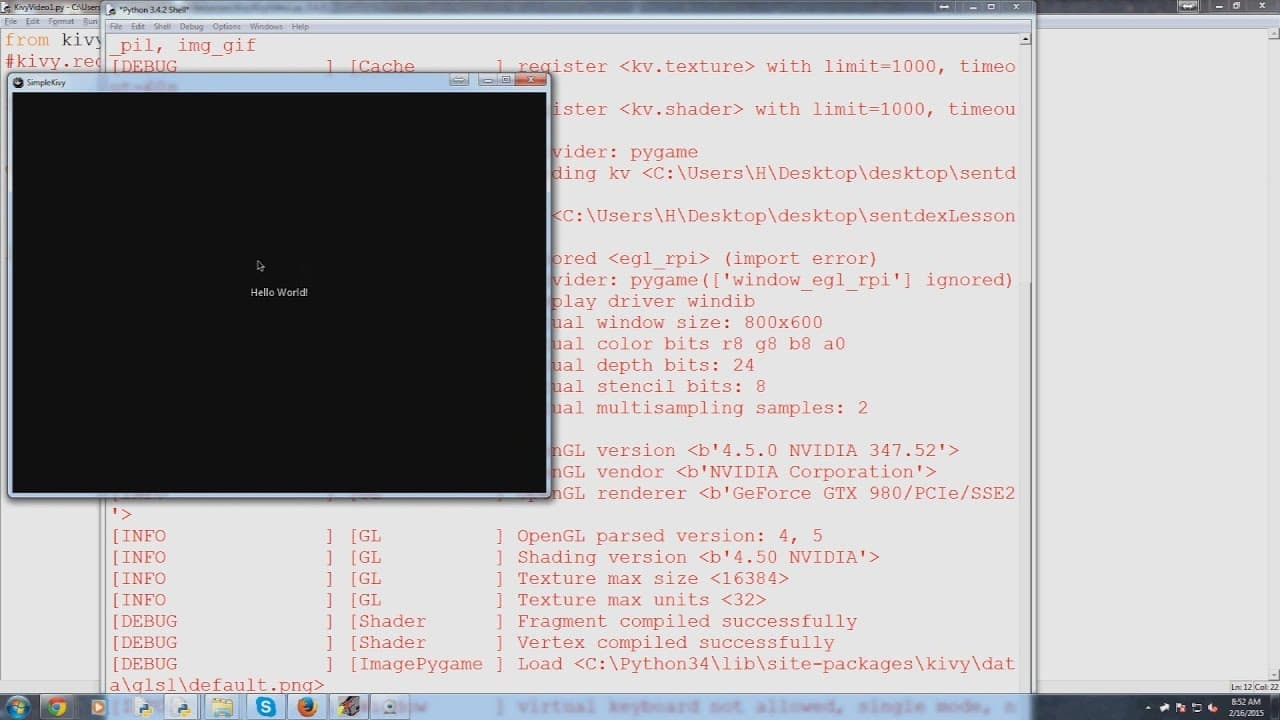
hello everybody and welcome to the first video my TV basics with Python tutorials series in this video we're gonna be talking about is actually just acquiring TV what TV is and all of that and really just testing the installation so let's go ahead and get started first of all what is TV so this is the key view website kiva.org and whenever you go t... Read More
Key Insights
- 😵 TV is a powerful cross-platform GUI framework for Python that supports mobile platforms.
- 😫 The ability to access special features of mobile devices sets TV apart from other GUI frameworks.
- 📺 TV applications can be deployed to different platforms, including Android, using tools like Buildozer.
- 📺 The installation process for TV varies depending on the operating system, but it is relatively straightforward.
- 🗳️ TV simplifies GUI development by providing a lot of functionality out of the box and allowing developers to focus on the logic of the application.
- 📺 TV has extensive documentation and resources available to help developers learn and utilize its features.
- 👨💻 The backend of TV is already written for developers, reducing the amount of code they need to write.
Install to Summarize YouTube Videos and Get Transcripts
Explore YouTube Video Summarizer or Get YouTube Transcript Extractor
Questions & Answers
Q: What is TV and how does it differ from other GUI frameworks like Tkinter?
TV is a cross-platform software development kit for creating GUI applications with Python. It differs from Tkinter in that it is cross-platform and can be used to create applications for mobile platforms as well. It also has built-in support for special features of mobile devices, such as touch screens and hand gestures.
Q: Can you explain how TV can interact with special features of mobile devices?
TV can access the Android API and iOS-specific features of mobile devices, such as the camera and gyroscope. This allows developers to create applications that take advantage of these features in their TV applications.
Q: How can TV applications be deployed to different platforms?
TV applications can be deployed to different platforms using tools like Buildozer for Android. By converting the TV application to an Android application, it can be published on the Google Play Store.
Q: What are the installation steps for TV?
The installation steps for TV depend on the operating system. For Linux, you can use "sudo apt-get install python-tk" or "pip install pygame". For Windows, you can use "pip install pygame" or download the necessary wheel files from the TV website.
Summary & Key Takeaways
-
TV is a cross-platform software development kit that allows for creating GUI applications with Python.
-
TV is unique because it is cross-platform and can be used to create applications for desktop and mobile platforms, including iOS and Android.
-
TV can interact with special features of mobile devices, such as touch screens and hand gestures.
Read in Other Languages (beta)
Share This Summary 📚
Summarize YouTube Videos and Get Video Transcripts with 1-Click
Try YouTube Summary with ChatGPT & Claude or YouTube Transcript Generator
Explore More Summaries from sentdex 📚






Summarize YouTube Videos and Get Video Transcripts with 1-Click
Try YouTube Summary with ChatGPT & Claude or YouTube Transcript Generator