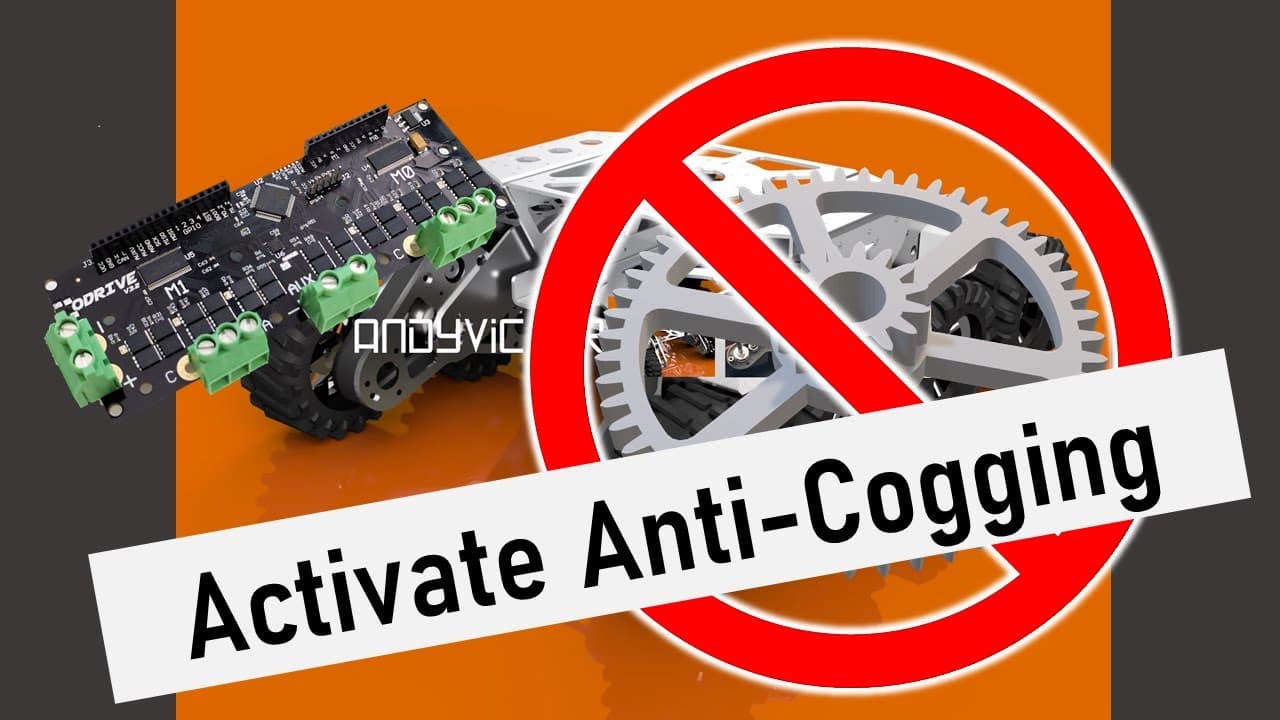
Activating Anti-Cogging on the ODrive Robotics Controller (smooth brushless motor control)
TL;DR
Learn how to implement anti-cogging to drive a brushless motor smoothly and slowly without the need for a gearbox.
Transcript
hi i'm andy vickers and welcome to my channel so today we're going to use something called anti-cogging to turn a stuttery slow motor like this into something like this so this video's actually quite special to me this is my first real youtube video and we're actually going to be jumping right into the deep end with a niche robotics video to get us... Read More
Key Insights
- 🏭 Implementing anti-cogging on a brushless motor can improve its performance, allowing for smoother and slower motion without the need for a gearbox.
- 💡 Cogging occurs when a brushless motor stutters and jerks during slow movements due to the magnets pulling the coils into set positions. Anti-cogging addresses this issue.
- ⚙️ Many people opt to buy expensive servo motors or use gearboxes to mitigate cogging, but these solutions come with drawbacks such as reduced top speed, increased complexity, and potential backlash.
- 🔧 Anti-cogging works by calibrating the motor and storing a map of the magnetic strength at different positions. This map is then used to provide the right amount of torque to keep the motor moving smoothly.
- 💻 The O Drive, a motor controller, can be used to implement anti-cogging. The process involves configuring various parameters and performing a calibration sequence.
- 📚 Additional resources and documentation on fine-tuning motors and anti-cogging can be found on the O Drive Robotics website and Hackaday article.
- 🚀 By implementing anti-cogging, users can achieve better motor performance without the need for expensive alternatives or additional components, making it a cost-effective solution.
- 📝 The provided source code and detailed instructions for implementing anti-cogging can be found on Andy Vickers' website, allowing users to easily replicate the process and improve their motor performance.
Install to Summarize YouTube Videos and Get Transcripts
Explore YouTube Video Summarizer or Get YouTube Transcript Extractor
Questions & Answers
Q: What causes cogging in brushless motors?
Cogging in brushless motors occurs when the magnets and coils within the motor pull the motor into set positions during rotation, resulting in a stuttery and jerky motion.
Q: What are the drawbacks of using a gearbox to address cogging?
Using a gearbox can lead to a lower top speed, increased design complexity, extra component costs, and potential backlash, which can reduce accuracy in precise systems.
Q: How does anti-cogging calibration work?
Anti-cogging calibration involves rotating the motor through 360 degrees while measuring the magnetic strength at each point. This data is then used to drive the motor smoothly by providing just the right amount of torque at every position.
Q: How can I implement anti-cogging on my robot?
To implement anti-cogging, you will need an O Drive, encoder, and brushless motor. The video provides step-by-step instructions on how to calibrate and configure the O Drive for anti-cogging.
Q: Can anti-cogging be used without a gearbox?
Yes, implementing anti-cogging allows for driving brushless motors smoothly and slowly without the need for a gearbox, providing an alternative to address cogging issues.
Summary & Key Takeaways
-
Cogging occurs when a brushless motor turns stuttery and jerky at slow speeds due to the magnets and coils pulling the motor into set positions around its rotation.
-
Many people either buy servo motors or implement a gearbox to address cogging, but these solutions have drawbacks such as higher costs and complexity.
-
Anti-cogging calibration allows for the use of cheap brushless motors while driving them smoothly and slowly without the need for a gearbox.
Read in Other Languages (beta)
Share This Summary 📚
Summarize YouTube Videos and Get Video Transcripts with 1-Click
Try YouTube Summary with ChatGPT & Claude or YouTube Transcript Generator