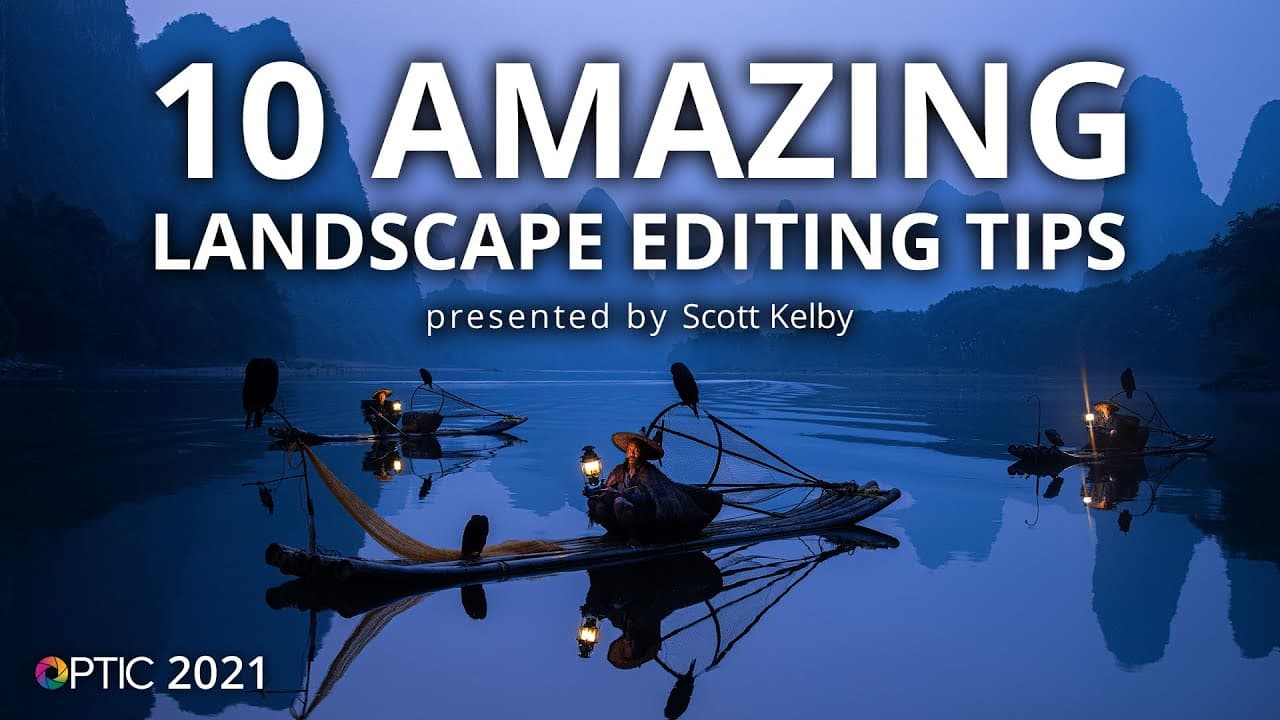
Scott Kelby’s 10 Amazing Landscape Editing Tips | OPTIC 2021
TL;DR
This video tutorial showcases several post-processing tricks for enhancing landscape and outdoor photos, including creating reflections, adjusting skies, removing glows, fixing sensor dust spots, and using the dehaze slider.
Transcript
well hi everybody and i'm so happy to be here as part of the b h photo optic and we have got a class for you on it's called my my top landscape and outdoor post-processing tricks but i have a very limited amount of time so i was trying to do 10 like my top 10. i'm thinking maybe this will be my best eight or maybe my best seven but i'm gonna try to... Read More
Key Insights
- 📸 Using a Wacom Intuos Pro tablet is a preferred tool for many photographers and offers greater precision than a mouse.
- 🌄 Creating reflections in images is a common technique used by photographers, and it can add a visually pleasing effect to landscape photos.
- 🌌 Adjusting the hue and saturation levels in the blues can enhance the color and richness of the sky in outdoor photos.
- 💡 Applying a -100 highlight setting in Lightroom can improve the realism and detail in the sky of landscape images.
- 🌅 The Sky Replacement feature in Photoshop allows for easy and seamless swapping of skies in photos, creating a more dramatic or appealing effect.
- ✨ The Clone Stamp tool in Photoshop, when set to "darken" mode, can effectively remove unwanted glows or halos around objects in photos.
- 🔍 The Visualize Spots tool in Lightroom helps identify and remove sensor dust spots in images, ensuring a clean final photo.
- 🌳 The Dehaze slider in Lightroom can be used creatively to either reduce haze in a photo or introduce a blue color cast, adding a unique visual effect.
Install to Summarize YouTube Videos and Get Transcripts
Explore YouTube Video Summarizer or Get YouTube Transcript Extractor
Questions & Answers
Q: How can one create reflections in landscape photos?
To create reflections, start by selecting the area you want to reflect using the rectangular marquee tool in Photoshop. Then, copy the selected area to a new layer using the command/control + J shortcut. Use the free transform tool (command/control + T) to flip the selected area vertically, creating a mirror-like reflection. Finally, darken the reflection using the camera raw filter or other adjustment tools to achieve a realistic effect.
Q: What is the advantage of using the dehaze slider?
The dehaze slider can be used to both remove haze and add mist effects in landscape photos. By dragging the slider to the right, haze is reduced, making distant objects clearer and enhancing overall contrast. Conversely, dragging the slider to the left introduces haze, which can be useful for creating a soft and dreamy atmosphere in photos.
Q: How can sensor dust spots be removed in post-processing?
In Lightroom, use the spot removal tool and enable the "visualize spots" option. This changes the photo to a negative view, making dust spots more visible. Simply click on the spots to remove them automatically. If Lightroom selects a wrong spot, pressing the slash key will make it choose a new spot. This technique ensures that dust spots are easily detected and eliminated before finalizing a photo.
Q: How can the sky be adjusted to make it appear bluer and richer?
In Lightroom, go to the HSL panel and select the luminance tab. Then, adjust the blue slider to the left to increase blue saturation in the sky. This simple adjustment enhances the sky's color, making it appear bluer and richer without affecting other elements in the photo.
Q: Can the exposure slider be fine-tuned for better control over the photo's brightness?
Yes, by using the shift double-click technique on the white and black sliders, Lightroom automatically sets the white and black points to maximize the photo's tonal range. Afterward, the exposure slider can be used for fine-tuning the overall brightness without compromising image quality. This technique ensures accurate exposure adjustment and enhances image depth and clarity.
Summary & Key Takeaways
-
The video tutorial presents various post-processing tricks for landscape and outdoor photography.
-
These tricks include creating reflections by flipping images, adjusting skies using HSL and white balance settings, darkening the sky with the highlights slider, replacing skies using Photoshop's new sky replacement feature, removing glows using the clone stamp tool, fixing sensor dust spots using the spot removal tool, and using the dehaze slider to enhance mist or haze in photos.
-
The tutorial emphasizes the importance of fine-tuning exposure by using the white and black sliders in combination with the exposure slider.
Read in Other Languages (beta)
Share This Summary 📚
Summarize YouTube Videos and Get Video Transcripts with 1-Click
Try YouTube Summary with ChatGPT & Claude or YouTube Transcript Generator
Explore More Summaries from B&H Photo Video Pro Audio 📚



Summarize YouTube Videos and Get Video Transcripts with 1-Click
Try YouTube Summary with ChatGPT & Claude or YouTube Transcript Generator