How to Create a PDF File on Your Android Phone
TL;DR
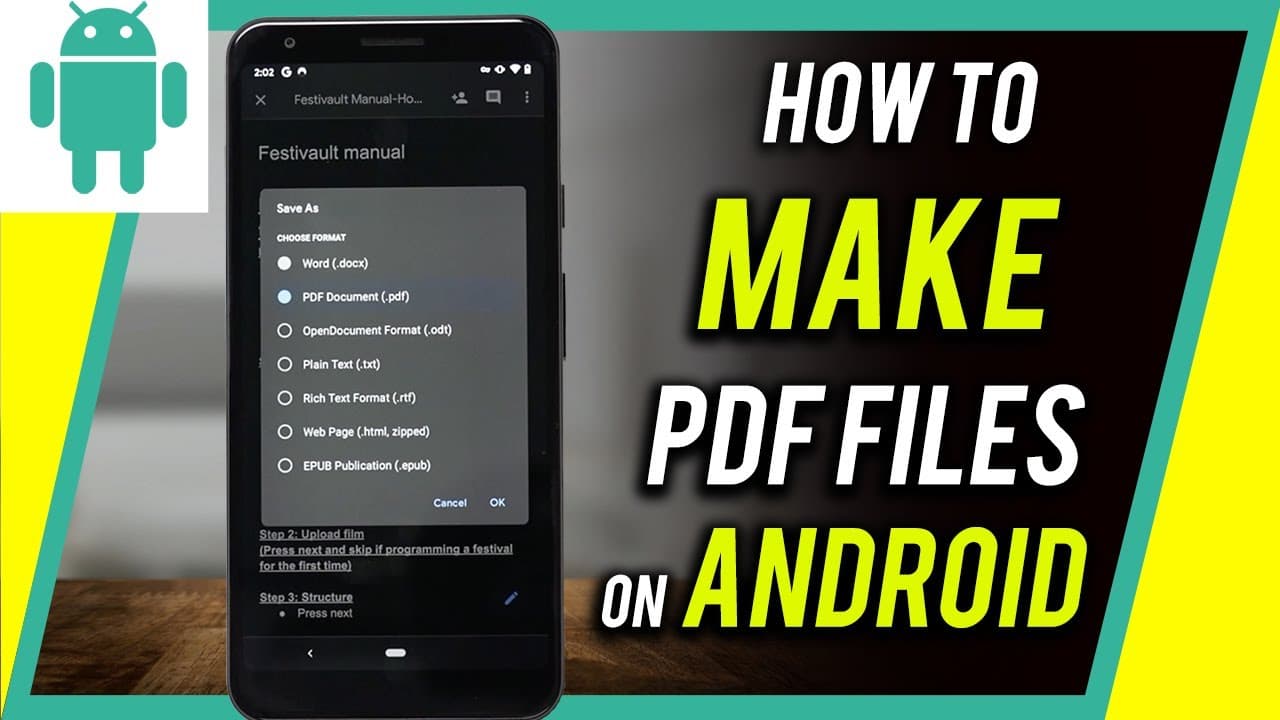
You can create a PDF file on your Android phone using the built-in Google Drive app. Simply upload an existing document, create a new one, or scan a physical document using the app's camera feature. Google Drive allows you to save Google Docs, Sheets, Slides, and images as PDF files effortlessly.
Transcript
hey everyone in today's video i want to show you how to create a pdf document on your android phone and also how to turn any document you already have into a pdf document is completely free and it's built into your android phone on the iphone it's a little bit different so i'll make the next video all about that so what we need is an app called goo... Read More
Key Insights
- 😀 Google Drive is a built-in app on Android phones, making it accessible for creating and converting documents into PDF format.
- 📜 Users can upload existing files, create new documents, or scan physical documents to convert them into PDFs.
- 📁 Google Drive supports various file types, including Google Docs, Google Sheets, Google Slides, and images.
- 👻 The scanning feature in Google Drive allows for quick and easy conversion of physical documents into PDF format.
- 😀 No additional apps need to be installed to create PDFs on an Android phone through Google Drive.
- 👤 Users can save PDFs to their Google Drive folders, making them easily accessible from any device with internet access.
- 🧡 Google Drive offers a range of exporting options, including PDF, for different file formats.
Install to Summarize YouTube Videos and Get Transcripts
Explore YouTube Video Summarizer or Get YouTube Transcript Extractor
Questions & Answers
Q: Can I create a PDF document from any type of file?
Yes, using Google Drive on your Android phone, you can convert various types of files, including text documents, spreadsheets, slideshows, and even images, into PDF format.
Q: Do I need to install any additional apps to create a PDF on my Android phone?
No, Google Drive comes pre-installed on Android phones, making it convenient for users to create and convert documents into PDF format without the need for additional apps.
Q: Can I scan physical documents and save them as PDFs using Google Drive?
Yes, Google Drive has a scanning feature that uses your phone's camera to capture physical documents. You can then crop and save the scanned document as a PDF file.
Q: Are there any limitations when creating PDFs with Google Drive?
There are no significant limitations in creating PDFs with Google Drive, as it supports a wide range of file formats. However, large files or files with complex formatting may require more time to process.
Summary & Key Takeaways
-
The video tutorial explains how to use Google Drive, which is pre-installed on Android phones, to create a PDF document.
-
Users can upload existing documents, create new ones, or even scan physical documents using the app's camera feature.
-
Google Drive allows users to convert Google Docs, Google Sheets, Google Slides, and images into PDF format.
Read in Other Languages (beta)
Share This Summary 📚
Summarize YouTube Videos and Get Video Transcripts with 1-Click
Try YouTube Summary with ChatGPT & Claude or YouTube Transcript Generator
Explore More Summaries from Howfinity 📚






Summarize YouTube Videos and Get Video Transcripts with 1-Click
Try YouTube Summary with ChatGPT & Claude or YouTube Transcript Generator