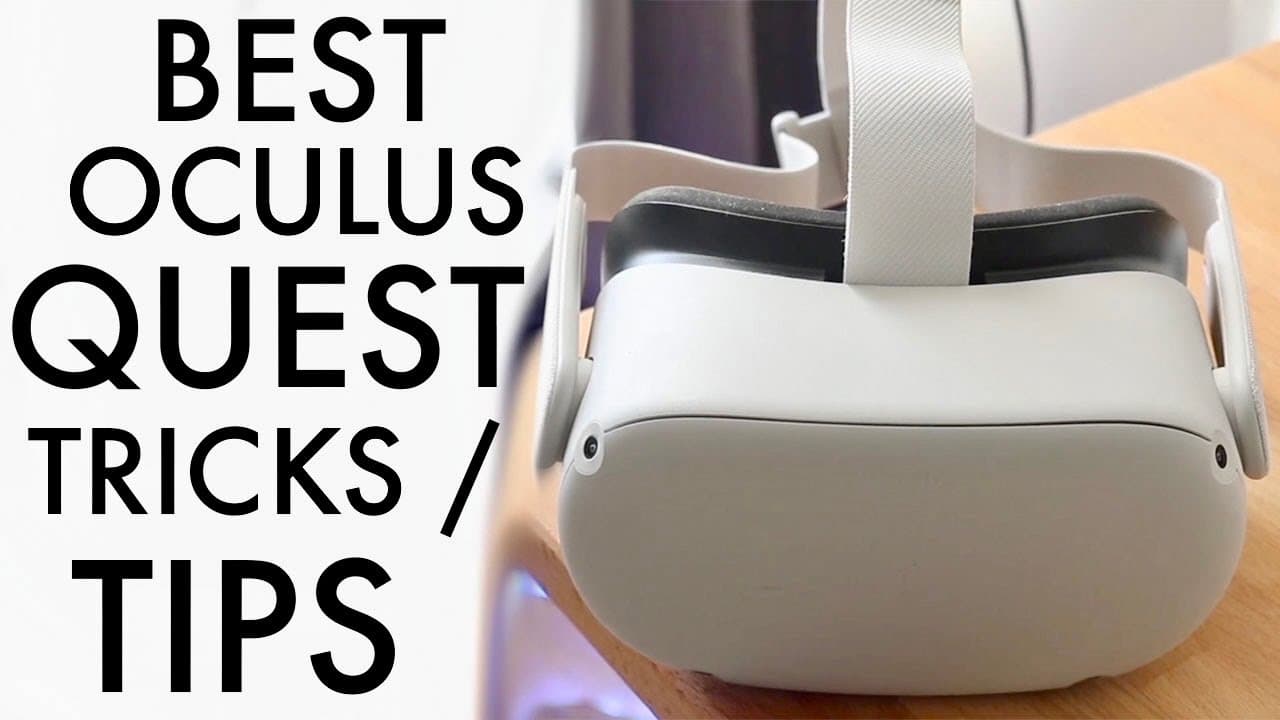
Best Oculus Quest 2 Tricks & Tips!
TL;DR
Discover essential tips and tricks for optimizing your Oculus Quest headset experience.
Transcript
well everyone it's time for us to go ahead and talk about some of the best oculus quest or mediquest whatever you want to call it the best tricks or tips that you should actually go ahead and start utilizing on your specific headset now these are going to be pretty broad some of these are going to be kind of cool some of them you may already know s... Read More
Key Insights
- ❓ Regular maintenance of your Oculus Quest is essential for optimal visual quality, emphasizing the significance of lens cleanliness.
- 🤗 Hand tracking offers an advanced method of interaction, making VR experiences more intuitive and freeing users from traditional controllers.
- 👾 The ability to play retro games adds a nostalgic element to the Oculus Quest, expanding its utility beyond standard VR applications.
- 😀 Using the Oculus app to manage recordings provides a convenient way to share gameplay experiences directly from the headset.
- 👻 The flexibility of using either the built-in browser or Firefox allows users greater choice in managing their gaming experiences on the headset.
- 🤗 Emulators on the Oculus headset open up new gaming possibilities, enabling access to classic titles that enhance the overall appeal of VR.
- 👋 Regularly updating the software is crucial to ensure the best performance from the Oculus Quest and to access new features and improvements.
Install to Summarize YouTube Videos and Get Transcripts
Explore YouTube Video Summarizer or Get YouTube Transcript Extractor
Questions & Answers
Q: Why is cleaning the lenses of the Oculus Quest so important?
Cleaning the lenses of your Oculus Quest is crucial because foggy or smudged lenses can diminish your visual clarity and overall VR experience. By using a microfiber cloth every couple of weeks, you can maintain a clear view and prevent scratching on the delicate glass lenses, ensuring a more enjoyable immersive experience.
Q: How can I enable hand tracking on my Oculus Quest?
To enable hand tracking, first ensure your Oculus Quest is updated to the latest software. Then, access the universal menu by pressing the Oculus Home button on your right controller. From there, navigate to the quick settings, select the appropriate options, and toggle hand tracking on, allowing you to interact with your VR environment using your hands.
Q: What are the steps to play Game Boy Advance games on my Oculus Quest?
To play Game Boy Advance games, you can use the built-in web browser or download Firefox in your headset. Search for online GBA emulators like emulatorgames.online. After navigating to the site, select and play the games you own directly within the headset for a fun retro gaming experience.
Q: How do I screen record my Oculus Quest gameplay?
To screen record on the Oculus Quest, access the menu by pressing the Oculus button, then find the share option to select 'Record Video.' This will allow you to capture your gameplay, which can later be transferred to your PC via a USB connection for editing or sharing purposes.
Summary & Key Takeaways
-
Regularly cleaning the lenses of your Oculus Quest headset with a microfiber cloth can significantly improve visibility and extend the lifespan of the lenses, preventing fog and smudges that hamper the VR experience.
-
Enabling hand tracking on your headset enhances user interaction, allowing for a more immersive experience without relying solely on controllers, provided the headset is updated to the latest software version.
-
Playing classic Game Boy Advance and PlayStation 1 games on the headset is possible through web emulators, offering a nostalgic gaming experience directly integrated with the Oculus environment.
Read in Other Languages (beta)
Share This Summary 📚
Summarize YouTube Videos and Get Video Transcripts with 1-Click
Try YouTube Summary with ChatGPT & Claude or YouTube Transcript Generator
Explore More Summaries from Simple Alpaca 📚






Summarize YouTube Videos and Get Video Transcripts with 1-Click
Try YouTube Summary with ChatGPT & Claude or YouTube Transcript Generator