How to Remove Viruses From Your Computer
TL;DR
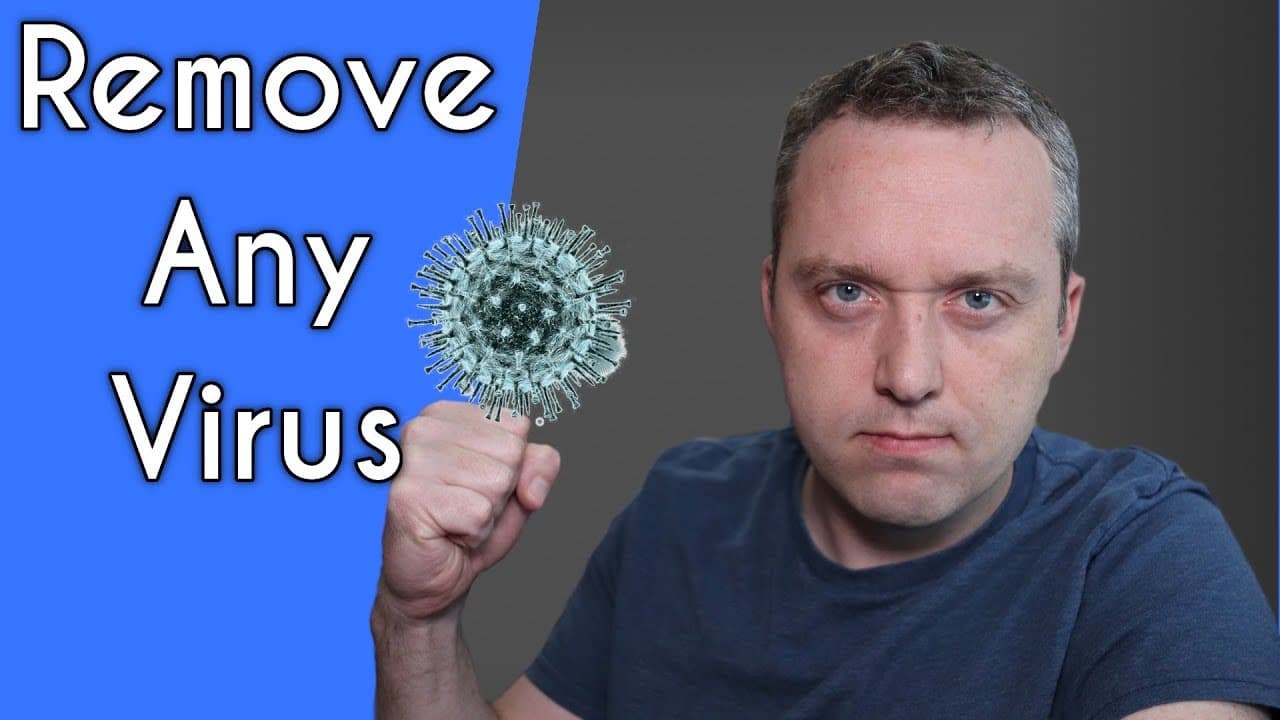
Learn how to remove viruses from your computer using Tron Script, a powerful utility that combines multiple programs to effectively clean and optimize your system.
Transcript
in this video i'm going to be showing you how to remove any virus and not only remove it but do a better job than if you took it and paid a professional hundreds of dollars to fix your computer now having said all that there's one type of virus that still will cause problems if you have ransomware and it encrypted your files please note it will rem... Read More
Key Insights
- 💻 Ransomware is a highly problematic virus that causes encrypted file damage and restoration is difficult without backups or paying a ransom.
- 💡 Tron Script is a powerful utility that eliminates the need to hire professionals for virus removal, as it combines multiple programs and utilities to optimize and clean the system.
- ⚡ Tron Script, with its extensive collection of over 20-30 programs, is highly efficient in removing viruses and repairing system files, resulting in improved performance and faster runtimes.
- 🖥️ Tron Script automates most of the virus removal process, requiring minimal user interaction, except for running Malwarebytes when prompted. ⏰ Tron Script's runtime can vary depending on the size of the storage and the computer's usage history, typically taking anywhere from 3 to 10 hours to complete.
- 🔒 Stage 1 of Tron Script, the "prep" phase, involves disabling unnecessary services, creating restore points, and killing external processes using rkill.
- 🧹 The "temp clean" and "de-bloat" stages of Tron Script focus on clearing temporary files and removing junkware, resulting in a faster and cleaner system.
- 🔍 Tron Script's "disinfection" stage includes running powerful antivirus programs like Malwarebytes, Kaspersky, and Sophos to detect and remove viruses and ensure system security.
Install to Summarize YouTube Videos and Get Transcripts
Explore YouTube Video Summarizer or Get YouTube Transcript Extractor
Questions & Answers
Q: How does Tron Script compare to other virus removal tools available in the market?
Tron Script sets itself apart from other virus removal tools by combining multiple programs and utilities, allowing for a more comprehensive clean-up process. It goes beyond simple virus removal and also optimizes your system for better performance.
Q: Can Tron Script remove ransomware viruses?
While Tron Script can remove ransomware viruses, it cannot decrypt encrypted files. If your files have been encrypted by ransomware, you will need to restore them from a backup or consider paying the ransom to get them unencrypted.
Q: Is Tron Script suitable for both residential and business environments?
Yes, Tron Script can be used in both residential and business environments to remove viruses and optimize computer performance. However, it is essential to note that it may take longer to run in environments with larger hard drives.
Q: How long does it take for Tron Script to run?
The running time of Tron Script can vary depending on the size of your hard drive and the complexity of the virus infection. It typically takes anywhere between 3 and 10 hours to complete, with larger hard drives taking longer.
Q: Can Tron Script fix corrupted system files?
Yes, Tron Script includes utilities like DISM (Deployment Image Servicing and Management) to repair corrupted system files. It is particularly useful for fixing Windows 10 system files that may have been affected by viruses.
Q: Is Tron Script compatible with all versions of Windows?
Tron Script can be used with both the regular and safe mode of Windows. It is compatible with various versions of Windows, including Windows 7, 8, and 10.
Q: Can Tron Script work on a computer with limited storage?
Yes, Tron Script can work on computers with limited storage. However, it may take less time to run on such systems compared to computers with larger hard drives.
Summary & Key Takeaways
-
The Tron Script is a powerful utility that eliminates the need for professional help in removing computer viruses and optimizing your system.
-
Tron Script combines over 20 or 30 different programs and utilities to remove viruses, repair system files, and optimize your computer's performance.
-
The script requires minimal user interaction and can take several hours to run, depending on the size of your hard drive.
Read in Other Languages (beta)
Share This Summary 📚
Summarize YouTube Videos and Get Video Transcripts with 1-Click
Try YouTube Summary with ChatGPT & Claude or YouTube Transcript Generator
Explore More Summaries from Chris Titus Tech 📚

Summarize YouTube Videos and Get Video Transcripts with 1-Click
Try YouTube Summary with ChatGPT & Claude or YouTube Transcript Generator