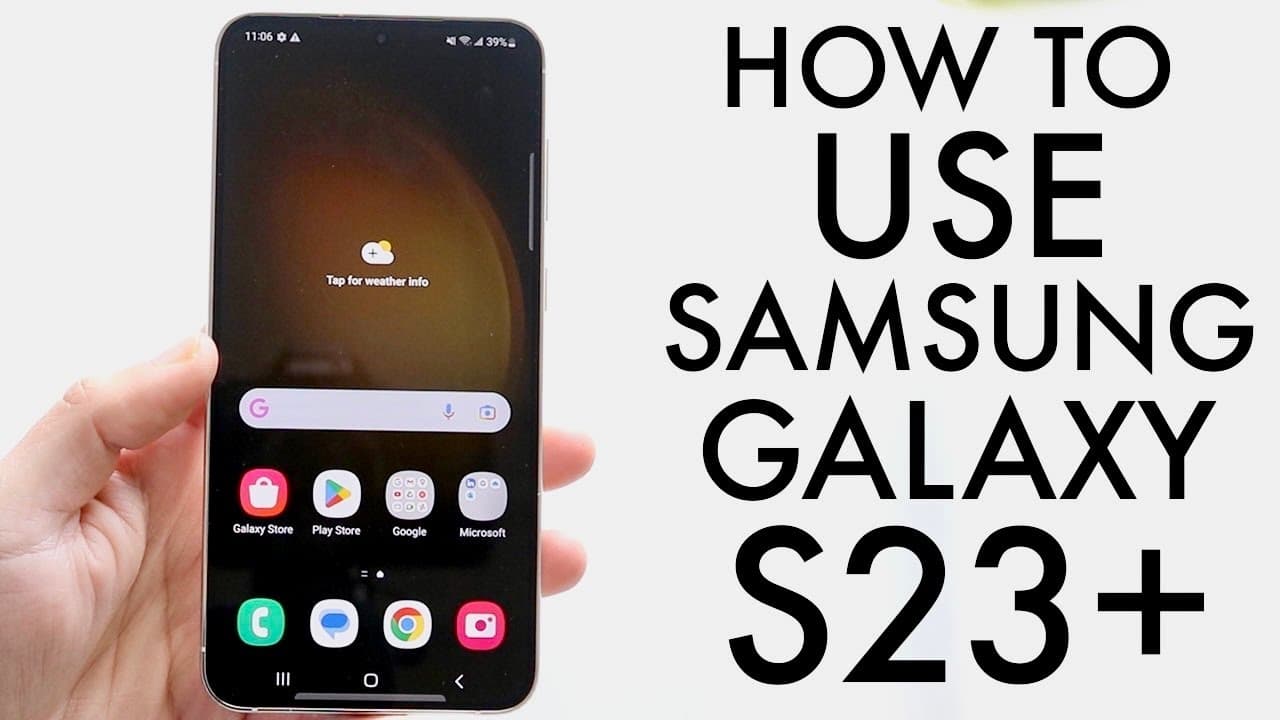
How To Use Samsung Galaxy S23+! (Complete Beginners Guide)
TL;DR
This content provides a detailed guide on using the Samsung Galaxy S23 Plus smartphone.
Transcript
well everyone the Samsung Galaxy s23 plus has officially came out so let's go and see and basically show you how to use this specific phone now there's nothing super crazy I just kind of you know booted this thing up so I just went through the initial setup and everything but before we get too deep let's go ahead and walk through the outside of thi... Read More
Key Insights
- 🔉 The Galaxy S23 Plus features a 120Hz display, enhancing visual fluidity, particularly for gaming and media consumption.
- 🎥 Its triple camera system excels in various lighting conditions, ensuring high-quality photos and videos.
- 🛜 The device's design includes a glass back that supports both wireless charging and reverse wireless charging for other devices.
- 👤 Users can personalize their home screen by rearranging widgets and app icons, providing a tailored user interface.
- 🤟 Navigation is intuitive, with options for gestures or traditional navigation buttons, catering to user preferences.
- 👨🔬 The settings menu is comprehensive yet accessible, with a search feature to quickly locate desired functions.
- ⏫ Double-tapping the display or using the power button allows for efficient locking and unlocking of the device.
Install to Summarize YouTube Videos and Get Transcripts
Explore YouTube Video Summarizer or Get YouTube Transcript Extractor
Questions & Answers
Q: What are the standout features of the Samsung Galaxy S23 Plus?
The Samsung Galaxy S23 Plus boasts a vibrant 120Hz display for smooth scrolling, a triple camera setup for exceptional photography, and a glass back enabling wireless charging. Additional features include IP certification for moderate water resistance and an ergonomic design, making it both visually appealing and functional.
Q: How can users customize their lock screen on the Galaxy S23 Plus?
Customizing the lock screen on the Galaxy S23 Plus is straightforward. Simply hold down the lock screen to access options for changing wallpapers, adding widgets, and rearranging icons. Users can also modify notification settings to manage how alerts appear, allowing for a fully personalized user experience all on the lock screen.
Q: How do you manage apps on the Galaxy S23 Plus?
Managing apps on the Galaxy S23 Plus is user-friendly. Users can swipe up from the home screen to access all applications, rearranging or removing them as needed. They can also search for specific apps through a search bar, making it easy to find and launch any installed application quickly and efficiently.
Q: Why is it important to check for software updates on the Galaxy S23 Plus?
Regularly checking for software updates on the Galaxy S23 Plus is crucial for maintaining optimal device performance. Updates can enhance features, fix bugs, and improve security, ensuring users have the latest enhancements. Navigating to the settings panel allows users to easily check for and install updates, promoting a better overall experience.
Summary & Key Takeaways
-
The Samsung Galaxy S23 Plus features a large 120Hz display and a triple camera setup, emphasizing both visual quality and photography capabilities.
-
Users can customize the home and lock screens easily, with options to rearrange apps and widgets for a personalized experience.
-
The settings panel is user-friendly, allowing for easy navigation, searching for features, and ensuring the device is updated for optimal performance.
Read in Other Languages (beta)
Share This Summary 📚
Summarize YouTube Videos and Get Video Transcripts with 1-Click
Try YouTube Summary with ChatGPT & Claude or YouTube Transcript Generator
Explore More Summaries from Simple Alpaca 📚






Summarize YouTube Videos and Get Video Transcripts with 1-Click
Try YouTube Summary with ChatGPT & Claude or YouTube Transcript Generator