Using Computers : How to Create a Forum With HTML
TL;DR
Learn how to create an online forum, including buying a domain name, setting up a MySQL database, and choosing a forum script.
Transcript
hi uh my name is Dave Cudo and I am the director of San Francisco computer tutors here in San Francisco California okay in this tutorial we are going to show you how to create an online Forum so here on this screen we are looking at an example of a forum for hardware and software developers and you can see what an example looks like so the first th... Read More
Key Insights
- ❓ Buying a domain name is the first step in creating an online forum.
- 😫 Setting up a MySQL database is essential for storing forum data.
- 💳 Popular forum scripts include VBulletin, PHPBB, and Simple Machines Forum.
- 🎨 Customizing the forum design and content is possible through tools like Dreamweaver or Smart FTP.
- 📛 Aplus.net and GoDaddy are reliable providers for domain names.
- ❓ MySQL is a widely used database language for managing forum data.
- 🤱 VBulletin is a forum script that requires an annual fee but offers continuous improvements.
Install to Summarize YouTube Videos and Get Transcripts
Explore YouTube Video Summarizer or Get YouTube Transcript Extractor
Questions & Answers
Q: What is the first step to create an online forum?
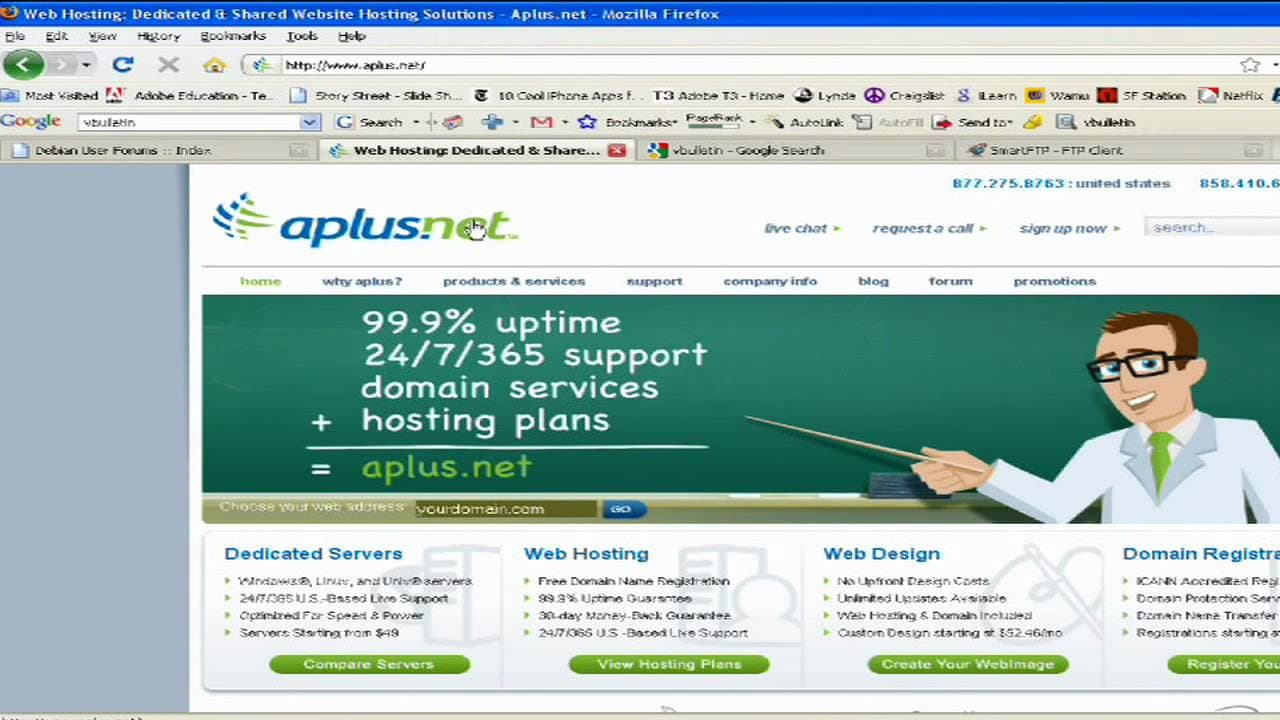
The first step is to purchase a domain name from a provider like Aplus.net or GoDaddy. Think about what you want the address to be, such as your name or the topic area.
Q: What is a MySQL database and why is it important for a forum?
MySQL is a database language. It is important for a forum because it stores all the information and data related to user accounts, posts, and discussions.
Q: What are some popular forum script options?
Some popular forum script options are VBulletin, PHPBB, and Simple Machines Forum. VBulletin carries an annual fee but offers continuous improvements by professional developers.
Q: How can you customize your forum after installing the script?
After installing the script, you can use tools like Dreamweaver or Smart FTP to bring in the coding and customize your forum. You can add images, content, and personalize the design.
Summary & Key Takeaways
-
In this tutorial, the director of San Francisco Computer Tutors explains how to create an online forum for hardware and software developers.
-
The first step is to buy a domain name from a provider like Aplus.net or GoDaddy.
-
Next, you need to set up a MySQL database and choose a forum script like VBulletin or PHPBB.
Read in Other Languages (beta)
Share This Summary 📚
Summarize YouTube Videos and Get Video Transcripts with 1-Click
Try YouTube Summary with ChatGPT & Claude or YouTube Transcript Generator
Explore More Summaries from ehow 📚

Summarize YouTube Videos and Get Video Transcripts with 1-Click
Try YouTube Summary with ChatGPT & Claude or YouTube Transcript Generator