Digital Differential Analyser | DDA | Introduction | Computer Graphics | Lec-12 | Bhanu Priya
TL;DR
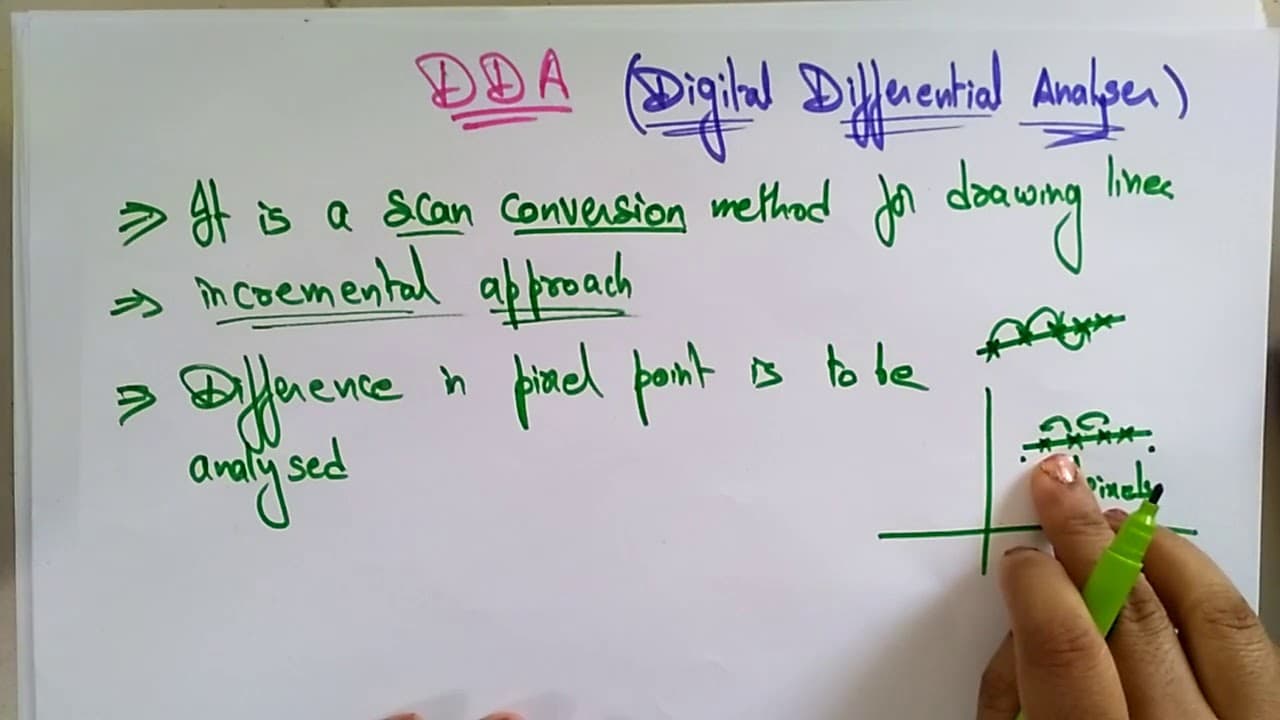
The DDA algorithm is a line drawing method used in computer graphics.
Transcript
hi students welcome back let's continue with our subject computer graphics the next topic in this subject is the DGA that is a digital v4 digital and another fee for differential differential analyzer analyzer ok so here what is this DDA algorithm why we require this algorithm to draw a line segment in the system so that is a in computer graphics t... Read More
Key Insights
- 🫥 The DDA algorithm stands for Digital Differential Analyzer and is a foundational method in computer graphics for line drawing.
- 🫥 It utilizes an incremental approach requiring previous coordinates to calculate subsequent points on a line.
- 🫥 Understanding the relationship between slope and coordinates is essential as it influences how subsequent points are determined in the line-drawing process.
- 🫥 The algorithm's efficiency is achieved through the analysis of differences in pixel points, ensuring smooth line representation.
- 🫥 The slope of a line dictates the values of Delta X and Delta Y, influencing how the DDA algorithm plots points.
- 🫥 DDA is considered a scan conversion method, where the drawing process mimics a continuous line by calculating discrete points.
- 🙈 Key line equations, like y = mx + b, form the basis of the calculations used in the DDA algorithm.
Install to Summarize YouTube Videos and Get Transcripts
Explore YouTube Video Summarizer or Get YouTube Transcript Extractor
Questions & Answers
Q: What is the main purpose of the DDA algorithm in computer graphics?
The primary purpose of the DDA algorithm is to facilitate the drawing of line segments efficiently within computer graphics by employing an incremental method that calculates the necessary points along a line based on previous coordinates. This enables smooth line representations on digital screens.
Q: How does the incremental approach function in the DDA algorithm?
In the incremental approach, the DDA algorithm calculates each subsequent point by using the coordinates of the previously determined point. By analyzing the differences in X and Y coordinates, the algorithm incrementally identifies and plots all points between the start and end points of the line segment, ensuring accuracy.
Q: What mathematical concepts are essential for understanding the DDA algorithm?
Key mathematical concepts include understanding line equations, specifically the slope defined as the change in Y coordinated by the change in X (Delta Y/Delta X), which is utilized in the DDA's calculations. Familiarity with the line segment's endpoints and the related equations is also vital for proper algorithm application.
Q: What happens if the slope (M) of a line is less than 1 or greater than 1 in the DDA algorithm?
If the slope is less than 1 (M < 1), the algorithm increments X by 1 and adjusts Y accordingly. Conversely, if the slope is greater than 1 (M > 1), it increments Y by 1 while adjusting X based on the inverse of the slope—allowing the algorithm to accurately plot points along the line regardless of its angle.
Q: Can the DDA algorithm be used for curves or only for straight lines?
The DDA algorithm is specifically designed for drawing straight lines. However, it lays the groundwork for implementing more complex algorithms that handle curves and can be adapted for those purposes with additional modifications and techniques.
Summary & Key Takeaways
-
The Digital Differential Analyzer (DDA) is a line-drawing algorithm that utilizes an incremental approach to calculate line segments in computer graphics.
-
The algorithm requires the previous coordinates to determine the next point along the line, ensuring that all intermediate points are calculated effectively.
-
The understanding of simple line equations and slopes is crucial for implementing the DDA algorithm correctly as it relies on calculating Delta X and Delta Y values.
Read in Other Languages (beta)
Share This Summary 📚
Summarize YouTube Videos and Get Video Transcripts with 1-Click
Try YouTube Summary with ChatGPT & Claude or YouTube Transcript Generator