How to Use Google Keep
TL;DR
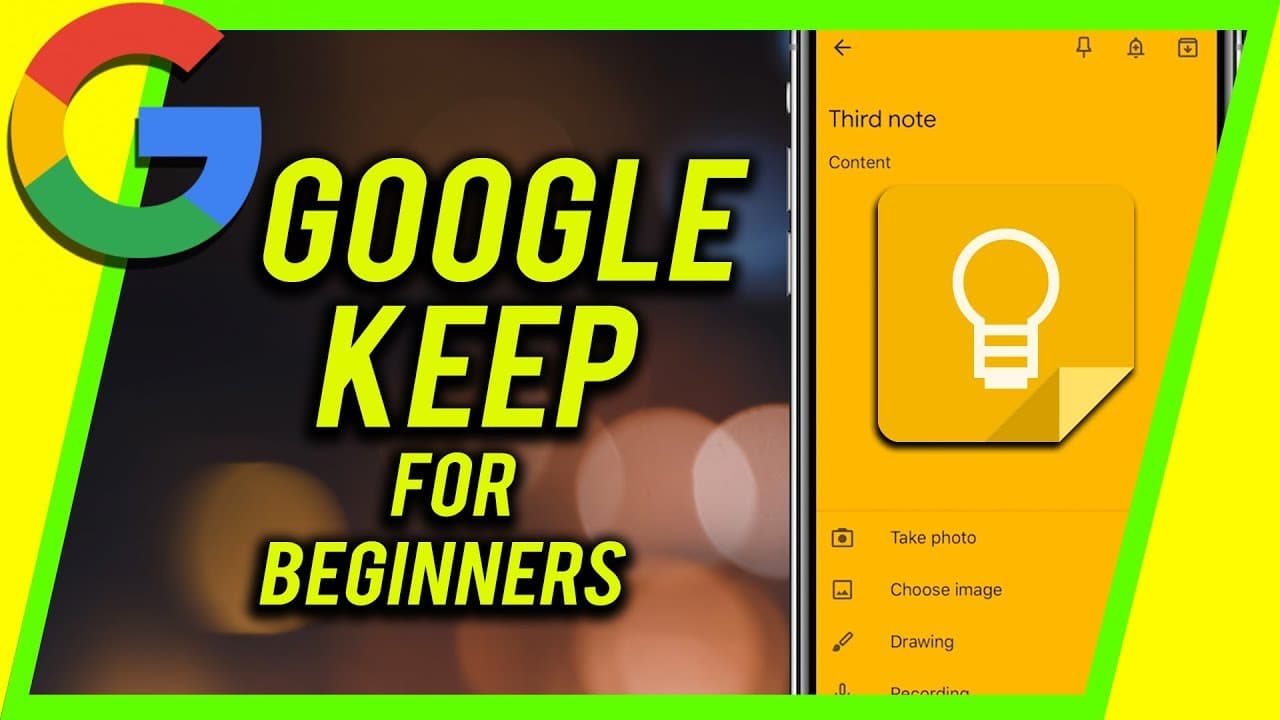
Learn how to use Google Keep, a simple note-taking app by Google, and its features for organizing and searching notes.
Transcript
hey everyone in this video I wanted to show you how to use Google keep Google keep is a simple note-taking app by Google there's a couple competition that I like better for example Evernote is the software that I use a lot more often than Google keep and Microsoft OneNote is another competitor but we'll focus on Google keep for this video I do have... Read More
Key Insights
- 😀 Google Keep is a simple and basic note-taking app offered by Google.
- 😫 It allows users to create notes, set reminders, and collaborate with others.
- 👨🔬 The search function in Google Keep makes it easy to find specific notes.
- 🛀 Google Keep offers a Chrome extension for easy note-taking while browsing.
- 😀 The mobile app version of Google Keep has the same functionality as the desktop version.
- 🎵 There is no limit to the number of notes you can create in Google Keep.
- 😀 Google Keep is a free app with no limits on note syncing.
Install to Summarize YouTube Videos and Get Transcripts
Explore YouTube Video Summarizer or Get YouTube Transcript Extractor
Questions & Answers
Q: How do you access Google Keep?
To access Google Keep, you can sign in to your Google account and click on the Google Keep option under the "more" menu. Alternatively, you can visit keep.google.com directly.
Q: Can you set reminders in Google Keep?
Yes, you can set reminders for your notes in Google Keep. Just click on the reminder tab when creating or editing a note, and it will appear under the notes section.
Q: Can you collaborate with others on Google Keep?
Yes, Google Keep allows you to add collaborators to your notes. This is useful for shared to-do lists or collaborative projects. Simply click on the "add collaborator" option and invite others to access the note.
Q: Can you customize the appearance of notes in Google Keep?
Yes, you can color code your notes in Google Keep. This can help with organization and visual distinction. Additionally, you can add images, archive notes, and more.
Summary & Key Takeaways
-
Google Keep is a note-taking app by Google that offers easy access and organization of notes.
-
The app allows users to create notes, set reminders, collaborate with others, color code notes, add images, and more.
-
Google Keep offers a search function that makes it easy to find specific notes.
Read in Other Languages (beta)
Share This Summary 📚
Summarize YouTube Videos and Get Video Transcripts with 1-Click
Try YouTube Summary with ChatGPT & Claude or YouTube Transcript Generator
Explore More Summaries from Howfinity 📚



Summarize YouTube Videos and Get Video Transcripts with 1-Click
Try YouTube Summary with ChatGPT & Claude or YouTube Transcript Generator