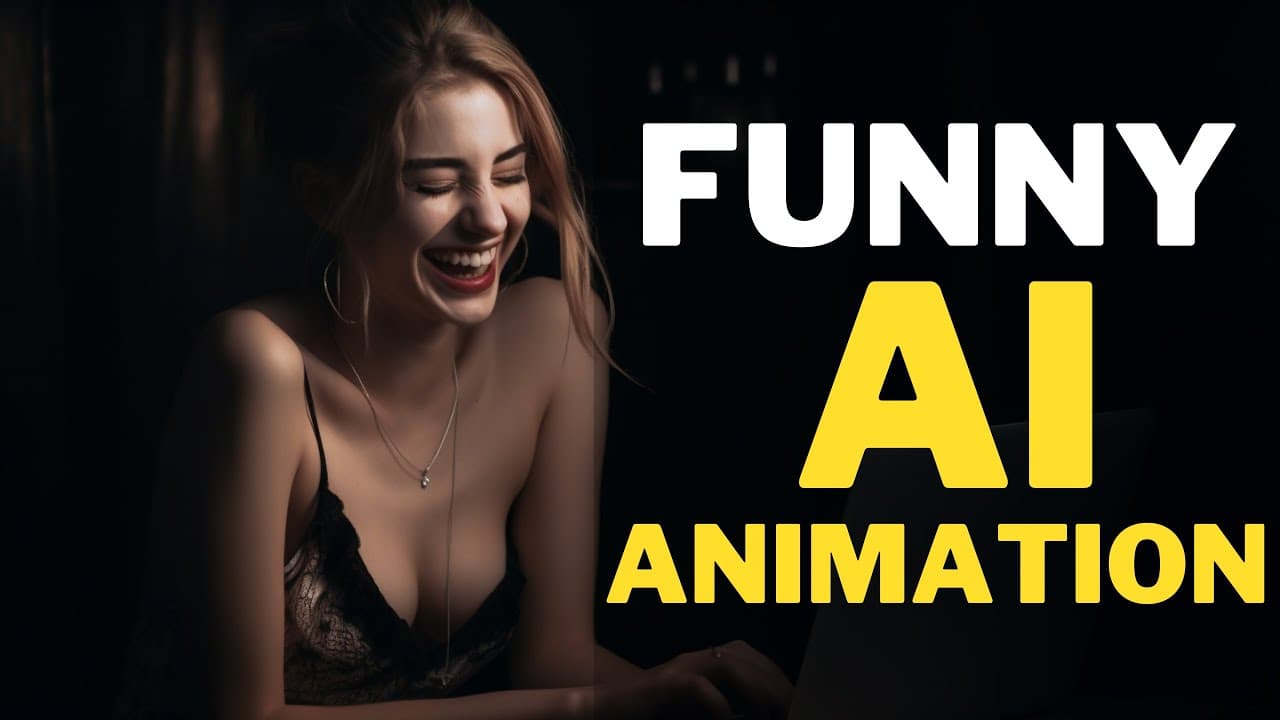
AI Animation Generator FREE : Animate Image to Funny Video
TL;DR
Learn how to use a free AI tool to transform your images or drawings into funny animations in just one minute or less.
Transcript
imagine having the power to turn any image into a funny video in just minutes and it's completely free hi welcome back to my channel today I will show you how to create a funny animation from your images or drawings using a free AI tool in just one minute or less you can use this tool to motivate your kids by animating their drawings or you can use... Read More
Key Insights
- 🎨 The mentioned AI tool can turn any image or drawing into a funny animation in just minutes, offering a quick and easy way to create engaging content.
- 💡 This tool can be used as a motivational tool for children by animating their drawings, adding an element of fun and excitement.
- 🤖 Various AI image generators such as Canva, Adobe Firefly, Blue Willow, and Mid-Journey can be used to source images for animation, expanding the possibilities for creativity.
- 📷 The process of creating an animation involves uploading the image to the animated drawing website, selecting the character's location, setting joints for movement, and choosing an animation from a list.
- 🎭 The animation list offers a range of options, including dance movements, funny movements, jumping, walking, and even the option to add narration using chat GPT and AI voice-over tools like Heygen and AI Studios.
- 🔍 The AI automatically creates a mask for the character, but adjustments can be made manually to ensure a proper fit.
- ✨ The ability to add or remove selections using the pencil and eraser buttons provides further customization options for the animation.
- 💻 Once the animation is complete, it can be downloaded and saved for further use, allowing for easy sharing and integration into various content creation projects.
Install to Summarize YouTube Videos and Get Transcripts
Explore YouTube Video Summarizer or Get YouTube Transcript Extractor
Questions & Answers
Q: How can I create funny animations from my images or drawings?
You can use a free AI tool demonstrated in this video tutorial that allows you to upload your image, set character joints, choose animations, and create funny animations in just minutes.
Q: What are some examples of animations I can create using the AI tool?
The AI tool offers a variety of animations such as dance movements, funny movements, jumping, walking, and even the option to add narration or a story using chat GPT and AI voice over tools.
Q: Can I use AI-generated images from other platforms with this tool?
Yes, in addition to using your own images or drawings, you can also use AI-generated images from platforms like Canva, Adobe Firefly, Blue Willow, or other AI image generators.
Q: Is this AI tool free to use?
Yes, the AI tool mentioned in the video tutorial is completely free to use and can be accessed through the provided link in the video description.
Summary & Key Takeaways
-
This video tutorial demonstrates how to use a free AI tool to create funny animations from your images or drawings.
-
The tool allows you to motivate kids by bringing their drawings to life or create animations for content creation.
-
Steps include uploading the image, selecting the character area, setting joints, choosing an animation, and adding narration if desired.
Read in Other Languages (beta)
Share This Summary 📚
Summarize YouTube Videos and Get Video Transcripts with 1-Click
Try YouTube Summary with ChatGPT & Claude or YouTube Transcript Generator
Explore More Summaries from How To In 5 Minutes 📚
Summarize YouTube Videos and Get Video Transcripts with 1-Click
Try YouTube Summary with ChatGPT & Claude or YouTube Transcript Generator