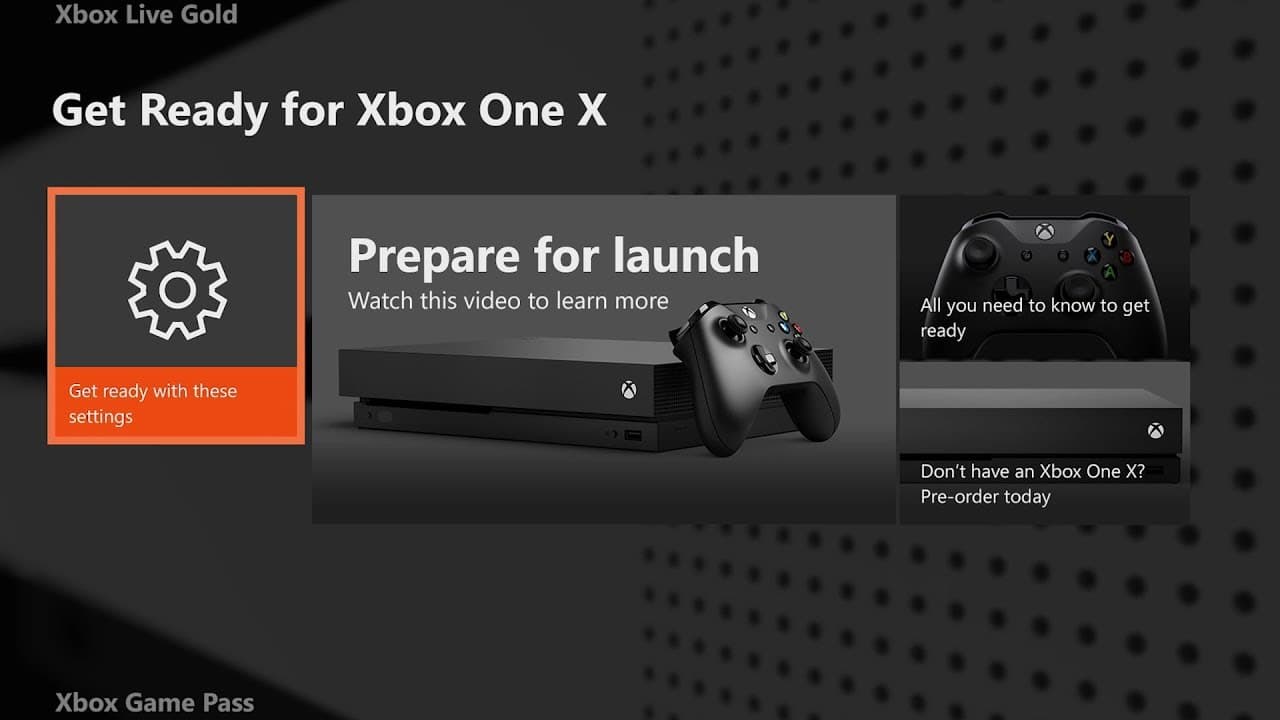
How to Get Ready for Xbox One X
TL;DR
Get ready for the Xbox One X with tips on pre-downloading 4K content, backing up settings, transferring games, and checking for Xbox One X enhancements.
Transcript
[XBOX SOUND]. >> Hi, I'm Larry Hryb, Xbox Live's Major Nelson. We are mere days away from Xbox One X launching. Ushering in a brand new era of 4K console gaming. In this video, we'll show you several great new features that you can take advantage of right now, to help you get up and running as quickly as possible with the games, content and setting... Read More
Key Insights
- 😉 Xbox One X offers enhanced 4K gaming experience.
- ⏲️ Pre-download 4K game content to reduce waiting time.
- 🎮 Back up console settings for a personalized experience on Xbox One X.
- 😄 External hard drive and network transfer options ease game transfer process.
- ☑️ Check Xbox.com and My Games and Apps for Xbox One X enhanced games.
- 👾 Automatic updates ensure you have the latest versions of games.
- 👾 Launching a game is a simple way to check if it has the latest version.
Install to Summarize YouTube Videos and Get Transcripts
Explore YouTube Video Summarizer or Get YouTube Transcript Extractor
Questions & Answers
Q: How can I pre-download 4K game content on Xbox One X?
To pre-download 4K game content, go to Settings, then System, and choose Backup and Transfer. Enable the "Download 4K game content" option.
Q: How can I back up my console settings for Xbox One X?
Under the Backup and Transfer settings, select "Back up my settings." This will transfer key system settings, such as notifications and sign-in preferences, to your new Xbox One X.
Q: Can I transfer games from my current console to Xbox One X using a network transfer?
Yes, you can. Connect both consoles to your home network and go to the Backup and Transfer settings. Choose the network transfer option to copy games and apps without using internet bandwidth.
Q: How can I check which games have been updated to Xbox One X enhanced?
Visit xbox.com/enhanced for an official list of games with Xbox One X enhancements. Alternatively, use the Xbox One X enhanced filter under "My Games and Apps" to see which games should have an update.
Summary & Key Takeaways
-
Learn how to pre-download 4K game content on Xbox One X to ensure a smooth transition to enhanced graphics.
-
Back up key console settings, including update and sign-in preferences, to maintain a personalized experience on Xbox One X.
-
Use an external hard drive or network transfer feature to easily transfer games to the new console.
-
Determine which games have been updated to Xbox One X enhanced for the best gaming experience.
Read in Other Languages (beta)
Share This Summary 📚
Summarize YouTube Videos and Get Video Transcripts with 1-Click
Try YouTube Summary with ChatGPT & Claude or YouTube Transcript Generator