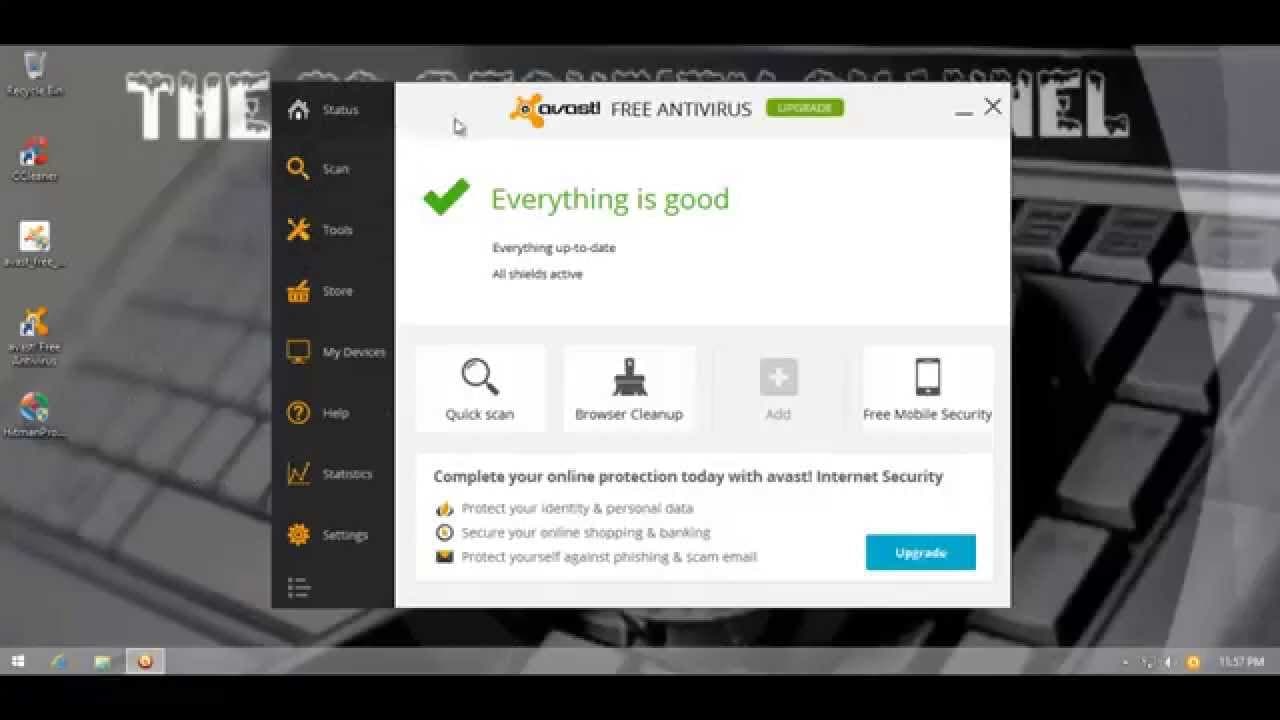
Avast! free antivirus Hardened mode
TL;DR
Custom settings, such as enabling Harden mode, greatly improve zero day malware protection in a Fast antivirus.
Transcript
hello and welcome to the peace security Channel once again if you remember I just uh did a test of a vast not so long ago and the protection it offered in its default settings as far as zero day malware is concerned was not adequate so today I'll be using some custom settings in aest to see what we can achieve if we just um tune up the security a l... Read More
Key Insights
- 🥳 Custom settings, such as enabling Harden mode, significantly enhance the zero day malware protection of a Fast antivirus.
- 🥳 Fast antivirus performs poorly in default settings when it comes to zero day malware protection.
- 😫 Harden mode, when set to aggressive or moderate, effectively blocks undetected malware files.
- 🥳 A Fast antivirus with Harden mode enabled is highly responsive and successfully prevents infections from zero day malware.
- 🥳 Harden mode should be enabled for users seeking optimal zero day malware protection with a Fast antivirus.
- 🥳 The latest update of the antivirus might have included improvements, but Harden mode remains a critical feature for zero day protection.
- 🏆 Testing the antivirus with additional security tools, like Hitman Pro, confirms the effectiveness of Harden mode and the system's cleanliness.
Install to Summarize YouTube Videos and Get Transcripts
Explore YouTube Video Summarizer or Get YouTube Transcript Extractor
Questions & Answers
Q: How does enabling Harden mode in a Fast antivirus enhance zero day malware protection?
Harden mode, when enabled and set to aggressive or moderate, significantly improves the antivirus' ability to block undetected malware files and enhances zero day malware protection.
Q: Are there any downsides to using Harden mode in a Fast antivirus?
No, there are no major downsides to using Harden mode. It doesn't generate excessive false positives and does not hinder the usability of the antivirus program.
Q: Is Harden mode enabled by default in a Fast antivirus?
No, Harden mode is disabled by default. However, it is highly recommended to enable it for improved zero day malware protection.
Q: Does a Fast antivirus with Harden mode enabled successfully protect against zero day malware?
Yes, testing shows that with Harden mode enabled, a Fast antivirus effectively blocks the majority of zero day malware threats, providing reliable protection.
Summary & Key Takeaways
-
The content discusses the effectiveness of custom settings, specifically Harden mode, in improving zero day malware protection in a Fast antivirus.
-
Enabling Harden mode in the antivirus section provides a significant boost to security, blocking undetected malware files.
-
Testing shows that with Harden mode enabled, Fast antivirus is highly responsive to zero day malware and successfully blocks the majority of threats.
Read in Other Languages (beta)
Share This Summary 📚
Summarize YouTube Videos and Get Video Transcripts with 1-Click
Try YouTube Summary with ChatGPT & Claude or YouTube Transcript Generator
Explore More Summaries from The PC Security Channel 📚






Summarize YouTube Videos and Get Video Transcripts with 1-Click
Try YouTube Summary with ChatGPT & Claude or YouTube Transcript Generator