How to Set Up a Discord Server - 2024 Update
TL;DR
Learn how to set up and customize a Discord server, including important settings and role permissions.
Transcript
let me show you a really simple way to set up a Discord server and then I'll show you some settings that you need to change to actually make sure your server is set up correctly a lot of people miss some of these settings okay you could do this inside of the Discord website or the Discord app if you haven't installed on your computer all you have t... Read More
Key Insights
- 👥 Discord allows users to create and customize their own servers for various purposes, including gaming communities or small friend groups.
- 🛟 Organizing channels into categories helps maintain a clean and organized server layout.
- 🛟 Role permissions allow server owners to control what each member can do within the server.
- 🛟 Inviting friends to join a server can be done by either searching for them on Discord or sharing a server invite link.
Install to Summarize YouTube Videos and Get Transcripts
Explore YouTube Video Summarizer or Get YouTube Transcript Extractor
Questions & Answers
Q: How do I create a Discord server from scratch?
Click on the plus sign on the left side of the Discord website or app, choose "Create from Scratch," and set a name and profile picture for your server.
Q: How can I organize channels in my Discord server?
You can create categories to organize your channels, like a welcome category, and then create individual text or voice channels within each category.
Q: What role permissions should I set for members?
It is recommended to create a member role with certain permissions, like the ability to send messages, while disabling the permission to mention everyone to prevent spamming.
Q: How can I invite friends to join my Discord server?
You can either search for your friends on Discord and send them an invite, or you can copy the server link and share it with them for them to join directly.
Summary & Key Takeaways
-
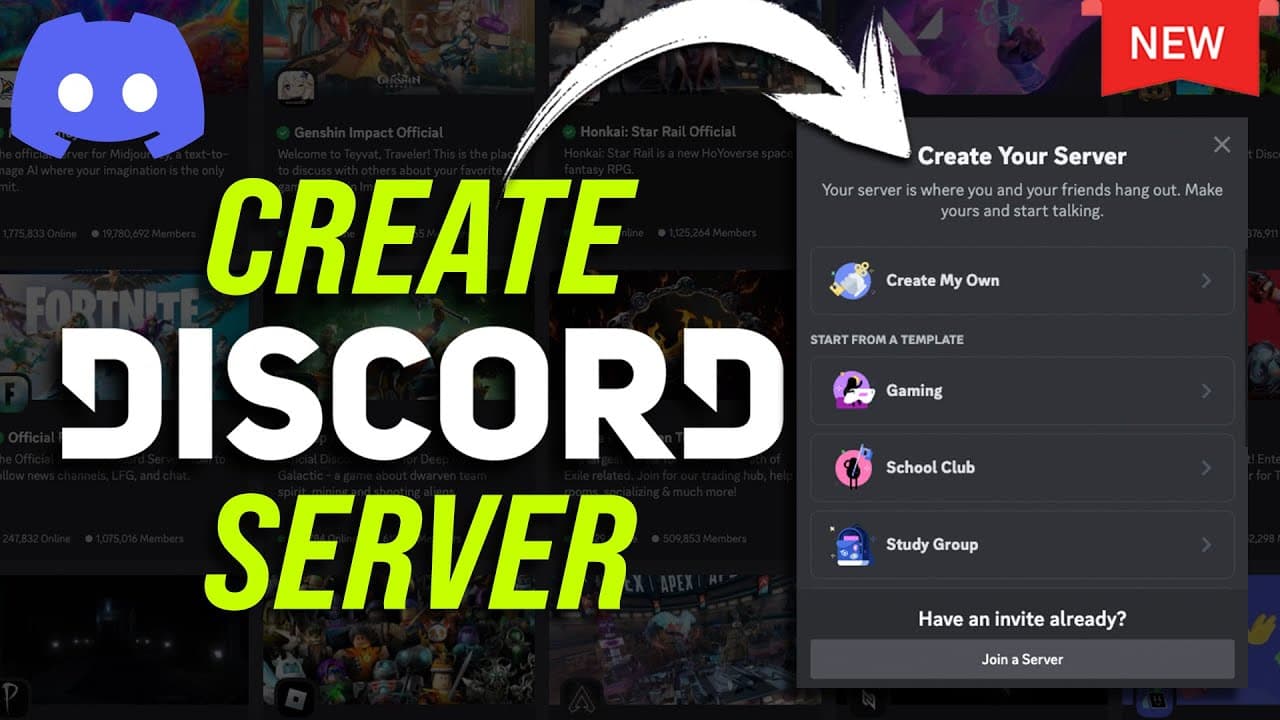
To set up a Discord server, click on the plus sign on the left side of the Discord website or app and choose "Create from Scratch".
-
Create channels and categories to organize your server, such as welcome and rules channels.
-
Customize role permissions for members and admins, and invite friends to join your server using links or search for them on Discord.
Read in Other Languages (beta)
Share This Summary 📚
Summarize YouTube Videos and Get Video Transcripts with 1-Click
Try YouTube Summary with ChatGPT & Claude or YouTube Transcript Generator
Explore More Summaries from Howfinity 📚






Summarize YouTube Videos and Get Video Transcripts with 1-Click
Try YouTube Summary with ChatGPT & Claude or YouTube Transcript Generator