Improve audio with Auphonic | Easy Languages Tutorials (bonus)
TL;DR
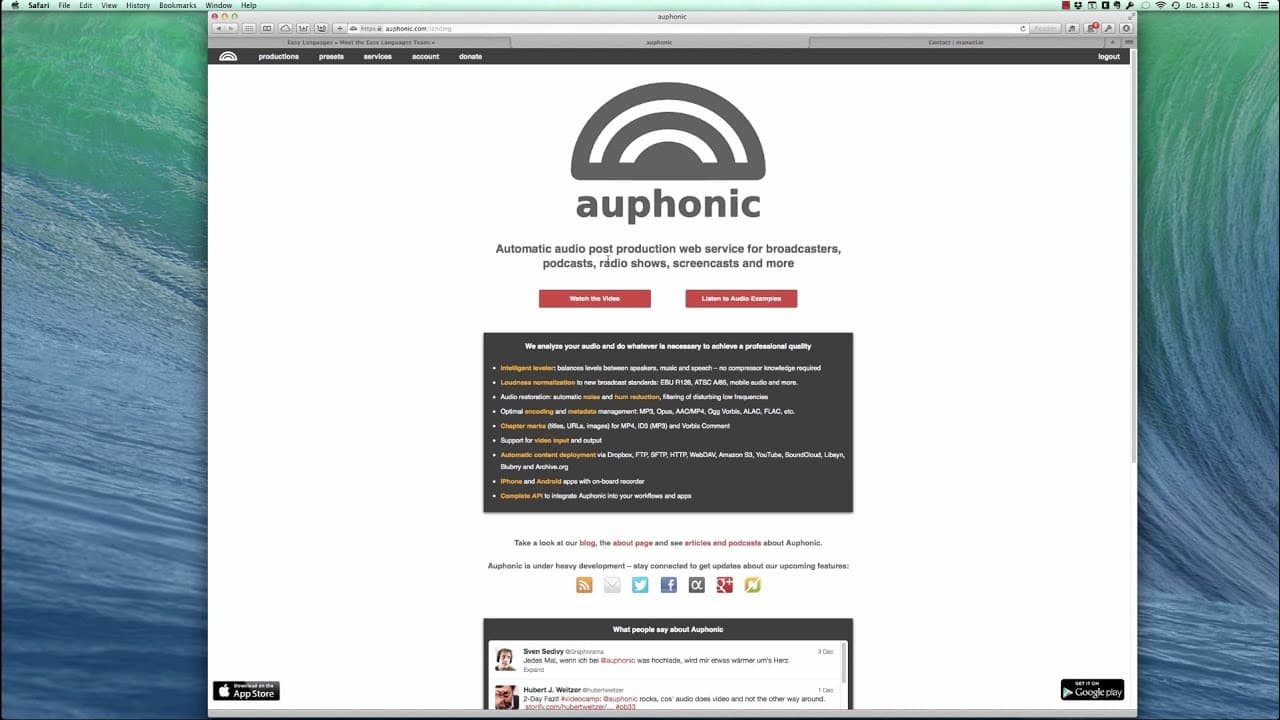
Learn how to improve audio quality for video projects using the online tool Ophonic.
Transcript
hello once again i am manuel one of the producers of easy german which is part of easy languages if you don't know what that is go to easy minus languages.org and you will find out i will show you how to improve the audio of the project um after the fact so when you're already done with everything basically you have your cut we are gonna make the a... Read More
Key Insights
- 📽️ Improving audio quality is essential for video projects, especially interviews or projects involving multiple speakers and music.
- 🎚️ Using an online tool like Ophonic simplifies the process of enhancing audio levels and ensuring a consistent loudness.
- ✋ Exporting the audio file in an uncompressed format like WAV or AIFF helps maintain high-quality audio.
- 😯 Ophonic can detect music and speech separately, allowing for precise adjustments.
- 😯 Filtering out unwanted frequencies can make speech clearer and remove distractions.
- 🎮 Normalizing the loudness ensures that the audio is consistent throughout the video.
- 🚗 Ophonic offers different presets for different platforms, such as mobile or television, to optimize audio for specific playback devices.
Install to Summarize YouTube Videos and Get Transcripts
Explore YouTube Video Summarizer or Get YouTube Transcript Extractor
Questions & Answers
Q: What is the purpose of improving audio quality for video projects?
Improving audio quality ensures that the speakers' voices and any accompanying music are balanced and audible, creating a better viewing experience for the audience.
Q: How can I export the audio from my video project?
In most editing software, such as Final Cut, you can export only the audio portion of your project. Choose an uncompressed file format like WAV or AIFF for better quality.
Q: What is Ophonic and how does it improve audio?
Ophonic is an online tool that normalizes audio levels, filters out unnecessary frequencies, and reduces noise or hum. It enhances the overall sound quality, making it more balanced and enjoyable.
Q: Is it necessary to have noise or hum in my project to use noise and hum reduction?
No, it is not necessary. If your project already has clean audio without any noise or hum, it's best not to apply this feature as it may worsen the quality.
Summary & Key Takeaways
-
This video tutorial explains how to enhance audio quality for finished video projects.
-
The tutorial recommends using the tool Ophonic to improve audio levels and normalize loudness.
-
Steps include exporting the audio file, uploading it to Ophonic, adjusting settings, and downloading the enhanced file.
Read in Other Languages (beta)
Share This Summary 📚
Summarize YouTube Videos and Get Video Transcripts with 1-Click
Try YouTube Summary with ChatGPT & Claude or YouTube Transcript Generator