How to Turn ChatGPT into AutoGPT with 1 Prompt
TL;DR
This video tutorial demonstrates how to maximize the capabilities of ChatGPT by using custom instructions, code interpreter, and ChatGPT Plus, allowing users to accomplish specific tasks more efficiently.
Transcript
you will never going to use charge Beauty the same after this just look at the feedback this prompt guide after my last video with the genius behind it Joseph Rosenbaum but now I want to show you how to use this prompt to its full potential with the custom instructions with code interpreter and with chatgpt plugins if you don't have chatgpt plus do... Read More
Key Insights
- 🧠 This prompt allows the recall of agents for specific tasks, making it easy to assign roles and achieve goals efficiently. It combines coding language, emojis, and user instructions.
- 📝 The prompt consists of two key areas: commands and rules. The commands section allows users to specify what they want the prompt to do, while rules ensure that every output ends with a question or recommendation for next steps.
- 💡 Custom instructions in ChatGPT+ enhance the prompt's functionality and provide a personalized experience. They can be accessed by clicking on the email in the bottom left corner and pasting the prompt.
- 💻 Code Interpreter in ChatGPT+ enables advanced data analysis. Users can upload and interact with files, perform data visualization, and analyze data in various ways, making it a powerful tool for data analysis.
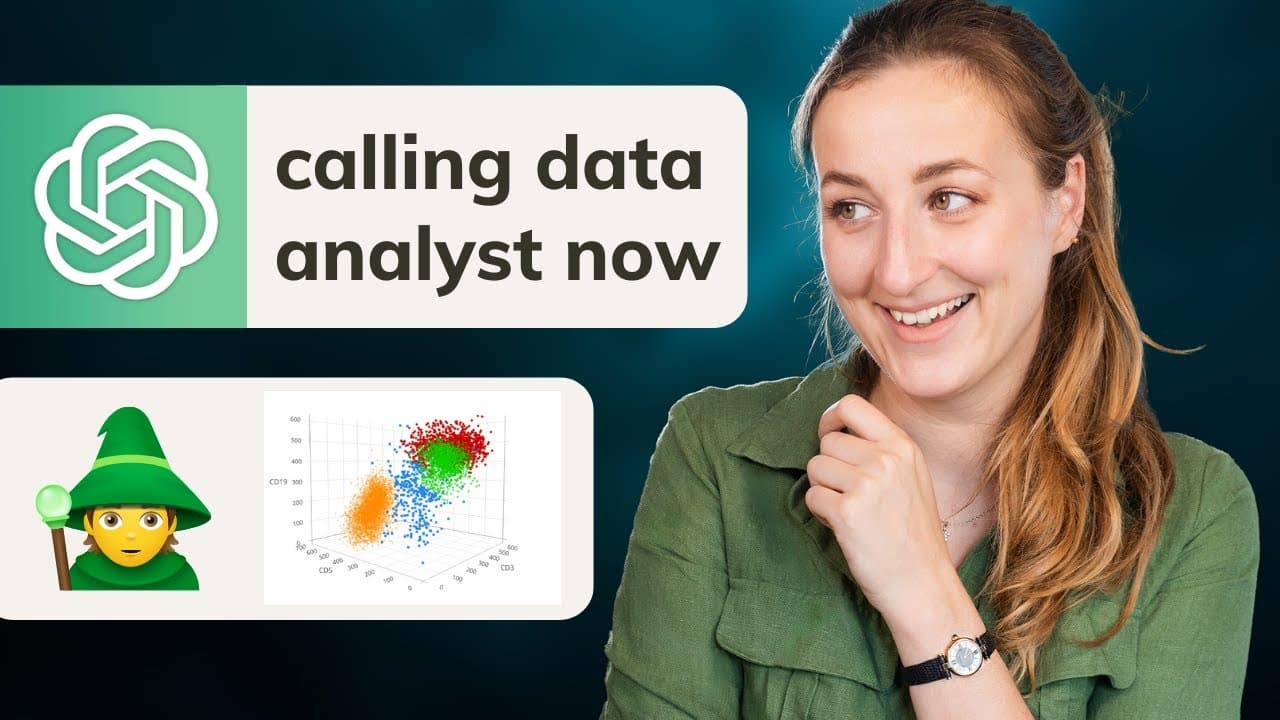
- 📊 The prompt's ability to create interactive 3D scatter plots and visualizations is particularly useful for data analysis. It allows users to identify trends, compare prices, and explore different categories efficiently.
- ✨ By using the "save" command, Charge Beauty Plus retains memory, allowing users to seamlessly continue their analysis or switch to a different task without losing progress. The prompt also provides recommendations for next steps.
- 💬 The prompt's versatility extends to different domains. By adding plugins like ER, it can generate data visualizations, identify relevant tools, and find articles on specific topics, even beyond the creator's domain expertise.
- 🔄 Using the "new" command, users can start fresh and reset the prompt to its initial state. This is useful when switching between different tasks or starting a new project. The prompt adapts and suggests agents based on the user's goals.
Install to Summarize YouTube Videos and Get Transcripts
Explore YouTube Video Summarizer or Get YouTube Transcript Extractor
Questions & Answers
Q: How can custom instructions enhance the functionality of ChatGPT?
Custom instructions in ChatGPT allow users to assign specific roles to the prompt for different tasks, making it easier to accomplish goals without having to think about role assignments constantly. This feature streamlines the prompt's behavior.
Q: How does code interpreter enhance the data analysis capabilities of ChatGPT?
Code interpreter within ChatGPT enables users to work with files, perform data visualizations, and explore different data analysis techniques. It provides a range of functionalities to analyze and interpret data effectively.
Q: What are the benefits of using ChatGPT Plus?
ChatGPT Plus offers additional features like code interpreter and plugins, enabling users to leverage advanced data analysis and integrate various tools seamlessly. It enhances the capabilities and versatility of ChatGPT.
Q: How can ChatGPT generate data visualizations?
With the help of code interpreter and plugins, ChatGPT can generate data visualizations by analyzing data and creating interactive charts, scatter plots, and other graphical representations. These visualizations provide valuable insights and facilitate data analysis.
Q: Can ChatGPT analyze different types of data sets?
Yes, ChatGPT, along with code interpreter, can analyze various types of data sets, including CSV files. It provides users with multiple analysis options, and they can customize their analysis based on the dataset's columns and requirements.
Q: How does ChatGPT retain memory to remember progress and goals?
ChatGPT can retain memory by using the "/save" command. This feature allows the prompt to store its progress, goals, and breakdown of smart goals, enabling users to continue from where they left off. It enhances the continuity and progression of tasks.
Q: What are the benefits of using plugins with ChatGPT?
Plugins expand the capabilities of ChatGPT by integrating additional tools and expertise. They allow users to access specialized functionalities, such as geospatial data visualization or article searching, enhancing the prompt's versatility and expertise.
Q: Can ChatGPT handle tasks outside the user's domain expertise?
Yes, ChatGPT can handle tasks outside the user's domain expertise by utilizing plugins and accessing relevant experts. The prompt can identify the right tools and experts to accomplish specific tasks effectively, even if they are beyond the user's knowledge.
Summary & Key Takeaways
-
The video tutorial showcases the use of custom instructions, code interpreter, and ChatGPT Plus to enhance the functionality of ChatGPT.
-
Custom instructions enable users to assign specific roles to the prompt for different tasks, eliminating the need to think about role assignments.
-
Code interpreter offers advanced data analysis capabilities, allowing users to work with files, conduct data visualizations, and explore various data analysis techniques.
Read in Other Languages (beta)
Share This Summary 📚
Summarize YouTube Videos and Get Video Transcripts with 1-Click
Try YouTube Summary with ChatGPT & Claude or YouTube Transcript Generator
Explore More Summaries from Goda Go 📚






Summarize YouTube Videos and Get Video Transcripts with 1-Click
Try YouTube Summary with ChatGPT & Claude or YouTube Transcript Generator