How To Fix Common AirPod Problems!
TL;DR
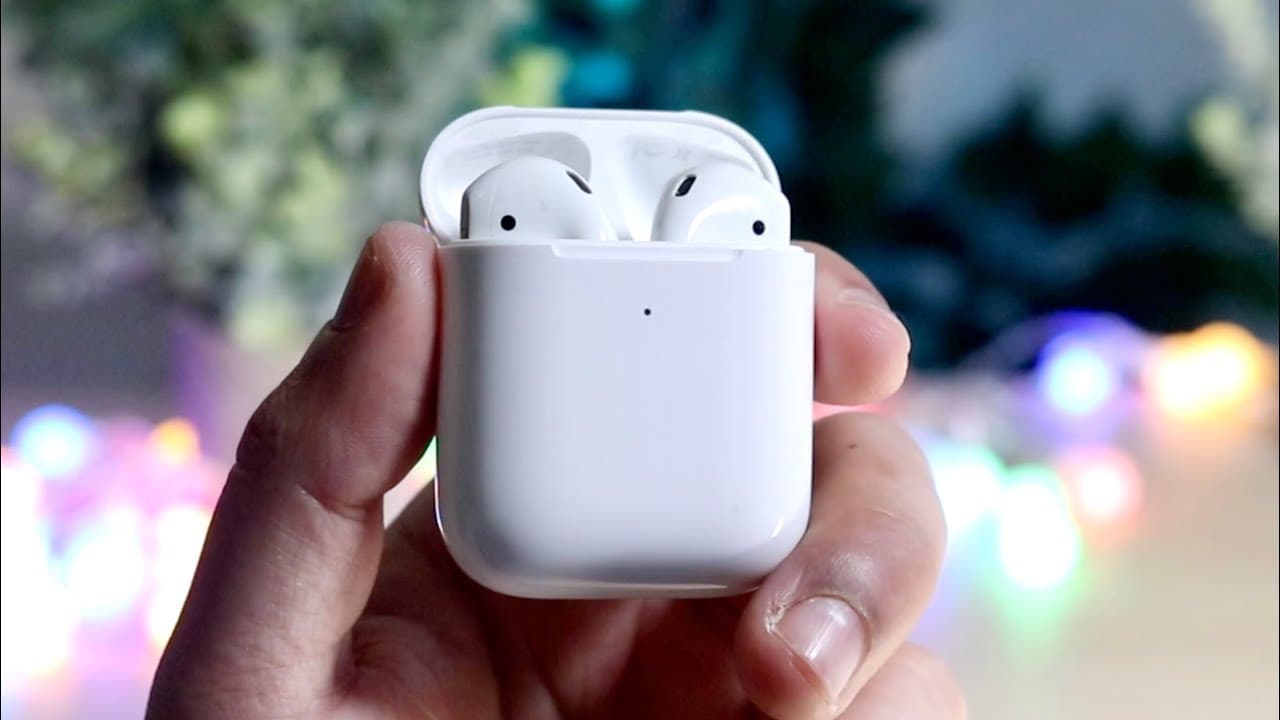
This video outlines common AirPods problems and troubleshooting tips.
Transcript
welcome back everyone i always make these type of videos on my third channel and my second channel but i don't really drop them on my main one so i figured i might as well talk about some of the more common you know airpod problems that i've seen in my life and pretty much how to fix them now this is not going to be a full in-depth crazy tutorial b... Read More
Key Insights
- 💦 The most common AirPods issue is one earbud not working, often solved by cleaning and reconnecting.
- 😀 Microphone problems can stem from debris buildup or incorrect app permissions; cleaning and checking settings can solve these issues.
- 🈂️ Charging problems may arise from dirt obstructing the charging ports; using a Q-tip for cleaning can often resolve these issues.
- ❓ AirPods tend to disconnect frequently when used with Android devices compared to their integration with iOS devices.
- ❓ Issues regarding AirPods can often be resolved by resetting them and managing software settings correctly.
- ❓ Regularly cleaning AirPods not only enhances performance but also prolongs their lifespan.
- 👤 User experience improves significantly when AirPods are paired with an iPhone rather than other operating systems.
Install to Summarize YouTube Videos and Get Transcripts
Explore YouTube Video Summarizer or Get YouTube Transcript Extractor
Questions & Answers
Q: What should I do if only one AirPod is working?
If you encounter the issue of only one AirPod working, it’s recommended first to remove the AirPods from your ears, place them back into their case, and allow them to disconnect for about five seconds. You may also need to clean any built-up debris or earwax to ensure proper functioning. After cleaning, reconnect the AirPods and check if both are operational.
Q: How can I troubleshoot a malfunctioning AirPods microphone?
If your AirPods microphone isn’t functioning during calls, confirm that the microphone is clean and clear of any buildup, especially in the microphone hole. Use a soft brush or a Q-tip to clean the area. Additionally, check your device's settings to ensure microphone permissions are granted for the specific app you’re using, such as Snapchat or Instagram.
Q: What steps should I take if my AirPods won't charge?
If your AirPods aren’t charging, inspect the charging case and the AirPods for any dirt or residue obstructing the connection. Clean the charging ports carefully using a Q-tip or a similar tool. If the AirPods are clean and still not charging, try resetting the AirPods and then reconnecting them to your device.
Q: Why do my AirPods keep disconnecting from my device?
Frequent disconnections might indicate a connectivity issue with the device. If you’re connecting to multiple devices, such as an iPhone and Mac, consider turning off the AirPods' handoff feature to prevent automatic switching. Furthermore, check the battery levels of your AirPods, and if necessary, reset your AirPods and reconnect them to your device.
Q: How does cleaning impact AirPods functionality?
Regular cleaning of AirPods can significantly enhance their functionality. Dust, earwax, and debris can clog speakers and microphones, affecting sound quality and connection. Maintaining clean AirPods helps prevent issues like one side not working, malfunctioning microphones, or charging problems, ensuring optimal performance.
Q: Are AirPods better suited for iPhone or Android devices?
AirPods generally provide a seamless experience with Apple devices due to integrated features like automatic connection and device switching. When used with Android devices, users may experience connectivity issues and the need to reconnect frequently. This difference makes them more advantageous for iPhone users regarding functionality and user experience.
Summary & Key Takeaways
-
The video discusses frequent AirPods issues, such as one earbud not working, and offers simple troubleshooting steps to resolve them, like cleaning and reconnecting.
-
The presenter highlights problems with AirPods microphones, emphasizing the importance of checking app permissions and cleaning the microphone area to ensure optimal performance.
-
Further problems like charging issues and frequent disconnections are addressed, suggesting cleaning charging ports and resetting AirPods for effective solutions.
Read in Other Languages (beta)
Share This Summary 📚
Summarize YouTube Videos and Get Video Transcripts with 1-Click
Try YouTube Summary with ChatGPT & Claude or YouTube Transcript Generator
Explore More Summaries from Simple Alpaca 📚






Summarize YouTube Videos and Get Video Transcripts with 1-Click
Try YouTube Summary with ChatGPT & Claude or YouTube Transcript Generator