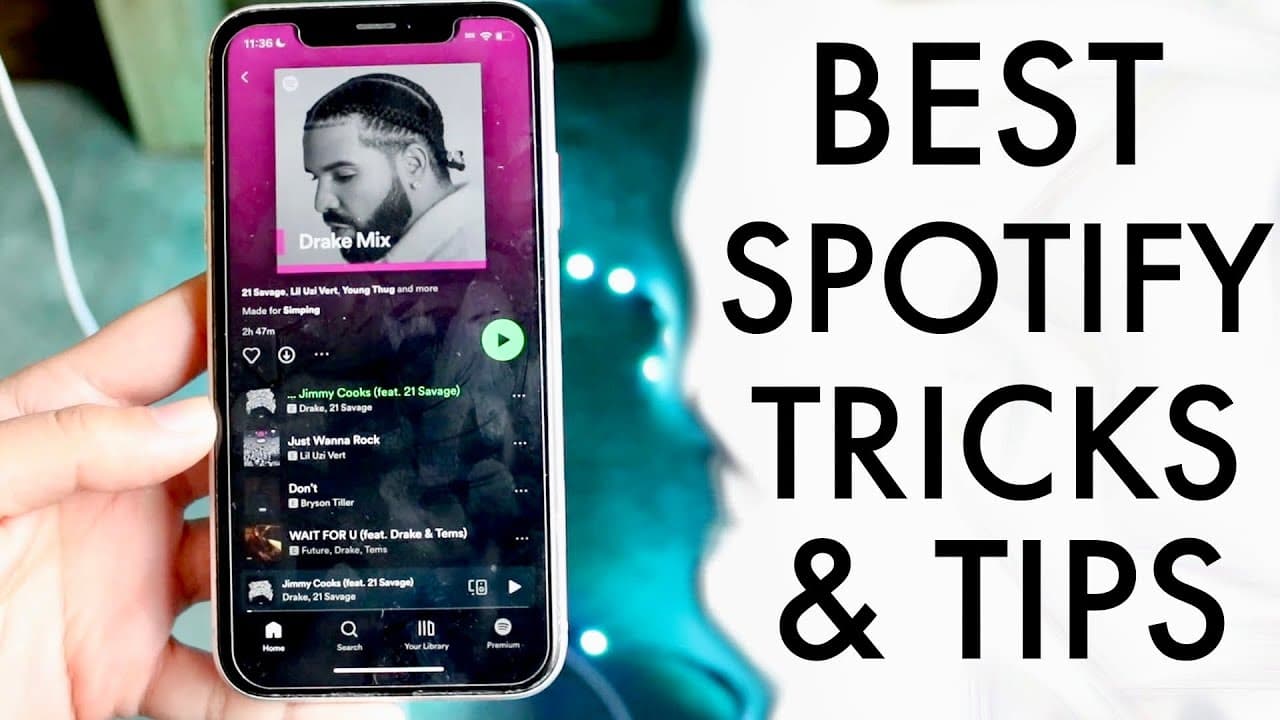
BEST Spotify Tricks & Tips!
TL;DR
Explore essential Spotify features for both free and premium users.
Transcript
everyone let's go ahead and take a look at some of the best you know Spotify tricks and tips you know maybe some of my favorite ones that you should definitely take a look at on your specific account now all these I made sure that I can go ahead and you know use them on both a free account and a paid version I will say Spotify Premium has a ton of ... Read More
Key Insights
- 💨 Spotify Wrapped offers insights into individual listening habits, making it a fun way to reflect on music choices over the past year.
- 😘 Real-time lyrics feature enhances user engagement, allowing listeners to sing along and connect more deeply with their favorite songs.
- 💌 The ability to like and hide songs provides a personalized experience, letting users tailor their playlists to their preferences.
- 🎼 Sharing music easily with friends through links enriches social interactions around music.
- 👻 The playlist creation and management tools allow users to curate their music collections effectively, ensuring a tailored listening experience.
- 🎼 The Blend feature introduces a social aspect to music consumption, fostering collaboration and shared musical discovery.
- 😀 Keeping the app updated is essential for accessing the latest features and improvements Spotify has to offer.
Install to Summarize YouTube Videos and Get Transcripts
Explore YouTube Video Summarizer or Get YouTube Transcript Extractor
Questions & Answers
Q: What is Spotify Wrapped and how can users access it?
Spotify Wrapped is an annual feature that summarizes a user's listening habits over the past year, showcasing the most listened-to songs and artists. To access it, users can look for a pop-up on their homepage or search for "2022 Wrapped" in the search bar on their Spotify account.
Q: How do I see song lyrics while listening to music on Spotify?
To view real-time lyrics on Spotify, simply select a song and swipe up. This feature allows you to follow along with the lyrics while the song plays, providing an engaging experience. If you don't see the lyrics option, ensure your app is updated to the latest version.
Q: Can I manage the songs I don’t like in my playlists?
Yes, users can dislike or hide songs in playlists by clicking the minus button next to a song. This feature allows for better management of your music preferences, minimizing clutter from tracks you don’t enjoy while still keeping the option to revisit them later.
Q: What is the Blend feature in Spotify?
The Blend feature enables users to create shared playlists with friends or family, combining individual song preferences into a single playlist. To use it, you invite friends to join, and Spotify curates a blended list of songs based on everyone’s listening habits.
Q: How can I share a song with someone on Spotify?
Sharing a song on Spotify is simple and can be done by clicking the share button beneath the song. You can share it directly on social media platforms like Instagram or copy the song link to send it via messaging apps, making it easy to recommend music to friends.
Q: What functionalities are exclusive to Spotify Premium users?
Spotify Premium offers features like downloading songs for offline listening, higher audio quality, and an ad-free experience. While free users have access to many features, the Premium subscription enhances the overall listening experience with additional conveniences.
Q: How can I create a playlist on Spotify?
To create a playlist on Spotify, navigate to the playlist section on your profile page and click the plus button to start a new playlist. You can name the playlist and add songs either from your library or by searching for new tracks to include.
Q: Can I customize playlists created with friends?
Yes, playlists created through the Blend feature can be customized by adding or removing songs, just like any regular playlist. This collaborative approach allows users to continuously shape the playlist, reflecting the evolving musical tastes of all contributors.
Summary & Key Takeaways
-
The video showcases various tips and tricks for using Spotify effectively, catering to both free and premium account users. Features like Spotify Wrapped and real-time lyrics are emphasized as enjoyable aspects of the platform.
-
Viewers can discover how to manage song preferences, such as liking, unliking, and hiding tracks, which enhances personalized listening experiences. Sharing music through links is also presented as a key feature.
-
The ability to create and manage playlists, including the new "Blend" feature, allows users to collaborate with friends by merging musical tastes, adding a social element to the listening experience.
Read in Other Languages (beta)
Share This Summary 📚
Summarize YouTube Videos and Get Video Transcripts with 1-Click
Try YouTube Summary with ChatGPT & Claude or YouTube Transcript Generator
Explore More Summaries from Simple Alpaca 📚






Summarize YouTube Videos and Get Video Transcripts with 1-Click
Try YouTube Summary with ChatGPT & Claude or YouTube Transcript Generator