2. Live coding Jarvis Transcriptions for Speech to Text Dataset p.2
TL;DR
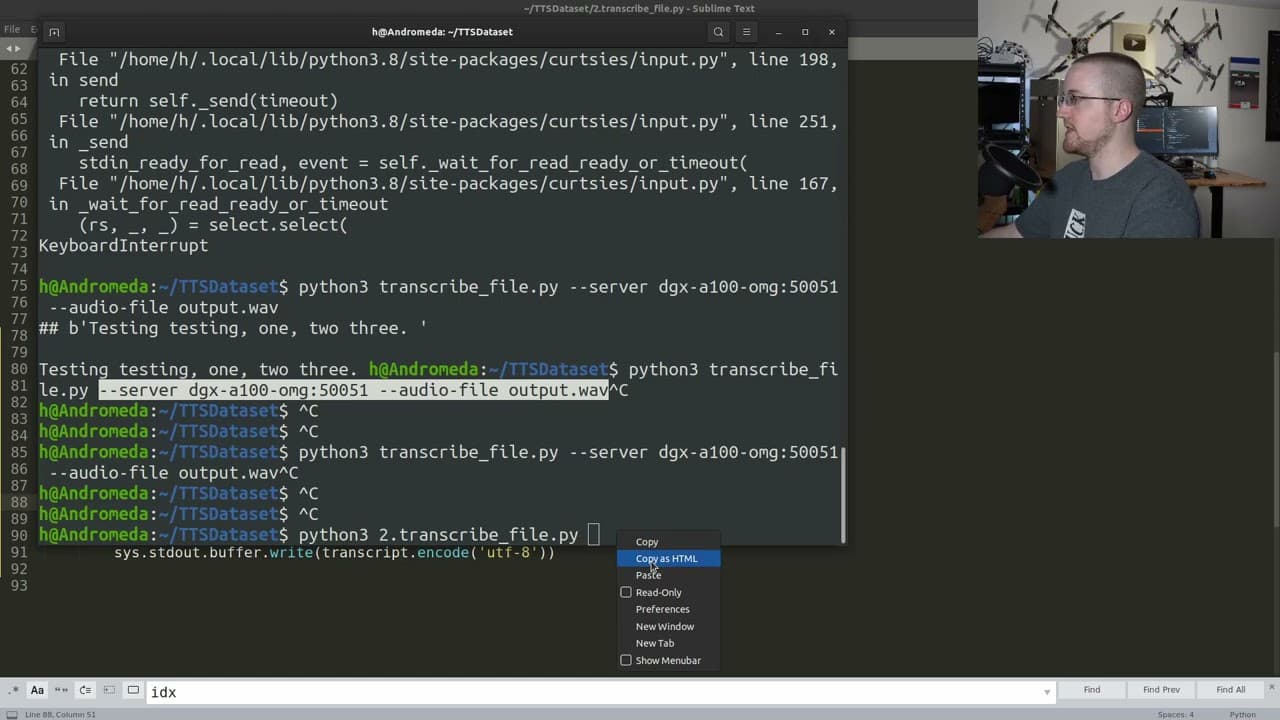
This video demonstrates how to create an automatic transcriber to record audio files, transcribe them, and save them for text-to-speech training.
Transcript
what is going on everybody and welcome to another sentex tankers episode and uh what we're going to be doing is continuing to um create our automatic transcriber i suppose uh with the idea of recording audio files transcribing them and then saving them so we can use them for text to speech training so where we left off we could press a key to begin... Read More
Key Insights
- 💾 The process of creating an automatic transcriber involves recording audio files, saving them, transcribing the recordings, and saving the transcriptions for further use.
- ☠️ Troubleshooting potential issues, such as sampling rates and recording settings, is important to ensure accurate transcriptions.
- 👨💻 The code can be simplified and made more efficient by eliminating unnecessary steps and variables.
- 💄 Dynamically naming and saving files makes it easier to manage and organize transcriptions.
- ❤️🩹 Addressing issues, such as the click sound at the end of transcriptions, improves the quality of the transcriptions and eliminates unwanted noise.
- 😯 The automatic transcriber can be used to create a dataset for text-to-speech training by recording and transcribing multiple audio files.
- ❓ The process of creating an automatic transcriber requires a combination of programming skills, troubleshooting abilities, and attention to detail.
Install to Summarize YouTube Videos and Get Transcripts
Explore YouTube Video Summarizer or Get YouTube Transcript Extractor
Questions & Answers
Q: What is the purpose of creating an automatic transcriber?
The purpose of creating an automatic transcriber is to record audio files, transcribe them, and use the transcriptions for text-to-speech training purposes.
Q: Why is the sampling rate of the recording important?
The sampling rate affects the quality of the recorded audio and can impact the accuracy of the transcriptions. Higher sampling rates generally result in better quality recordings.
Q: How is the automatic transcriber used to save and display transcriptions?
The transcriptions are saved to a data directory, along with the corresponding file names. A transcription file in TSV format is created, containing the file names and transcriptions. The transcriptions can be displayed and saved for further use.
Q: How is the issue of the click sound at the end of the transcriptions addressed?
A frame skip technique is implemented to remove the last few frames of the recording, which eliminates the click sound caused by the Control+C command.
Summary & Key Takeaways
-
The video shows the process of recording audio files, saving them, transcribing the saved files, and displaying and saving the transcriptions.
-
The speaker walks through troubleshooting potential issues with the transcription process, such as sampling rates and recording settings.
-
A hack job is done to simplify the code and make it more efficient.
-
The process of dynamically naming and saving files is implemented.
Read in Other Languages (beta)
Share This Summary 📚
Summarize YouTube Videos and Get Video Transcripts with 1-Click
Try YouTube Summary with ChatGPT & Claude or YouTube Transcript Generator
Explore More Summaries from sentdex 📚






Summarize YouTube Videos and Get Video Transcripts with 1-Click
Try YouTube Summary with ChatGPT & Claude or YouTube Transcript Generator