1.1: Introduction - Git and GitHub for Poets
TL;DR
This tutorial series introduces Git and GitHub, explaining their purpose, features, and how they can be used for collaboration and creativity even without programming knowledge.
Transcript
- Hello and welcome to Git and GitHub for poets. This is a tutorial series that I am beginning today and the whole point of this tutorial series is to explain what is Git, what is GitHub, how do you use them. Let me say something really important from the outright. You don't need to know anything about programming or code whatsoever to follow this ... Read More
Key Insights
- 🎮 Git is a powerful tool for version control, automating the tracking of file history for any type of creative project.
- 🎨 GitHub enhances Git's capabilities with features and tools designed for collaboration and project management.
- 👣 Git and GitHub can be used by individuals without programming knowledge to keep track of file versions and collaborate on creative projects.
- 👻 Commit history in GitHub allows users to browse and review changes made to a project over time.
- 📁 GitHub repositories are similar to project folders and can contain multiple files and versions.
- 📁 The commit hash is a unique identifier for each commit and can be used for referencing specific versions of a file.
- 🤗 Git and GitHub open up possibilities for collaboration and creativity, transcending programming and code.
Install to Summarize YouTube Videos and Get Transcripts
Explore YouTube Video Summarizer or Get YouTube Transcript Extractor
Questions & Answers
Q: What is the main purpose of Git?
Git's main purpose is to provide version control, allowing creators to keep track of the history of their project's files automatically, without manually creating separate files or saving different versions.
Q: How does GitHub differ from Git?
GitHub is a web service that runs Git behind the scenes. It offers additional features, such as social coding and advanced collaboration tools, making it a platform for managing projects and sharing code.
Q: Can Git and GitHub be used for creative projects that do not involve programming?
Absolutely! Git and GitHub can be utilized for various creative projects, such as writing, design, or visual art. The version control and collaboration features can be applied to any type of file.
Q: What is a commit?
A commit is a save or a change made to a file. Each commit has a unique identifier and can be associated with a note, allowing collaborators to track the changes made to a project over time.
Summary & Key Takeaways
-
Git is a version control software that automates the tracking of files' history, making it easier to keep track of different versions of creative projects.
-
GitHub is a web service that utilizes Git as its backend. It offers advanced collaboration features, making it a popular choice for managing projects and sharing code.
-
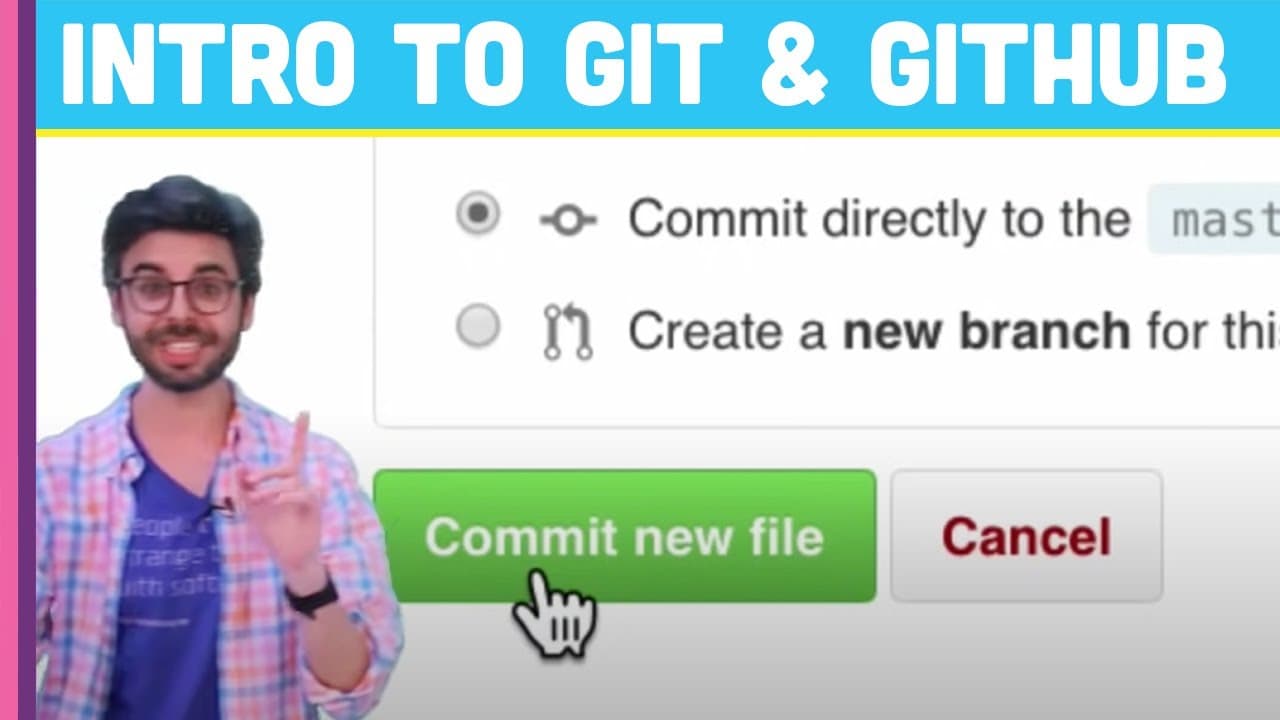
This tutorial demonstrates how to use GitHub to create a repository, add files, make commits (saves), and browse the commit history.
Read in Other Languages (beta)
Share This Summary 📚
Summarize YouTube Videos and Get Video Transcripts with 1-Click
Try YouTube Summary with ChatGPT & Claude or YouTube Transcript Generator
Explore More Summaries from The Coding Train 📚






Summarize YouTube Videos and Get Video Transcripts with 1-Click
Try YouTube Summary with ChatGPT & Claude or YouTube Transcript Generator