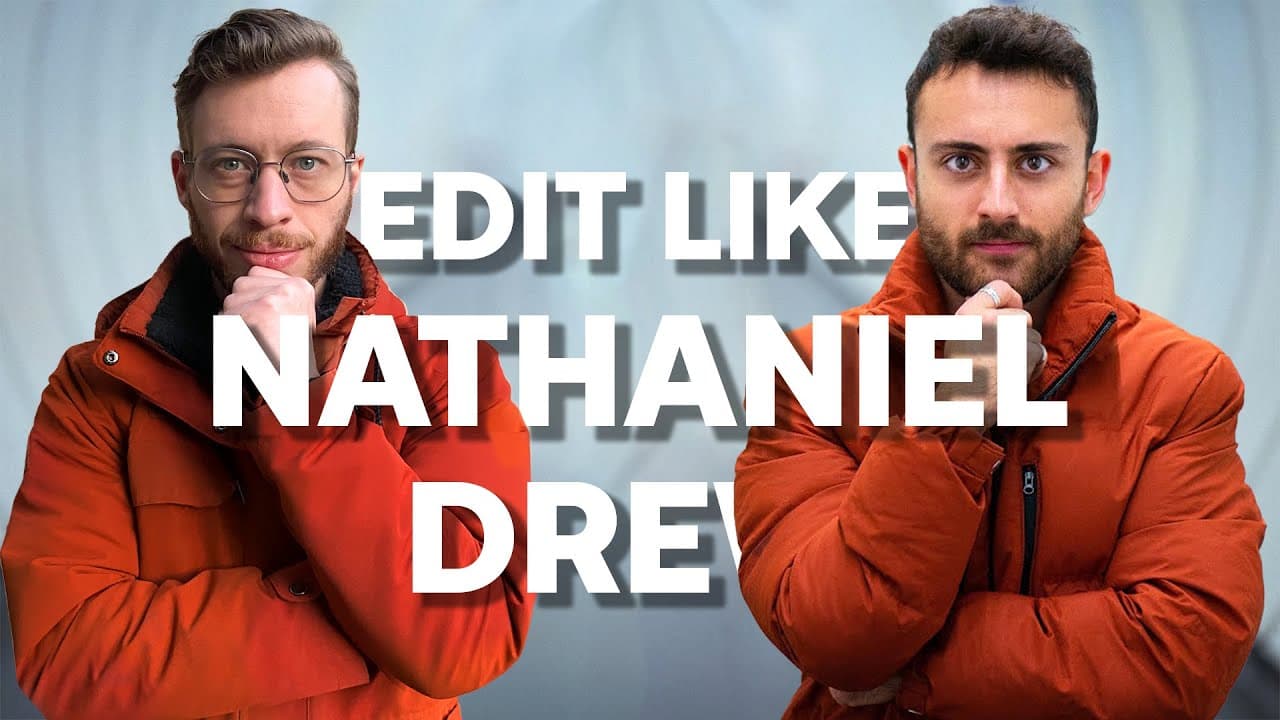
How To Edit Like Nathaniel Drew in Premiere Pro
TL;DR
This video explores three elements of Nathaniel Drew's editing style and provides tangible techniques to replicate them.
Transcript
when it comes to filmmakers on YouTube there's a lot to choose from almost an endless supply but there's one in particular who stood out to me as having a uniquely authentic Style mixed in with the quality of filmmaking that honestly feels like somebody who spent more than 25 years in the industry and the reason that's impressive is because that's ... Read More
Key Insights
- 🎥 Nathaniel Drew has a uniquely authentic style mixed with quality filmmaking that sets him apart in the YouTube filmmaker community. He pays attention to details and constantly explores new ideas.
- 📽️ Nathaniel consistently adds movement to his elements in his videos, giving them a sense of energy and life. He uses techniques like text movement, glowing effects, and subtle flickering to achieve this in the editing process.
- 🌌 Nathaniel's visuals align with his exploration-focused mindset as he constantly learns and grows. Even simple elements like text are shown with movement and searching, reflecting his own journey.
- 👥 Nathaniel's style incorporates his ideas into the frame to make them feel real. He achieves this by placing text in the world around him, using techniques like depth of field, blending modes, and masking.
- 🌟 Nathaniel embraces imperfections in his audio, making it feel messy yet profound. He records audio in real-world locations with various sounds happening around him, creating an immersive experience.
- 🎧 Nathaniel uses ambient sound effects to enhance the overall audio quality and consistency in his videos. It helps to create a seamless experience and ties all the audio elements together, even with cuts in footage.
- 📝 Sound effects like typewriter sounds are used by Nathaniel to convey a sense of permanence and thoughtful consideration. This adds to the grounded and secure feeling in his videos.
- 🔁 Nathaniel's style is ever-changing, just like he is. He experiments with different fonts, framing, music, and animations, but it all feels cohesive because it reflects his personal growth and perspective.
Install to Summarize YouTube Videos and Get Transcripts
Explore YouTube Video Summarizer or Get YouTube Transcript Extractor
Questions & Answers
Q: How does Nathaniel Drew create movement in his elements and text in his videos?
Nathaniel achieves movement by adding a slight glow effect to his text, duplicating the clip and adding varying levels of blur to create a dynamic look. Keyframing opacity on an adjustment layer also creates a subtle flickering effect.
Q: How does Nathaniel incorporate his ideas into the frame?
Nathaniel makes his ideas feel real by placing his text in the world around him. This can be done by changing the blend mode of the text layer to create interaction with the footage or by masking the text layer to make it appear behind objects in the frame.
Q: How does Nathaniel achieve a messy yet profound audio in his videos?
Nathaniel embraces the surrounding environment and incorporates ambient sound effects to give the audio a consistent and controlled feel. This creates a sense of realism and helps the audio to flow seamlessly, even with cuts in the footage.
Q: Why does Nathaniel Drew often use typewriter sound effects in his videos?
The typewriter sound effect symbolizes Nathaniel's clear vision and thoughtful approach to his content. It represents permanence and signifies that his words have been carefully chosen and thought through.
Summary & Key Takeaways
-
Nathaniel Drew's style is unique and recognizable, with a focus on storytelling, framing shots, and organic cinematography.
-
Three key elements of Nathaniel's editing style are explored: movement in elements, incorporating ideas into the frame, and messy yet profound audio.
-
Techniques and editing software demonstrations are provided to replicate Nathaniel's style.
Read in Other Languages (beta)
Share This Summary 📚
Summarize YouTube Videos and Get Video Transcripts with 1-Click
Try YouTube Summary with ChatGPT & Claude or YouTube Transcript Generator
Explore More Summaries from Motion Array Tutorials 📚
Summarize YouTube Videos and Get Video Transcripts with 1-Click
Try YouTube Summary with ChatGPT & Claude or YouTube Transcript Generator