What Are the Best Free Photo Editing Software Options?
TL;DR
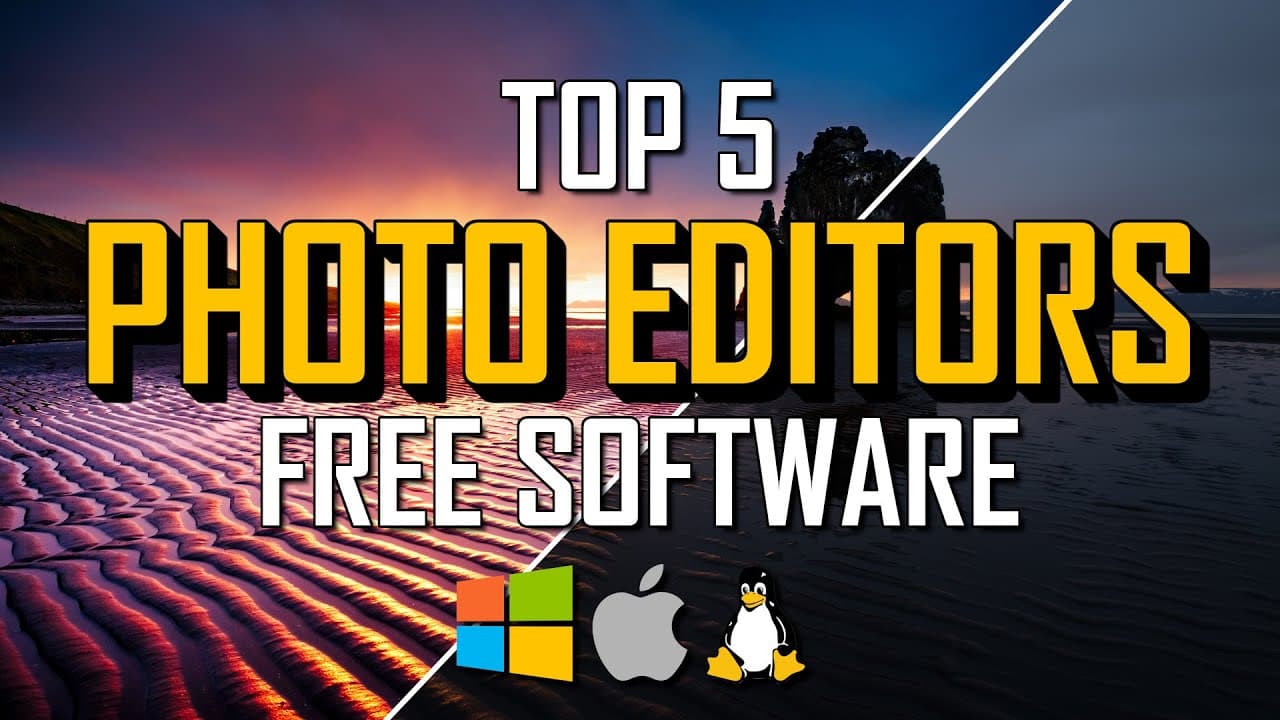
The best free photo editing software includes GIMP, Adobe Photoshop Express, and Photoscape X. GIMP is the most comprehensive, offering advanced tools and layer management. Adobe Photoshop Express is user-friendly for beginners, while Photoscape X provides collage and GIF creation features, making them suitable for a range of editing needs.
Transcript
if you want a free high quality photo editor without having to pay for an expensive program like photoshop you're in luck whether you need something simple for basic edits or you're someone that requires advanced features to edit your images like a pro there's a free photo editor for you so coming up in this top 5 i'll count down the best photo edi... Read More
Key Insights
- 💻 Adobe Photoshop Express is a free photo editor that offers a good set of tools, filters, and effects, making it suitable for both basic edits and more advanced editing needs.
- 📷 Photoscape X is a feature-packed photo editor that also allows you to create collages and gifs, and it supports raw images, providing users with a versatile editing experience.
- 🎨 Paint.net is a more advanced alternative to Microsoft Paint, offering tools like layers, filters, special effects, and a dark theme. It has been regularly updated since its release in 2004.
- 🌐 Pixlr, Fotor, and Photop are browser-based photo editors that cater to different skill levels, offering a range of tools and features for basic touch-ups or more advanced editing.
- 🖌️ Krita is a free and open-source program with a high learning curve, designed for digital painting and animation. It also provides various editing tools, layer management, and a wide range of brushes.
- 🏆 The top spot goes to GIMP, the best free photo editing software, which includes many advanced tools typically found in expensive programs. It supports various file types, advanced filters, layer editing, and color adjustments.
- 📚 GIMP offers an extensive toolbox and layers for editing, compatible with most image file types, including Photoshop PSD files. Recent updates have added new filters like "long shadow."
- 📖 Comprehensive tutorials and beginner's guides are available for both GIMP and Krita to help users get started and make the most of these powerful free photo editing software options.
Install to Summarize YouTube Videos and Get Transcripts
Explore YouTube Video Summarizer or Get YouTube Transcript Extractor
Questions & Answers
Q: What are the key features of Adobe Photoshop Express?
Adobe Photoshop Express offers a low learning curve, an extensive collection of filters, effects, and themes, and tools for changing the look, cropping, making corrections, spot healing, red-eye removal, and adding borders to photos. The "Auto Enhance" feature adjusts exposure, temperature, and contrast automatically.
Q: How does Photoscape X differ from other photo editing software?
Photoscape X stands out with its additional features like collage making, GIF creation, and screen capture, along with its support for raw images. It also provides a user-friendly layout and a wide-ranging tool set for editing images.
Q: What makes Paint.net a popular choice for photo editing?
Paint.net offers more advanced tools compared to Microsoft Paint, such as working with layers, a variety of filters, a 3D rotate zoom function, special effects, and community-created plugins. It has a user-friendly interface and now comes with a dark theme.
Q: What are the advantages of browser-based photo editing tools like Pixlr, Fotor, and Photop?
Pixlr, Fotor, and Photop are accessible through any browser, making them platform-independent. Pixlr X is beginner-friendly, Pixlr E is for more advanced users, Fotor provides basic photo touch-up tools, and Photop closely resembles Photoshop with a wide range of features. All three are free to use.
Q: Why is Krita recommended for both digital painting and photo editing?
Krita is a free and open-source program with advanced tools for digital painting and animation. However, it also offers features suitable for photo editing, such as masking, filters, special effects, more than 100 brushes, and layer management. It is available on Windows, Mac, and Linux platforms.
Q: What makes GIMP the top choice for free photo editing software?
GIMP is an open-source program that rivals expensive software with its extensive toolset, advanced filters, color adjustments, layer support, and compatibility with various image file types, including Photoshop PSD files. It is available on Windows, Linux, and Mac platforms, making it highly versatile.
Summary & Key Takeaways
-
Adobe Photoshop Express is an easy-to-use, free photo editing software with tools for enhancing images and applying filters.
-
Photoscape X offers a user-friendly layout and a wide range of features, including collage making, GIF creation, and support for raw images.
-
Paint.net is a more advanced alternative to Microsoft Paint, with layers, filters, and special effects.
-
Pixlr, Fotor, and Photop are browser-based photo editing tools that cater to different skill levels and offer various tools for tweaking images.
-
Krita is a free and open-source program designed for digital painting and animation, but also includes powerful photo editing tools like masking, filters, and layer management.
-
The best free photo editing software overall is GIMP, which has a comprehensive set of tools, advanced filters, and the ability to work with layers.
Read in Other Languages (beta)
Share This Summary 📚
Summarize YouTube Videos and Get Video Transcripts with 1-Click
Try YouTube Summary with ChatGPT & Claude or YouTube Transcript Generator
Explore More Summaries from Brett In Tech 📚
Summarize YouTube Videos and Get Video Transcripts with 1-Click
Try YouTube Summary with ChatGPT & Claude or YouTube Transcript Generator