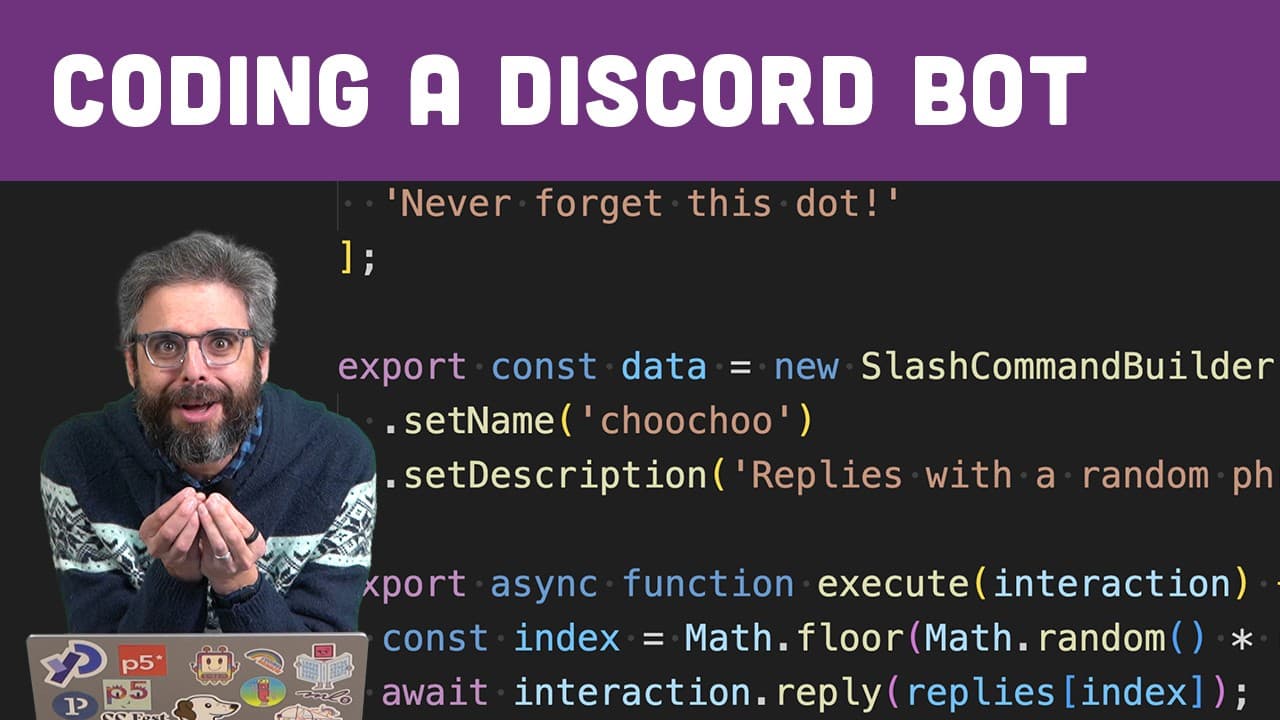
I made a Discord Bot that says Choo Choo
TL;DR
Learn how to create a Discord bot in Node.js, including setting up the environment, creating a Discord application, adding the bot to a server, and writing code to handle slash commands.
Transcript
hi I'm very excited about this video I've been recording a whole bunch you could watch the previous ones but you don't have to because if you're ready to write a Discord bot in nodejs you've got node set up on your computer you've got a code editor you're just waiting to type what you need to type in to make your Discord bot work then you are in ex... Read More
Key Insights
- 🤖 The video focuses on creating a basic Discord bot that responds to slash commands.
- 🤖 The discord.js package is essential for working with the Discord API and building Discord bots.
- 😫 The process includes setting up the development environment, creating a Discord application, configuring bot permissions, and writing code to handle slash commands.
- 🤖 There are additional possibilities for bot functionality beyond slash commands, which can be explored in future videos.
- 💁 The video warns that the provided tutorial may become outdated, so developers should refer to the discord.js guide for the most up-to-date information.
Install to Summarize YouTube Videos and Get Transcripts
Explore YouTube Video Summarizer or Get YouTube Transcript Extractor
Questions & Answers
Q: What is the purpose of this video?
The purpose of this video is to guide viewers through the process of creating a Discord bot in Node.js by setting up the environment, creating a Discord application, and writing code to handle slash commands.
Q: What is the discord.js package used for?
The discord.js package is used to interact with the Discord API from Node.js. It provides functions and methods for creating and managing Discord bots.
Q: How do you authenticate a Discord bot?
To authenticate a Discord bot, you need to create a Discord application through the developer portal, obtain a secret token for the bot, and use that token in your code for authentication.
Q: What are slash commands in Discord bots?
Slash commands are a feature in Discord bots that allow users to interact with the bot by typing a command starting with a forward slash (/). These commands can be configured and handled in the bot's code.
Q: How can you deploy a Discord bot to a server?
To deploy a Discord bot to a server, you will need to find a hosting solution, such as a cloud server, where you can run your bot continuously. This ensures that the bot will stay online even when your personal device is turned off.
Summary & Key Takeaways
-
This video provides a step-by-step guide on creating a Discord bot in Node.js.
-
The content covers setting up the development environment, creating a Discord application, configuring bot permissions, and writing code to handle slash commands.
-
The tutorial emphasizes the use of the discord.js package and follows the discord.js guide for building a bot.
Read in Other Languages (beta)
Share This Summary 📚
Summarize YouTube Videos and Get Video Transcripts with 1-Click
Try YouTube Summary with ChatGPT & Claude or YouTube Transcript Generator
Explore More Summaries from The Coding Train 📚






Summarize YouTube Videos and Get Video Transcripts with 1-Click
Try YouTube Summary with ChatGPT & Claude or YouTube Transcript Generator