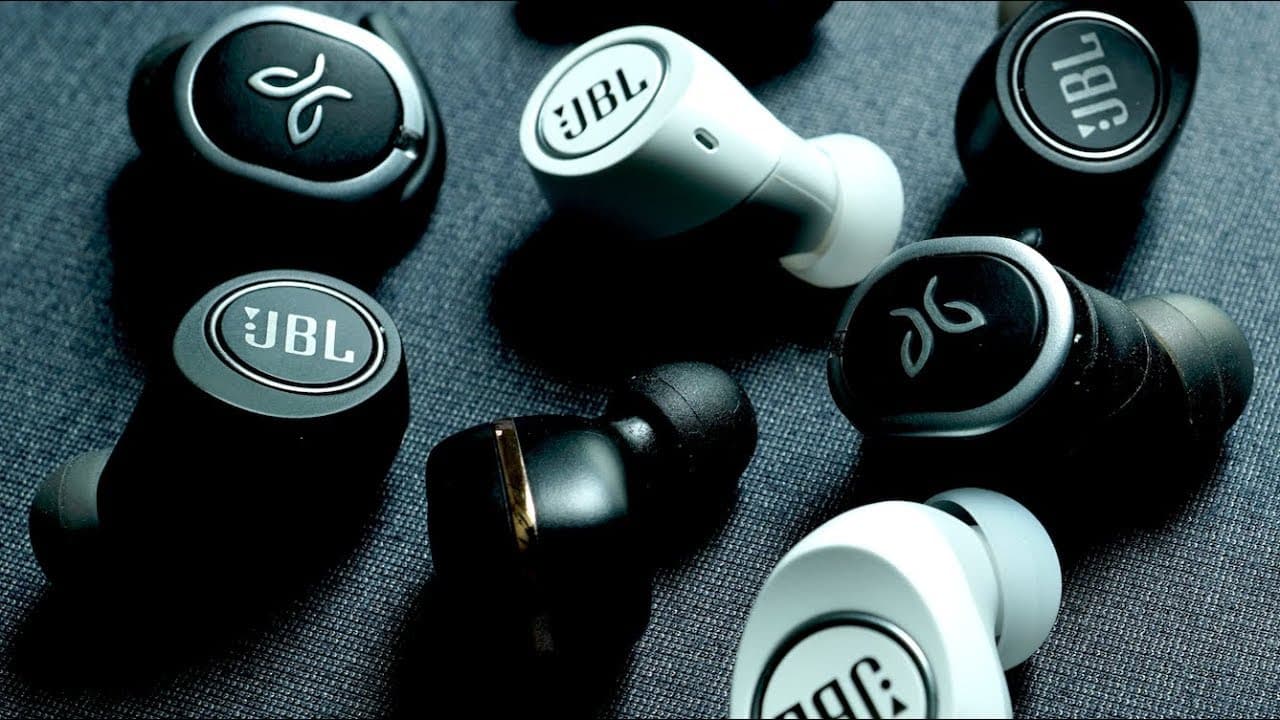
Why Bluetooth Earbuds LAG when Gaming or Watching Videos
TL;DR
Wireless headphones can introduce audio lag due to their complex signal processing.
Transcript
why do you get audio to videos like when you're watching youtube videos using your wireless headphones and your butt but you get no lag whatsoever when you're using a pair of wired headphones what the hell is going on I'm gonna try to explain why this is going on with your wireless headphones and your buds and then I will offer some possible remedi... Read More
Key Insights
- 🎧 Wired headphones serve audio through a simple path, ensuring low latency, while wireless headphones introduce extra steps.
- 🎏 Bluetooth audio lag can be attributed to the codec and the complexity of the signal transmission process.
- 🎏 AptX codecs significantly mitigate audio lag, making them ideal for video watching and gaming.
- 😀 iOS systems have better AV sync with native apps than with third-party apps, particularly in video contexts.
- 😀 Manual audio adjustments via metronome apps can help Android users combat lag effectively.
- 👋 Consumers seeking the best audio performance may need to invest in compatible devices for optimal results.
- 😘 Future technological advancements are promising and may deliver even lower latency options for wireless audio.
Install to Summarize YouTube Videos and Get Transcripts
Explore YouTube Video Summarizer or Get YouTube Transcript Extractor
Questions & Answers
Q: Why do wired headphones have less audio lag than wireless ones?
Wired headphones transmit audio through a direct connection, reducing latency because the audio signal travels through shorter and fewer steps. It goes directly from the source to the digital-to-analog converter and amplifier in a quick, efficient manner, resulting in minimal delay.
Q: How do Bluetooth headphones add extra audio lag?
Bluetooth headphones experience latency because the audio signal must pass through several steps, including encoding, transmission, and decoding, before being amplified and delivered to the ears. This multi-step process is inherently slower than the direct connection of wired headphones, leading to noticeable delays in audio and video during playback.
Q: What codecs can help reduce audio lag in Bluetooth headphones?
Using advanced audio codecs like aptX Low Latency or aptX Adaptive can significantly reduce audio lag in Bluetooth headphones. These codecs optimize the encoding and transmission processes, achieving latency as low as 40 milliseconds, which provides a listening experience almost akin to wired connections.
Q: Are there specific recommendations for iOS users experiencing syncing issues?
iOS users often face audio syncing issues in third-party apps like YouTube. It's recommended to use Safari, Apple's native browser, where better audio-visual synchronization is typically achieved due to Apple’s tighter control over the software. If using YouTube, users may need to tolerate lag in its app but can switch to Safari for better performance.
Q: How can Android users manage audio lag?
Android users can use applications such as metronome apps, which allow manual adjustments of audio-video synchronization globally across different apps. This feature provides a personalized solution to match audio perfectly with video playback, irrespective of the application being used.
Q: What future advancements in audio technology could improve Bluetooth latency?
Upcoming advancements in audio technology may lead to more devices supporting low-latency codecs like aptX Low Latency and variants that promise even shorter latency gaps. This signifies an exciting future where Bluetooth audio might closely rival wired connections in performance, enhancing user experience for videos and gaming.
Summary & Key Takeaways
-
The audio signal processing in wired headphones involves a straightforward path, leading to minimal latency; this is not the case for wireless headphones.
-
Bluetooth headphones face additional latency due to encoding and decoding processes, influenced by the codec used, with SBC being the slowest.
-
Solutions to reduce audio lag include using compatible low-latency codecs, manually adjusting sync on Android, and possibly opting for specific browsers on iOS.
Read in Other Languages (beta)
Share This Summary 📚
Summarize YouTube Videos and Get Video Transcripts with 1-Click
Try YouTube Summary with ChatGPT & Claude or YouTube Transcript Generator
Explore More Summaries from Aaron X Loud and Wireless Reviews 📚



Summarize YouTube Videos and Get Video Transcripts with 1-Click
Try YouTube Summary with ChatGPT & Claude or YouTube Transcript Generator