What Are the Best AI Tools You Didn't Know About?
TL;DR
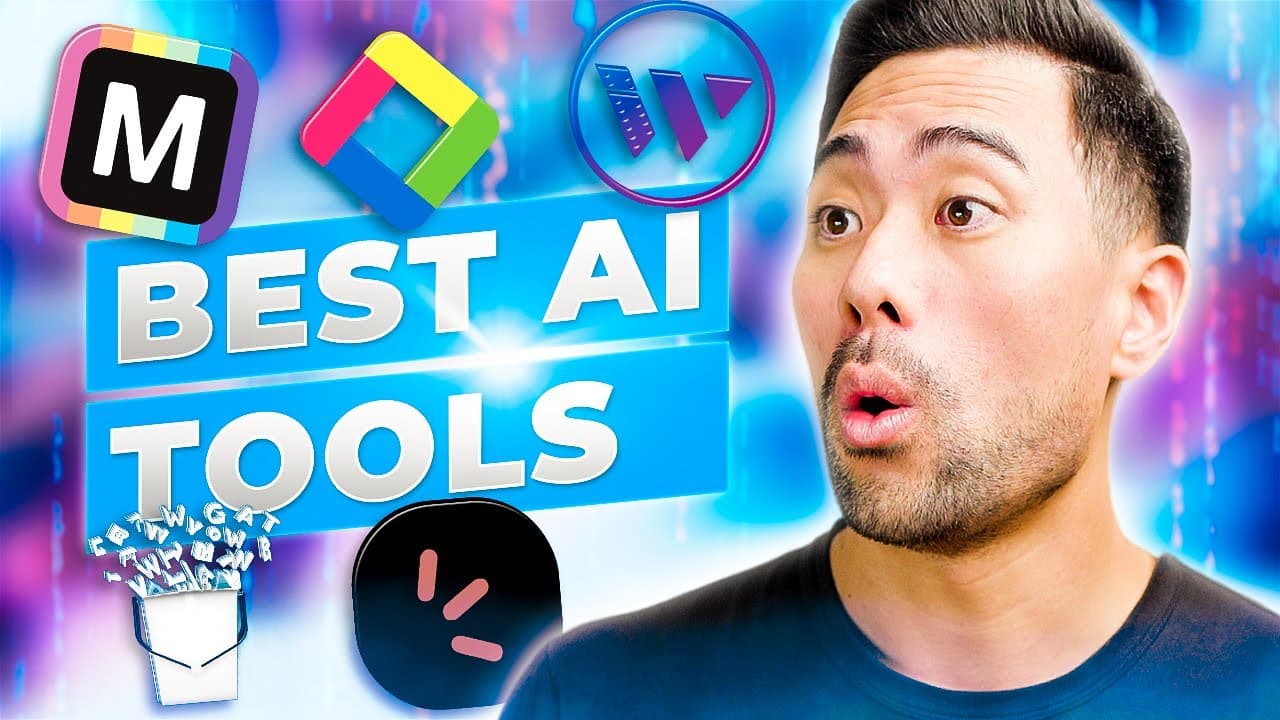
Discover five innovative AI tools designed to simplify tasks and enhance productivity. These tools, including Mokker for image editing and Wisecut for video enhancement, help users create professional-quality content quickly without extensive technical skills.
Transcript
- In this video, you'll learn five useful AI powered websites and tools you probably didn't know existed. Starting with number one, this one's called Mokker. And with Mokker, it not only removes a background from any image, you're also able to generate different backgrounds for it. In this instance, we've got this wine bottle and you can select any... Read More
Key Insights
- 🔍 Mokker: A useful AI-powered tool that removes backgrounds from images and generates different backgrounds, allowing users to create realistic product images quickly.
- 🕑 YouTube Summary with ChatGPT: A browser extension that provides a summary of YouTube videos by extracting transcripts and using ChatGPT to generate a summary, making it easier to learn when short on time.
- 🎥 Wisecut: An AI-powered video editor capable of removing silences and pauses, improving the overall flow and quality of videos by adding options like smooth cuts and background music.
- 📋 Holler: An AI-powered survey tool that allows users to create short surveys and obtain immediate results by asking AI-powered prompts, eliminating the need for manual analysis.
- 🐦 Tweetify: A tool that summarizes and creates snippets of longer posts for social media platforms like Facebook, Instagram, and LinkedIn, helping users repurpose existing content and save time.
- 💡 Key Insight: AI-powered tools like Mokker, YouTube Summary with ChatGPT, Wisecut, Holler, and Tweetify provide efficient solutions for image editing, video editing, summarizing content, conducting surveys, and creating social media posts.
- 📸 These tools enable users to enhance their visual content, save time, and improve productivity in various areas such as e-commerce, learning, content creation, and market research.
- 📊 Combining innovative AI technology with user-friendly interfaces, these tools simplify complex tasks and empower users to achieve professional-quality results without extensive technical knowledge.
Install to Summarize YouTube Videos and Get Transcripts
Explore YouTube Video Summarizer or Get YouTube Transcript Extractor
Questions & Answers
Q: How does Mokker help in creating realistic product images?
Mokker is an AI-powered tool that removes backgrounds from images and enables the user to generate different backgrounds for the product image, resulting in realistic-looking product images in a matter of seconds. It also creates shadows to add more realism to the images.
Q: How does YouTube Summary with ChatGPT work?
YouTube Summary with ChatGPT is a browser extension that extracts the transcript of a YouTube video and uses ChatGPT, an AI model, to generate a summary. By clicking on the plugin, users can get an instant summary of the video, allowing for quick understanding of its content.
Q: What features does Wisecut offer as an AI-powered video editor?
Wisecut provides several AI-powered features for video editing, including smooth cuts, auto-cut silences, smart background music, auto ducking, background noise cancelling, and burned-in captions. These features help remove awkward silences and pauses, and enhance the overall quality of the video.
Q: How does Holler use AI to analyze survey responses?
Holler integrates AI into its survey tool by providing prompt ideas based on the responses received. Users can ask the AI specific questions about the survey results, and it generates detailed responses based on the data, making it easy to identify patterns and popular opinions without the need for manual analysis.
Q: In what ways can Tweetify be used to repurpose content for social media?
Tweetify allows users to summarize and create snippets of longer posts for social media platforms like Facebook, Instagram, and LinkedIn. By selecting the tone and language, users can quickly create variations of their content and repackage it for different social media platforms, saving time and effort.
Summary & Key Takeaways
-
Mokker: An AI-powered tool that removes backgrounds from images and allows users to generate different backgrounds for them, enabling the creation of realistic product images in seconds.
-
YouTube Summary with ChatGPT: A browser extension that uses AI to provide summaries of YouTube videos by extracting the transcript and using AI models to generate a summary, making it easier for users to learn even if they're short on time.
-
Wisecut: An AI-powered video editor that automatically cuts silences and pauses in videos, providing a more polished final product by removing awkward moments and enhancing the editing process.
-
Holler: An AI-powered survey tool that allows users to create short surveys and obtain instant results by using AI prompts to analyze responses, making it easier to gather feedback and make data-driven decisions.
-
Tweetify: An AI-powered tool that enables users to summarize and create snippets of longer posts for social media platforms like Facebook, Instagram, and LinkedIn, saving time and allowing for content repurposing.
Read in Other Languages (beta)
Share This Summary 📚
Summarize YouTube Videos and Get Video Transcripts with 1-Click
Try YouTube Summary with ChatGPT & Claude or YouTube Transcript Generator
Explore More Summaries from Aurelius Tjin 📚





Summarize YouTube Videos and Get Video Transcripts with 1-Click
Try YouTube Summary with ChatGPT & Claude or YouTube Transcript Generator