What Are the Best Apps for Apple CarPlay?
TL;DR
The best apps for Apple CarPlay include Spotify for music streaming, Google Maps for navigation, Microsoft Teams for work communication, ChargePoint for finding electric vehicle charging stations, and Waze for real-time hazard reporting. These applications enhance driving convenience and functionality, allowing for safe and accessible use while on the road.
Transcript
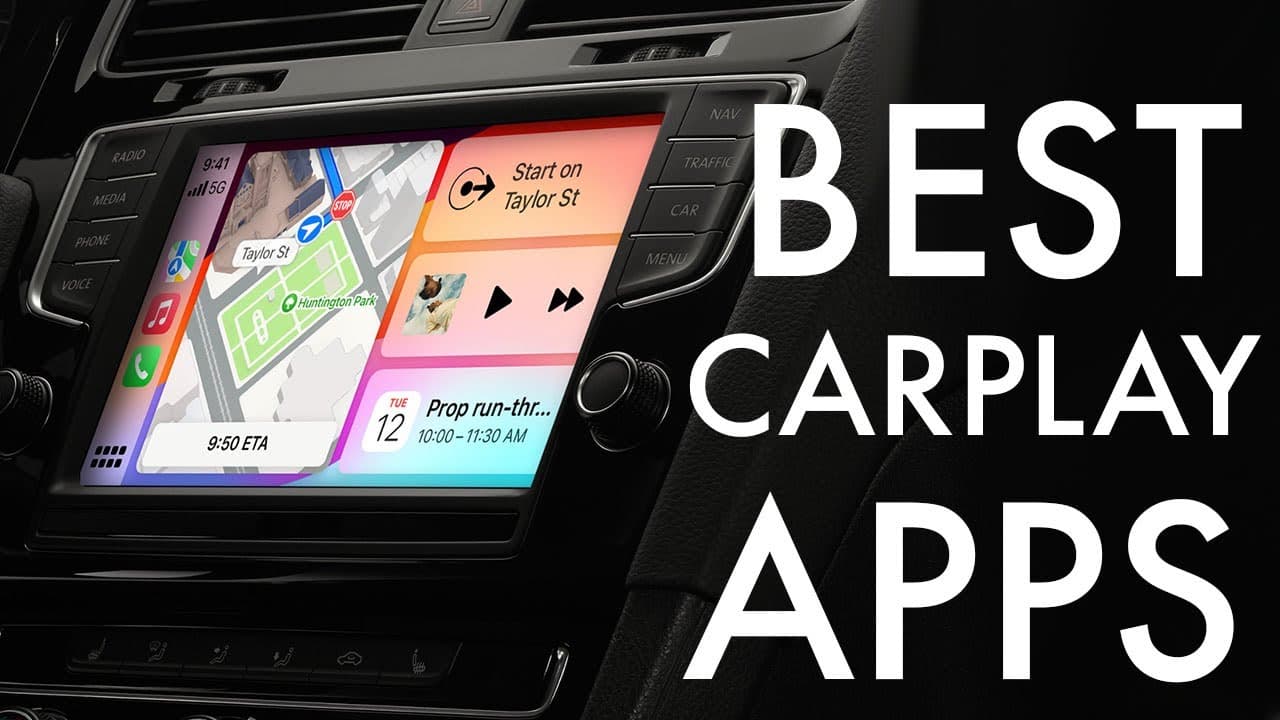
so carplay is one of the coolest things Apple has ever done I love carplay so much and I want to break down some of my favorite applications that I typically use on my devices or my cars that support carplay now there's a lot of built-in Apple applications that do support carplay natively which is amazing so things like the phone application you kn... Read More
Key Insights
- 👻 Apple CarPlay significantly improves driving safety by allowing easy access to important applications while minimizing distractions.
- 👻 Spotify's compatibility with CarPlay allows for seamless music streaming and searching capabilities, making it a favorite among users.
- 😵 Google Maps remains a competitive choice for navigation due to its extensive feature set and cross-platform functionality.
- 💦 Microsoft Teams facilitates remote work engagement, giving users the ability to attend meetings directly from their vehicles, a growing necessity in modern work culture.
- 🗺️ ChargePoint simplifies electric vehicle travel by providing direct access to charging station locations, making long journeys more manageable.
- 👤 Waze promotes community interaction for safer driving by enabling users to share real-time road conditions.
- 🎼 The integration of various applications like news, podcasts, and music enhances the overall CarPlay experience.
Install to Summarize YouTube Videos and Get Transcripts
Explore YouTube Video Summarizer or Get YouTube Transcript Extractor
Questions & Answers
Q: What makes Spotify a top choice for CarPlay users?
Spotify stands out as a top choice for CarPlay users due to its extensive music library and usability within CarPlay. Users can search for songs, access playlists, and enjoy the same features available on the mobile app. Spotify's integration makes it easy to control music without needing to operate the phone directly, enhancing safety while driving.
Q: How does Google Maps compare to Apple Maps within CarPlay?
Google Maps offers several unique features that appeal to users familiar with it, including detailed navigation options and the ability to use it cross-platform. While Apple Maps is convenient due to its built-in availability, Google Maps provides a broader set of features, making it a solid alternative for those who prefer it.
Q: Can Microsoft Teams be effectively used while driving with CarPlay?
Yes, Microsoft Teams can be used with CarPlay, allowing users to remain connected during commutes. Although it has limitations in visibility, such as not displaying every detail on the car dashboard, users can still participate in meetings and see who is speaking, maintaining productivity while on the road.
Q: What functionality does ChargePoint provide for electric vehicle users?
ChargePoint is essential for electric vehicle owners using CarPlay, allowing them to locate nearby charging stations. This application simplifies the search for power sources when traveling, ensuring that drivers can efficiently manage their charging needs without excessive detours or delays.
Q: Why do users find Waze appealing despite using other map applications?
Waze is popular for its community-driven approach, allowing users to report hazards like police presence, accidents, or road conditions. Its user interface is friendly and engaging, providing an enjoyable navigation experience. While some prefer more traditional navigation apps, Waze offers real-time updates that enhance on-the-road safety.
Summary & Key Takeaways
-
CarPlay is a popular feature that allows users to access various applications while driving, enhancing convenience and functionality. Many built-in Apple applications like Phone, Messages, Music, and Maps are supported.
-
The five standout applications for CarPlay include Spotify for music, Google Maps for navigation, Microsoft Teams for work communication, ChargePoint for electric vehicle charging, and Waze for hazard reporting.
-
Each application offers distinct features, making them suitable for different needs, whether it’s for music, navigation, work meetings, or utilities for electric vehicles.
Read in Other Languages (beta)
Share This Summary 📚
Summarize YouTube Videos and Get Video Transcripts with 1-Click
Try YouTube Summary with ChatGPT & Claude or YouTube Transcript Generator
Explore More Summaries from Simple Alpaca 📚






Summarize YouTube Videos and Get Video Transcripts with 1-Click
Try YouTube Summary with ChatGPT & Claude or YouTube Transcript Generator