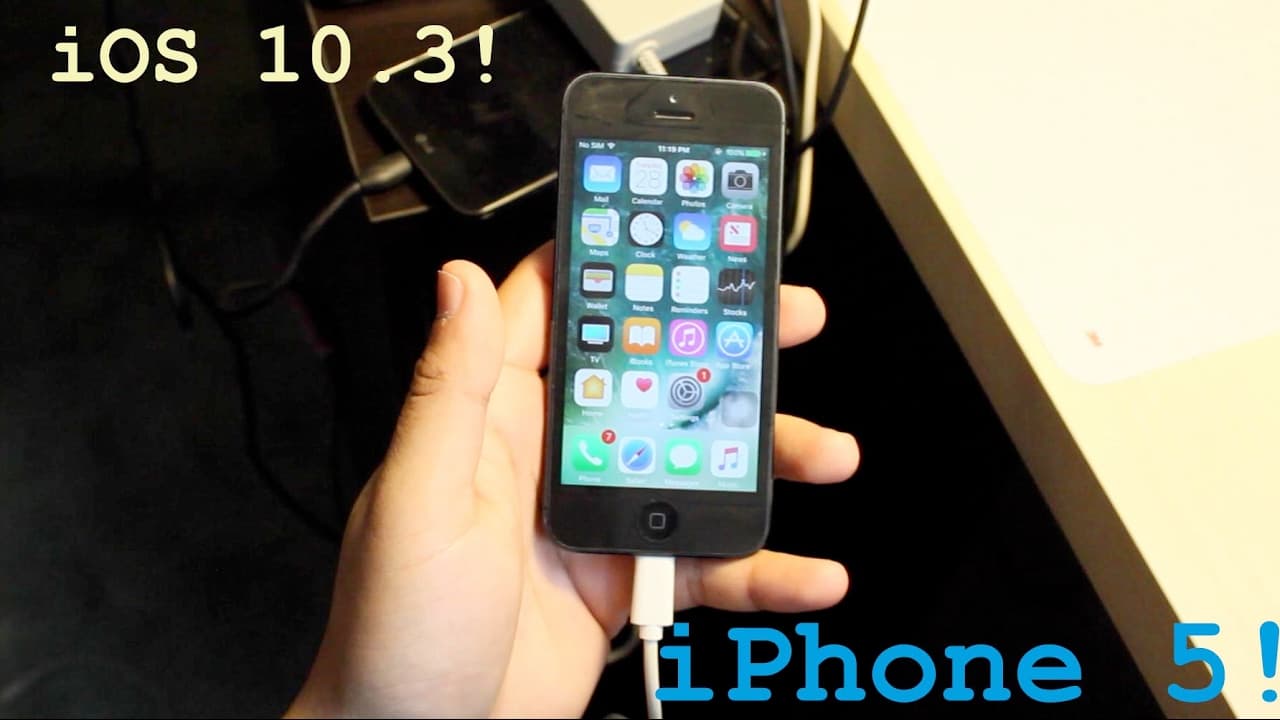
iOS 10.3 REVIEW! (Installed on iPhone 5!)
TL;DR
The video discusses the updates in iOS 10.3 for the iPhone 5 and new features.
Transcript
hey everyone what is up dude first of all let me just say I love every single one of you guys I say at the end of the video but I just like it's just something today right before I even get started this is not a total like upto-date review or how the iPhone 5 is in 2017 I'm strictly talking about software wise I'm I'm making like a updated review o... Read More
Key Insights
- 😀 The update encourages in-app reviews, enhancing user convenience and developer feedback processes.
- 😀 Changes in the app icon management allow developers to update visuals without requiring full app updates, promoting a more dynamic user experience.
- 💖 The setting modifications have sparked mixed reactions, demonstrating the challenges of balancing new features with user familiarity.
- 🤙 Apple’s decision to support Wi-Fi calling on Verizon highlights their commitment to improving connectivity options for users.
- 💁 The introduction of hourly weather updates provides users more timely and relevant information compared to daily updates.
- 👤 Transitioning to the APFS file system indicates Apple's effort to enhance device performance and potentially improve storage efficiency for users.
- 😑 The video creator expresses an eagerness to engage with their audience through social media, indicating an active community-building goal.
Install to Summarize YouTube Videos and Get Transcripts
Explore YouTube Video Summarizer or Get YouTube Transcript Extractor
Questions & Answers
Q: What are some major features of iOS 10.3 discussed in the video?
The major features highlighted include an updated settings layout that now incorporates iCloud, a new podcast widget, and the ability to write app reviews without leaving the app. Additionally, there are changes in how weather information updates and improvements to Wi-Fi calling for Verizon users.
Q: How does the new file system change affect iPhone 5 users?
iOS 10.3 introduces an APFS file system replacing the previous HFS plus, which aims to improve storage efficiency. While exact benefits may not be immediately noticeable to users, it is designed to optimize storage use and enhance overall performance of apps and services.
Q: What are the user interface changes in iOS 10.3?
One notable change is the redesign of the settings tab, where the iCloud settings have been moved to the top, prompting some user dissatisfaction. The video emphasizes that while it may seem unnecessary, users will likely adapt to this layout over time.
Q: Does iOS 10.3 improve app interaction?
Yes, the update allows users to submit reviews directly within an app instead of navigating away to the App Store. This streamlined process simplifies feedback for developers and enhances user experience, especially for those who often rate apps.
Q: What cultural relevance is mentioned in Siri's updates?
Siri has gained the capability to look up cricket scores, which is particularly beneficial for Indian users, reflecting Apple's efforts to better understand and cater to diverse cultures and interests. This personal touch adds value to the user experience for sports fans.
Q: Is iOS 10.3 available for devices other than the iPhone 5?
Yes, iOS 10.3 was released for multiple devices including the iPhone 5, 5s, 6, 6 Plus, and up to the iPhone 7. This wide availability allows many users to experience the new features and improvements that come with the update.
Summary & Key Takeaways
-
The video is an informal overview of iOS 10.3 updates, particularly for the iPhone 5, highlighting new features and changes.
-
Users will now find changes in the settings layout, and new features include in-app reviews and hourly weather updates.
-
Wi-Fi calling is introduced for Verizon users, and Apple has transitioned to a new file system, promising more storage without noticeable differences to users.
Read in Other Languages (beta)
Share This Summary 📚
Summarize YouTube Videos and Get Video Transcripts with 1-Click
Try YouTube Summary with ChatGPT & Claude or YouTube Transcript Generator
Explore More Summaries from Simple Alpaca 📚






Summarize YouTube Videos and Get Video Transcripts with 1-Click
Try YouTube Summary with ChatGPT & Claude or YouTube Transcript Generator