How Crash Course is Made: Animating a Scene
TL;DR
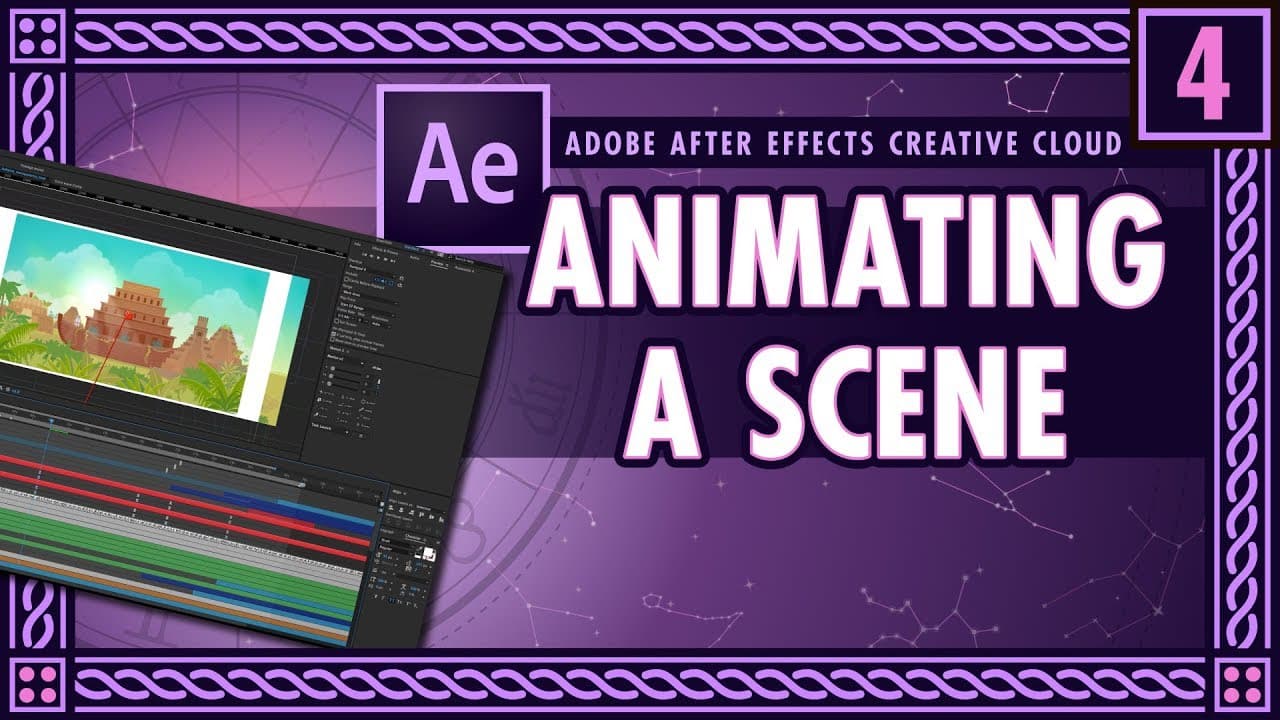
This content provides a detailed walkthrough of how the animation for episode 16 of Crash Course Mythology was created.
Transcript
hello everyone my name is adam winik and i'm art director and animator at thought cafe and we are responsible for creating the animations for youtube's gem crash course um and today we're going to be looking into how we built episode 16 for the mythology series uh we're gonna go shop by shot and figure out how we did things and why we did them spec... Read More
Key Insights
- 🎮 Retaining layer sizes in After Effects is crucial for maintaining control and enabling manipulation of individual assets.
- 💨 Nulls can be used as an alternative to cameras for creating depth and motion in animations, providing faster render times.
- 😑 Pre-composing helps organize and manage animated data sets, allowing for better layer control and workflow efficiency.
- 💄 Squash and stretch techniques add character and liveliness to animated elements, making them more engaging.
- 🙂 Lighting techniques, such as tinting and color correction, enhance the realism of animations and create a cohesive visual experience.
- 🪜 Wiggle nulls can be used to add controlled variations and shaking effects, adding dynamism to the animation.
- 🛩️ Paying attention to small details, such as offset animations, layering effects, and character cues, significantly improves the quality and impact of motion graphics.
Install to Summarize YouTube Videos and Get Transcripts
Explore YouTube Video Summarizer or Get YouTube Transcript Extractor
Questions & Answers
Q: Why is retaining layer sizes important when importing assets in Adobe After Effects?
Retaining layer sizes allows for manipulation and animation of individual layers, providing more control and flexibility in the animation process. Importing assets as flat images limits their manipulability.
Q: What is the difference between using nulls and cameras to set up a scene in animation?
Nulls are used in this case to create a faster render and provide a sense of parallax, while cameras can automatically create 2.5D motion. Using nulls with quick turnarounds and larger layers is beneficial.
Q: How can markers be used to improve timing in animation?
Markers can be used to indicate specific points in the timeline and help with planning and organization. They can also be renamed and annotated for better understanding and collaboration.
Q: What is the purpose of the squash and stretch technique in animation?
Squash and stretch is used to give life and character to objects or elements in motion graphics. It adds a cartoony and playful feel, making the animation more engaging and interesting.
Q: Why is pre-composing important in After Effects?
Pre-composing allows for grouping and organizing animated data sets, making it easier to apply layer effects, position changes, and rotations. It helps maintain a clear hierarchical structure and improves workflow efficiency.
Q: How can lighting techniques be used to enhance animation?
Tint and color correction can be applied to layers to simulate realistic lighting and create a cohesive visual experience. It helps objects interact with the light in the scene and adds believability to the animation.
Q: What is the purpose of using a wiggle null in animation?
A wiggle null is used to create shaking or bouncing effects in the animation. By applying a wiggle expression to a slider controller, the animation can have controlled variations and movement.
Q: Why are small details important in motion graphics?
Small details, such as layering effects, offsets, easy easing, and character cues, add depth and realism to the animation. These techniques, though simple, contribute significantly to the overall visual appeal and quality.
Summary & Key Takeaways
-
The content discusses the process of building episode 16 of Crash Course Mythology shot by shot using Adobe Illustrator and After Effects.
-
The importance of composition settings and retaining layer sizes during import is highlighted.
-
Techniques such as nulls, pre-composing, keyframing, parenting, and effects are used to create depth and motion in the animation.
Read in Other Languages (beta)
Share This Summary 📚
Summarize YouTube Videos and Get Video Transcripts with 1-Click
Try YouTube Summary with ChatGPT & Claude or YouTube Transcript Generator
Explore More Summaries from Thought Café 📚
Summarize YouTube Videos and Get Video Transcripts with 1-Click
Try YouTube Summary with ChatGPT & Claude or YouTube Transcript Generator