How to ADD and Use MULTIPLE INSTAGRAM Accounts - (Up to 5)
TL;DR
Learn how to easily set up and navigate between multiple Instagram accounts, with a maximum limit of five accounts.
Transcript
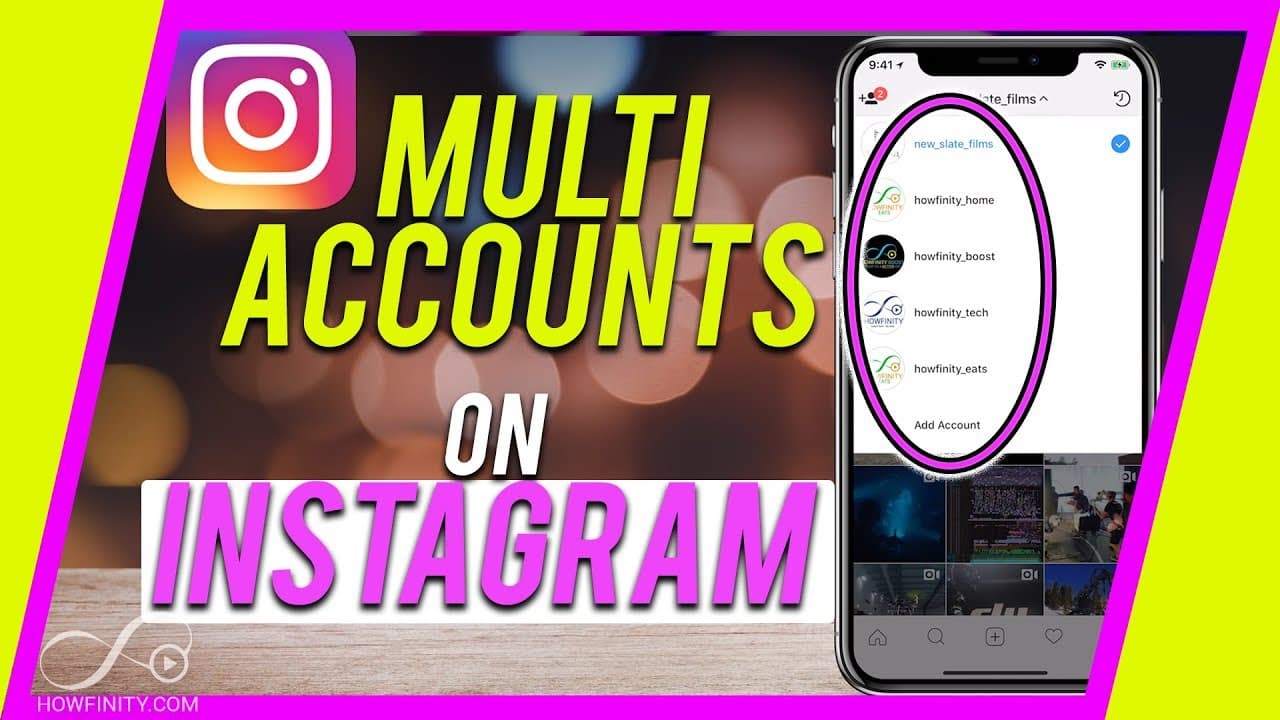
One of the most common questions I get asked on instagram is how to set up multiple accounts? So basically how to set up a second or a third or a fourth account like you see here, so I could navigate quickly between the different accounts. I have four accounts on my Instagram and the maximum you could have at the time of this recording is five. So ... Read More
Key Insights
- 😫 Instagram allows users to set up multiple accounts, providing flexibility for personal and business purposes.
- 💦 Quick account navigation is possible by using the drop-down menu.
- 👤 Users can create personalized profiles, including changing profile pictures and adding website links.
- 👨💼 Business accounts offer additional features and insights.
- 🧑💻 You can log out of individual accounts or all accounts at once.
- 😫 A unique email is required to set up a new account.
- 👻 Instagram currently allows a maximum of five accounts per user.
Install to Summarize YouTube Videos and Get Transcripts
Explore YouTube Video Summarizer or Get YouTube Transcript Extractor
Questions & Answers
Q: How many Instagram accounts can I set up at once?
Currently, users can set up a maximum of five different Instagram accounts.
Q: Can I post content to specific accounts only?
Yes, when posting to your story or feed, it will only show up on the account you selected, ensuring targeted content distribution.
Q: Can I log out of all my Instagram accounts at once?
Yes, the settings menu allows you to log out of individual accounts or all accounts simultaneously for convenience.
Q: Can I have both personal and business accounts?
Absolutely, Instagram allows you to set up both personal and business accounts, providing flexibility for various purposes.
Q: Can I switch a personal account to a business account later?
Yes, you can easily switch the profile type of an Instagram account from personal to business, enabling access to additional features and analytics.
Summary & Key Takeaways
-
This video tutorial provides step-by-step instructions on setting up additional Instagram accounts.
-
Users can quickly switch between different accounts to post content, view messages, and more.
-
Accounts can be personalized, including the option to create business profiles.
Read in Other Languages (beta)
Share This Summary 📚
Summarize YouTube Videos and Get Video Transcripts with 1-Click
Try YouTube Summary with ChatGPT & Claude or YouTube Transcript Generator
Explore More Summaries from Howfinity 📚






Summarize YouTube Videos and Get Video Transcripts with 1-Click
Try YouTube Summary with ChatGPT & Claude or YouTube Transcript Generator