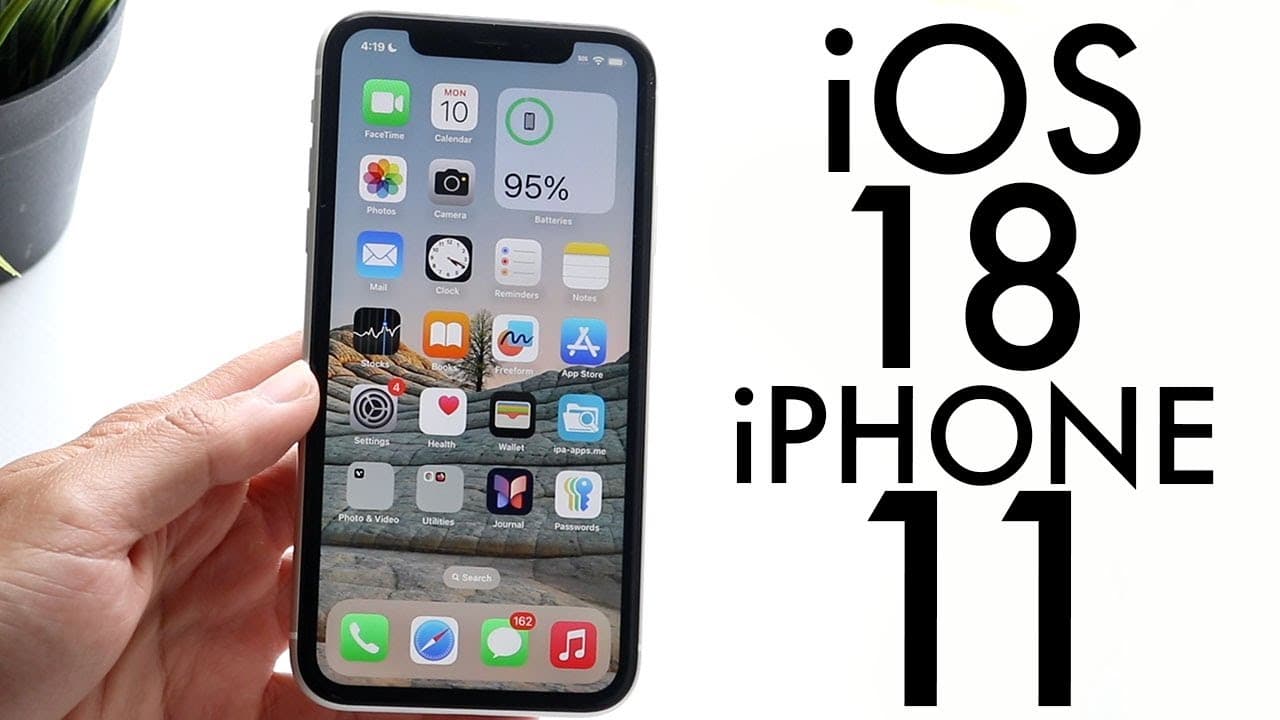
iOS 18 On iPhone 11! (Review)
TL;DR
iOS 18 beta is sizable but not worth installing yet.
Transcript
everyone iOS 18 has just officially came out in a beta format so let's go and take a look at it on the iPhone 11 and see if it's worth installing I will tell you please do not install this update it is not worth installing at all as this point but in the future it will be worth installing because there's some really big improvements here now starti... Read More
Key Insights
- 👾 iOS 18 beta takes up 6.17 GB of space, indicating a significant update size for users.
- 😀 Major improvements in the Photos app have been introduced, which could impact user engagement and experience.
- 😀 The home screen now offers greater flexibility, allowing for app and widget repositioning, enhancing personalization.
- 👶 Control Center customization is more intuitive with a new circular design, facilitating better usability.
- 👤 Application locking and hiding features enhance privacy for users sharing their devices.
- 😀 Messages app gains RCS support, broadening compatibility and improving messaging experience.
- 👤 While gaming features are introduced, some highlighted functionalities vary by device, impacting user experience.
Install to Summarize YouTube Videos and Get Transcripts
Explore YouTube Video Summarizer or Get YouTube Transcript Extractor
Questions & Answers
Q: What are the notable design changes in the Photos app with iOS 18?
iOS 18 introduces a significant redesign of the Photos app, offering a fresh user interface. This includes improved navigation and new features that enhance how users interact with their photo collections. However, the changes may require some adjustment for long-time users. The redesign's details will be covered in a dedicated video for a deeper understanding.
Q: How has the home screen functionality changed in iOS 18?
The home screen in iOS 18 now allows users to drag and drop apps and widgets freely, offering more customization. Users can adjust the look of app icons by changing their size and density. There’s also an option to customize the appearance in light or dark mode, making it more personalized to individual preferences.
Q: What improvements have been made to the Control Center in iOS 18?
The Control Center sees a refreshing redesign with circular controls and enhanced customization options. Users can tailor their preferred controls easily by holding down on the interface, which allows for the addition of new widgets and functionalities. This improves access to essential commands and enhances user experience significantly.
Q: Why is the iOS 18 beta not recommended for installation on the iPhone 11?
The iOS 18 beta is deemed unstable, presenting various bugs and performance issues on the iPhone 11. Although it promises exciting features and improvements, users might face difficulties and potential risks associated with running beta software. Therefore, caution is advised until a more stable version is released.
Summary & Key Takeaways
-
The iOS 18 beta update is substantial at 6.17 GB and introduces various design changes, including a major revamp of the Photos app.
-
The update enhances the home screen and Control Center, allowing for customization of app icons and toggles, although it does contain bugs.
-
While some apps like Messages received significant improvements, the beta isn't recommended for installation due to its unstable nature on the iPhone 11.
Read in Other Languages (beta)
Share This Summary 📚
Summarize YouTube Videos and Get Video Transcripts with 1-Click
Try YouTube Summary with ChatGPT & Claude or YouTube Transcript Generator
Explore More Summaries from Simple Alpaca 📚






Summarize YouTube Videos and Get Video Transcripts with 1-Click
Try YouTube Summary with ChatGPT & Claude or YouTube Transcript Generator